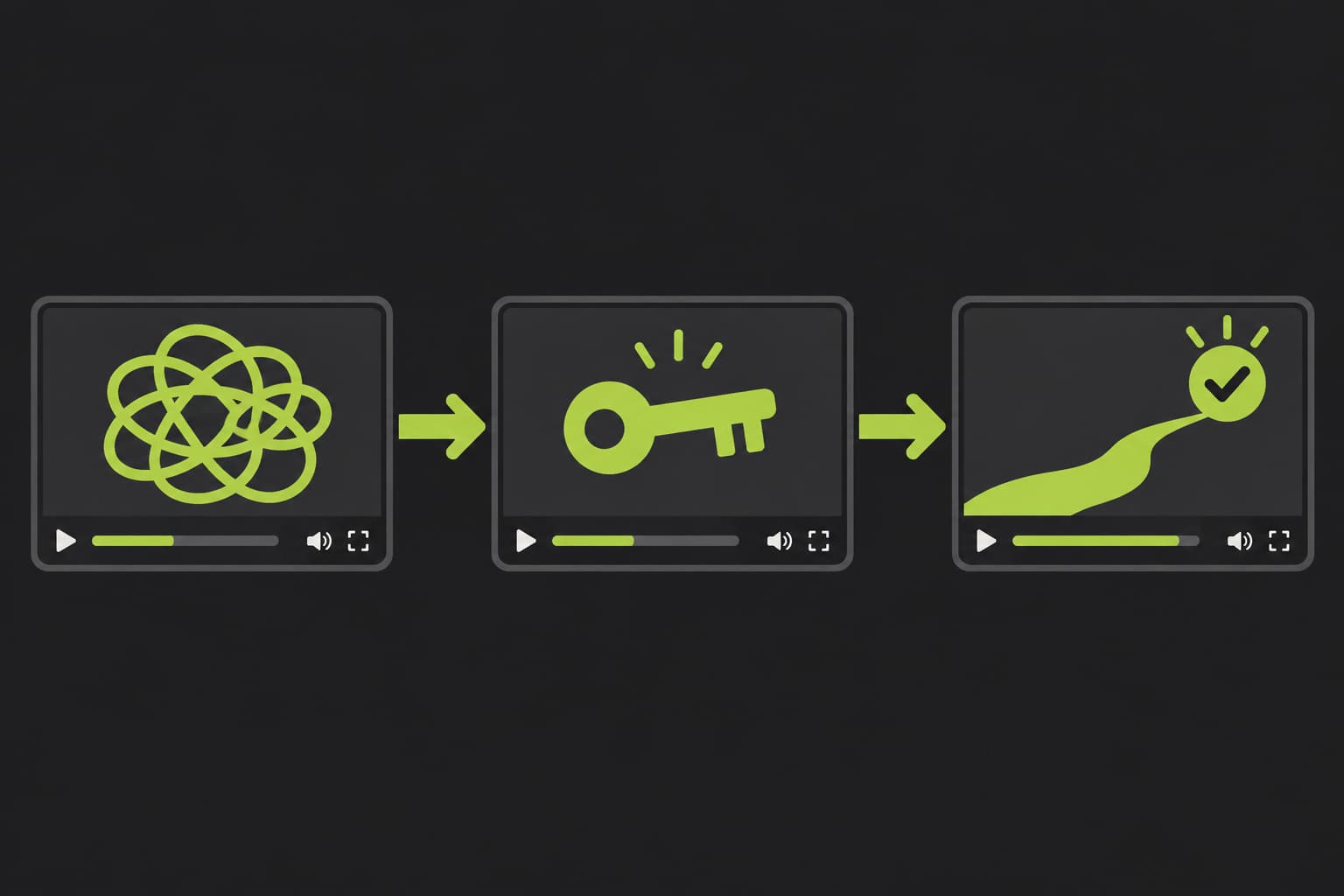

In shortGood testimonial video editing turns a rambling interview into a clear before and after: the customer's problem, why they chose you, and what changed. Cut to that arc, keep the customer's real voice, clean the audio, add captions, and make a separate version for each channel instead of one long upload.
- Structure beats polish: problem, decision, result, in the customer's own words.
- Build a selects timeline before you cut the final version.
- Open on the problem, not on the customer's job title or praise for your brand.
- Clean audio and captions matter more than motion graphics or music.
- Never edit a quote so it says something the customer didn't mean.
- One interview should become several cuts: a website version, a short vertical clip and a captioned social version.
What testimonial video editing actually has to do
Testimonial video editing is the step between an honest customer interview and a video that sells. The raw footage is almost never usable as it is. There are restarts, long pauses, half-finished sentences, off-camera questions and three versions of the same answer. The testimonial guide from Testimonial.to puts the failure modes well: teams either over-edit until the customer sounds scripted, or under-edit and publish something slow that nobody finishes.
A buyer watching a customer video wants answers to three questions, fast. Did this person have a problem like mine? Why did they pick this business over the alternatives? What changed afterwards? Every editing decision should make one of those answers clearer. Anything that doesn't is a candidate for the cut.
This matters for every kind of business that sells on trust: coaches, agencies, clinics, local services, SaaS and online shops. If you're building a wider plan, our guide to video marketing for small businesses shows where testimonials sit next to other formats.
Why customer testimonial videos fail to persuade
When a testimonial gets views but no enquiries, the edit is only one possible cause. Before you re-cut anything, check the whole chain. These are the problems that come up again and again in testimonial guides and creator discussions:
- The story is missing a step. The customer praises you but never describes the problem, so the viewer can't see themselves in it.
- It opens with an introduction. Thirty seconds of name, job title and company history before anything happens.
- Generic praise. Lines like 'they were great to work with' carry no information. Specific changes do.
- It's too long for where it's posted. A five-minute cut can work on a sales page; it won't hold anyone in a feed.
- Bad audio. Viewers forgive a plain frame. They don't forgive echo, hum or one sentence much louder than the next.
- No captions. Many people watch social video on mute, so the words never land.
- Wrong customer. The speaker doesn't look or sound like the buyer you want, so the video persuades the wrong audience.
- Hidden connections or untypical results. If the customer was paid, is a friend or got an unusual result, a viewer who finds out later stops trusting all your proof.
- Poor placement. A strong video buried on an 'About' page does less than a short cut placed next to the price or the booking button.
How to diagnose your testimonial video before you re-edit
Watch your current cut once with the sound on and once on mute, then match what you notice to the table below. It's quicker to fix the one real problem than to re-edit everything.
| What you notice | Likely cause | Fix |
|---|---|---|
| People drop off in the first seconds | Opens on an introduction or a logo | Start on the customer's sharpest problem line |
| You can't say what changed for the customer | No result in the footage, or it was cut | Look for an outcome line in the selects; add a short on-screen line only if the customer actually said it |
| It sounds like an ad | Too many praise lines, music too loud, over-tight cuts | Keep fewer praise lines, lower the music, let one sentence breathe |
| On mute it means nothing | No captions or captions out of sync | Add burned-in captions and check names and product terms |
| Views but no clicks | No call to action, or video placed far from the offer | End with one clear next step; embed next to the price or form |
| Comments question whether it's real | Over-polished, scripted delivery, undisclosed connection | Use natural answers, disclose any incentive, avoid heavy retouching |
Step-by-step: how to edit a testimonial video
If you're wondering how to edit a testimonial video from scratch, this is the workflow most professional editors follow, whatever software they use. It works in Premiere Pro, DaVinci Resolve, CapCut or Descript; if you're choosing between the last two, see Descript vs CapCut.
- 1. Organise first. Put interview footage, separate audio, B-roll, logos and music in their own folders. Rename clips so you can find them.
- 2. Get a transcript. Reading is faster than scrubbing. Most editors and many free tools can generate one.
- 3. Watch the whole interview once without cutting. Mark three kinds of lines: problem lines (frustration, delay, risk, wasted money), decision lines (why they chose you) and outcome lines (what's different now).
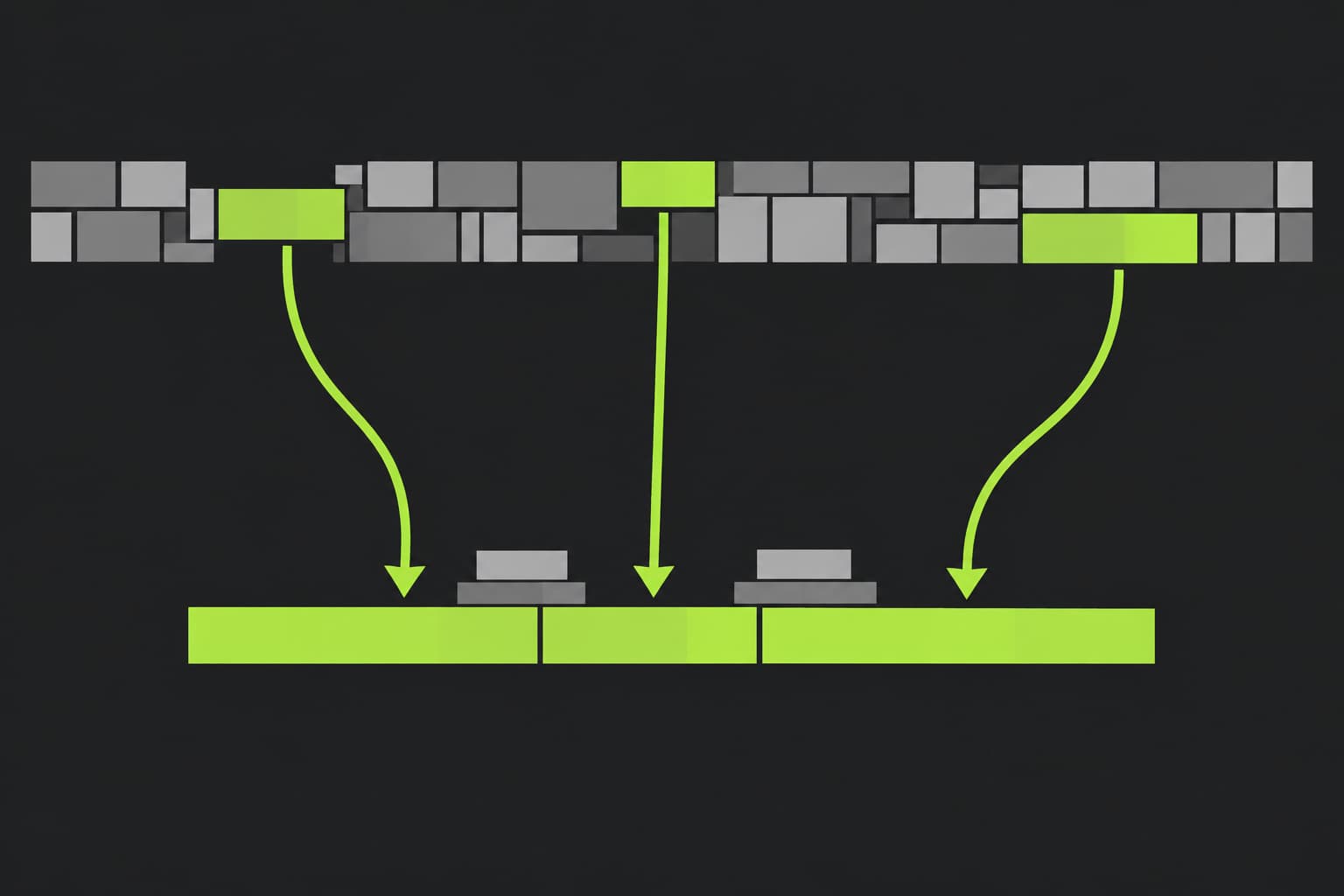
- 4. Build a selects timeline. Pull every promising answer into one sequence and keep them long. Include alternate takes and useful pauses.
- 5. Arrange the arc: problem, decision, result. Order the selects into that story even if the customer said them in a different order, as long as the meaning doesn't change.
- 6. Trim for energy. Cut filler and repeats, but keep enough natural rhythm that the customer still sounds like themselves.
- 7. Cover jump cuts with B-roll: the product in use, the customer at work, the place where the result happened.
- 8. Polish sound, then colour, then captions, then lower thirds.
- 9. Add one call to action at the end and export a version for each channel.
The selects timeline is the step most beginners skip. It shows you early whether you have a real problem line and a real result line, before you spend an hour polishing a cut that can't work.
What CreatorSuite sends back
A real upload next to the finished edit. Switch between short form and long form.
Worked example: from a long interview to a 60-second cut
Here is how the steps above play out on a typical job. Say a fitness coach recorded a 20-minute video call with a client. The client talks about her job, her history with gyms, the programme, a few complaints about her schedule and, near the end, how her routine changed. This is an illustration of the process, not a real customer.
Pass one: read the transcript and tag lines. You might find two strong problem lines (she kept quitting programmes after two weeks; she didn't know what to do when she walked into a gym), one decision line (the coach gave her a plan that fitted her lunch break) and three outcome lines, of which only one is specific (she's trained three times a week since spring).
Pass two: build the 60-second structure. Open on the quitting line, around 8 seconds. Add the gym confusion line, around 8 seconds. Cut to the decision line about the lunch-break plan, around 12 seconds, with B-roll of the workout plan on her phone. Use the specific outcome line, around 10 seconds. Close with her own short recommendation, a few seconds, then the coach's name and a booking link.
Pass three: polish. Remove the hum from her laptop fan, level the volume, add captions and lower the music under her voice. Then cut a 20-second vertical version that uses only the problem line and the outcome line for social.
Notice what got left out: her job history, the schedule complaints and the vague praise. None of it was false. It just didn't move the story forward. That judgement is the real work of testimonial video editing. For more ideas on what coaches film, see video content for coaches.
Audio, captions, B-roll and colour: polish that keeps trust
Fix the sound first, because audio carries trust. Reduce constant background noise, but stop before the voice turns metallic; a little room tone sounds more natural than over-processed speech. Then even out the volume so no sentence jumps out louder than the one before.
Captions come next. Burn them in for social versions and check every name, product term and number by hand, since automatic captions often get these wrong. Keep them short, two lines at most, and away from the customer's face.
Use B-roll with intent. Show the thing the customer is describing at the moment they describe it: the product, the finished work, the before and after. Our UGC video editing guide covers shooting and cutting this kind of footage on a phone.
Keep colour simple. Match shots so the customer's skin tone doesn't change between cuts, and don't push the grade so far that the footage stops looking real. The basics in color correction for YouTube creators apply here too.
One interview, several cuts: versions for each channel
In customer testimonial video editing, make a master version first, then cut it down. A single good interview can supply a website version, a short vertical clip, a square captioned post and short snippets for sales emails.
There is no single right testimonial video length. Work it out from where the video will live and what the viewer is doing there:
| Where it's used | Shape | What to keep |
|---|---|---|
| Sales or landing page | 16:9 | The full problem, decision and result arc |
| Instagram Reels, TikTok, Shorts | 9:16 | One problem line and one result line, captions on |
| LinkedIn or Facebook feed | 1:1 or 4:5 | Short arc with large captions; it will often play muted |
| Paid ads | 9:16 and 1:1 | The strongest line first, then a clear call to action |
| Sales emails and proposals | 16:9 snippet | One specific quote that answers a common objection |

Editing honestly: what you can and can't change
Testimonials are endorsements, and in the US the FTC's Endorsement Guides apply to them. The core rule is simple: an endorsement must reflect the endorser's honest opinion. Reordering answers and cutting pauses is normal editing. Splicing words together so a customer appears to say something they didn't is not.
The FTC guidance also says that if the customer has a connection to you that viewers wouldn't expect, such as being an employee, a relative or someone who was paid or given something of value, that connection should be disclosed clearly. And if you feature someone whose result is unusually good, you need to make clear what results people can generally expect. Add a short on-screen note rather than hiding it in the description.
Get written permission to use the video before you edit, and say where it will appear. It avoids awkward conversations when a cut turns up in a paid ad. If you run ads, our video ads editing tips cover the ad side in more detail.
Your options for testimonial video editing: DIY, tools, freelancers or a service
There are four realistic ways to get testimonials edited. None is right for everyone; the right one depends on how many videos you have and how much of your own time you can give it.
| Option | Good for | Trade-offs |
|---|---|---|
| DIY in a desktop editor (Premiere Pro, DaVinci Resolve, CapCut) | Full control; one or two videos | Slow to learn; finding the story in a long interview takes time |
| Testimonial platforms (e.g. Vocal Video, Testimonial.to) | Collecting many short self-recorded clips with templates | Built for their templates; less control over story and pacing |
| Freelance editor | Bespoke, high-stakes pieces | You brief, manage and wait; quality and price vary a lot |
| Done-for-you AI editing service such as CreatorSuite | A steady flow of videos without editing them yourself | You choose a style rather than directing every cut; it edits footage, it doesn't film it |
Where CreatorSuite fits
CreatorSuite is a done-for-you AI video editor. You upload the raw interview (phone footage is fine), pick a style, and its AI handles the cuts, hook, captions, B-roll, motion design, sound and colour, then sends back a finished video. Long videos up to 35 minutes are accepted, so a full customer call fits.
It suits businesses that collect testimonials regularly and want short versions for each channel without hiring. Plans start at $9/month for up to 3 short videos or 12 clips. Plus at $39/month adds a brand kit, so your logo, fonts and colours stay consistent across every testimonial, and unlimited re-edits. There's a 3-day free trial with 1 short video, 3 clips or 1 long video up to 10 minutes (card required), and a full refund before your 2nd edit.
When is another option better? If you need someone on site to film the interview, CreatorSuite doesn't film. If you want to direct every single cut, a freelancer or doing it yourself gives you more control; compare costs in DIY editing vs outsourcing: the real cost or see our Upwork video editors alternative page. If you're a founder who wants to pair customer proof with your own videos, founder-led video content is a good next read.
Whichever route you take, the checklist is the same: a real problem line, a clear decision, a specific result, clean audio, captions, an honest edit and one call to action. Get those right and the AI video editor, the freelancer or your own timeline is just the tool.
What we read for this guide
- Master Testimonial Video Editing Workflow (Testimonial.to) · testimonial.toSelects-first workflow, problem-solution-result structure and common mistakes like opening on praise.
- 8 tips for making great customer testimonial videos (Vimeo blog) · vimeo.comUse B-roll to keep talking heads watchable, aim for conversational rather than scripted, plan distribution.
- FTC's Endorsement Guides: What People Are Asking · ftc.govEndorsements must be honest; unexpected connections must be disclosed; untypical results need context.
- How to Record and Edit Effective Customer Video Testimonials (Piktochart) · piktochart.comEffective testimonials follow pain point, solution and outcome; shoot more than you need.
- Vocal Video reviews and product details (G2) · g2.comHow a testimonial platform collects self-recorded clips and turns them into templated videos.
- Premiere Pro Testimonial Tutorial (YouTube) · youtube.comA creator's step-by-step walkthrough of editing a client testimonial.
How this page was made: written by Badar Munir and the CreatorSuite team with AI assistance, reviewed by James, from facts we checked ourselves and the sources listed above. Spotted something out of date? Email us and we’ll fix it.
testimonial video editing: FAQs
How long should a testimonial video be?
It depends on where it's posted. A sales-page version can carry the full problem, decision and result arc; a social version usually keeps just one problem line and one result line. Cut a master version first, then make shorter versions from it.
How do I edit a testimonial video without making it sound scripted?
Use the customer's own answers, cut filler and repeats but keep their natural rhythm, and let one strong sentence breathe. Avoid heavy music and constant fast cuts, which make it feel like an ad.
What is the best testimonial video editing software?
Any editor with a transcript view and caption tools will do. Premiere Pro and DaVinci Resolve give the most control, CapCut and Descript are quicker for short social cuts, and testimonial platforms suit high volumes of self-recorded clips. The bigger factor is the editing process, not the app.
Is there cheap testimonial video editing that still looks professional?
Yes. You can do it yourself with free editors if you have the time, or use a done-for-you service. CreatorSuite starts at $9/month and has a 3-day free trial, card required.
Can I change the order of what a customer said?
Reordering answers into a clearer story is normal, as long as the meaning stays the same. Joining words so the customer appears to say something they didn't is misleading, and in the US the FTC's Endorsement Guides require endorsements to reflect the endorser's honest opinion.
Do I need to disclose if I gave the customer something for the video?
Under the FTC's guidance, a connection viewers wouldn't expect, such as payment, a gift, employment or a family tie, should be disclosed clearly. A short on-screen note is clearer than a line in the description.
Rather not edit it yourself?
Upload raw footage, get a finished edit back. 3-day free trial: 1 short video, 3 clips or 1 long video up to 10 min.
2,700+ creators in the last 7 days
Start 3-day free trial