
In shortMost of the time, why your Reels get no views comes down to one of six things: your account is not eligible for recommendations, the first seconds do not stop the scroll, the topic has no clear audience, posting habits confuse the system, or the edit looks recycled or low quality. Check Account Status first, then compare follower and non-follower reach in Insights, then fix the earliest weak point in the video.
- Check Account Status before anything else: an ineligible account cannot reach non-followers no matter how good the Reel is.
- Instagram ranks Reels on predicted watch-to-end, reshares, likes and audio-page visits, so the first seconds matter most.
- Watermarks, borders, low resolution, mostly-text frames and reposted clips are shown less often.
- Diagnose with Insights: views from followers only points to eligibility or topic; views that die in the first seconds point to the hook.
- Fix one variable at a time for a few posts before deciding what worked.
Why your Reels get no views: first, work out which problem you have
If you are wondering why your Reels get no views, start by naming the exact symptom, because each one points to a different cause. A Reel that shows 0 views for hours while likes and comments still arrive is a different problem from a Reel that gets a few dozen views from your followers and then stops. Both feel like the same thing from the outside. They are not.
The most common complaint in creator forums is a new account stuck at a low, flat number on every post after one early Reel did well. The second is an established account whose Reels views dropped suddenly. The third is a counter that reads zero right after posting. Each needs its own check.
Re-uploading the same file rarely changes anything, and deleting posts throws away the data you need. Open the Reel's insights and note three things: total views, the split between followers and non-followers, and how long people watched.
- Counter stuck at 0 but likes are landing: often a display delay or bug. Wait a few hours before acting.
- Views only from followers, almost none from non-followers: check recommendation eligibility and originality.
- Views from non-followers but people leave in the first seconds: the hook or opening frame is the problem.
- Some posts reach new people, others stall: topic and audience fit are the likely cause.
- Sudden drop across every post after posting through a scheduler: test posting natively in the app.
Account health: why your Reels get no views when the account is not recommendable
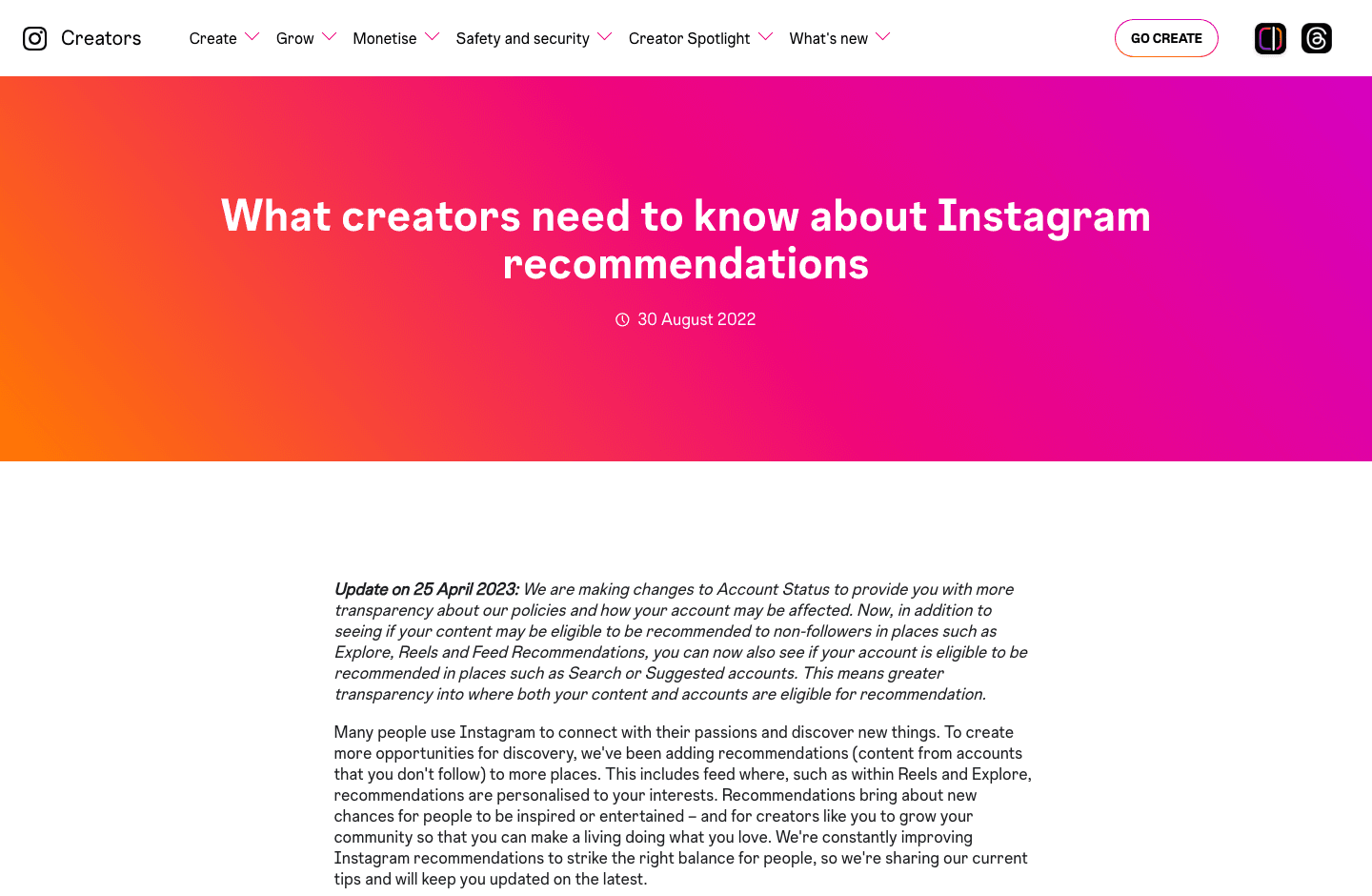
Most Reels people watch come from accounts they do not follow, so your reach depends on Instagram being willing to recommend you. Instagram holds recommended content to a higher standard than content shown to followers. If a post breaks its Recommendation Guidelines, it can still reach your followers but is unlikely to be shown to anyone else.
Your whole account can also become ineligible for a period. Instagram says this can happen if you repeatedly post content that breaks those guidelines, if your profile photo or bio does, or after recent removals under the Community Guidelines. Only public accounts are recommended at all.
Professional accounts can check this in Settings, then Account, then Account Status. The screen shows whether your content may be recommended to non-followers in Reels, Explore and Feed, and it can show examples of posts or profile elements that may be the problem. You can edit or delete flagged posts and ask for a review if you think the decision is a mistake.
Instagram's head has said there is no single agreed meaning of shadowban, but accounts do lose reach when they break the guidelines. A fully ineligible account looks like the classic stuck pattern: followers still see posts, the Reels tab never picks them up. This is the first thing to rule out when asking why your Reels get no views. If Account Status is clean, move on to the video.
Do this first: Settings > Account > Account Status. If anything is flagged, fix or remove it and request a review before you change your content strategy.
Weak hooks: people leave before the Reel has a chance
Instagram ranks Reels mainly on predictions about what viewers will do: whether they will watch to the end, reshare, like, or open the audio page. Every one of those depends on people staying past the opening. Instagram's own creator guidance says recommended Reels should hook viewers in the first 3 seconds.
A slow opening is the most common reason a Reel gets shown to a small test audience and goes no further. If your account is healthy, the opening is the next place to look for why your Reels get no views. Typical mistakes: a logo or intro card, a 'hey guys' greeting, a wide shot with nothing happening, or a caption explaining context nobody asked for yet.
Fixes that work across niches: open on the result or the most surprising frame, put the video's promise on screen in the first second, cut every pause before the first word, and start mid-action. Our guide on how to write hooks for short videos has templates.
Length matters too. Instagram says Reels must be 3 minutes or less to be recommended, but a shorter Reel that is watched to the end usually sends a stronger signal than a long one people abandon. See the best length for Reels, Shorts and TikTok for how to choose.
Topic and audience: the Reel is fine, but nobody is looking for it
Instagram first shows a new Reel to a small group of people it predicts will enjoy it, then widens the audience if they respond. If your topic is vague, or changes every post, the system has little to go on when picking that first group. A cooking clip one day, a gym clip the next and a meme after that gives it three different audiences to test, none of them well matched.
Ask two questions about each Reel: who exactly is this for, and what do they get from watching? If you cannot answer in one sentence, neither can a viewer. Accounts that pick a narrow subject and repeat formats that work build a clearer audience signal, which is a common fix for Instagram Reels low reach.
Searchable words help as well. Instagram recommends putting relevant keywords in your name, bio and captions so people can find you through Search, not only through the Reels tab. If you run a business account and are short on ideas, short video ideas for small businesses lists formats tied to clear customer questions.
Some topics are limited in recommendations, such as regulated products, violent clips and political content. If your niche sits close to these, expect lower non-follower reach even with a clean account.
What CreatorSuite sends back
A real upload next to the finished edit. Switch between short form and long form.
Editing and format: Reels that look recycled get shown less
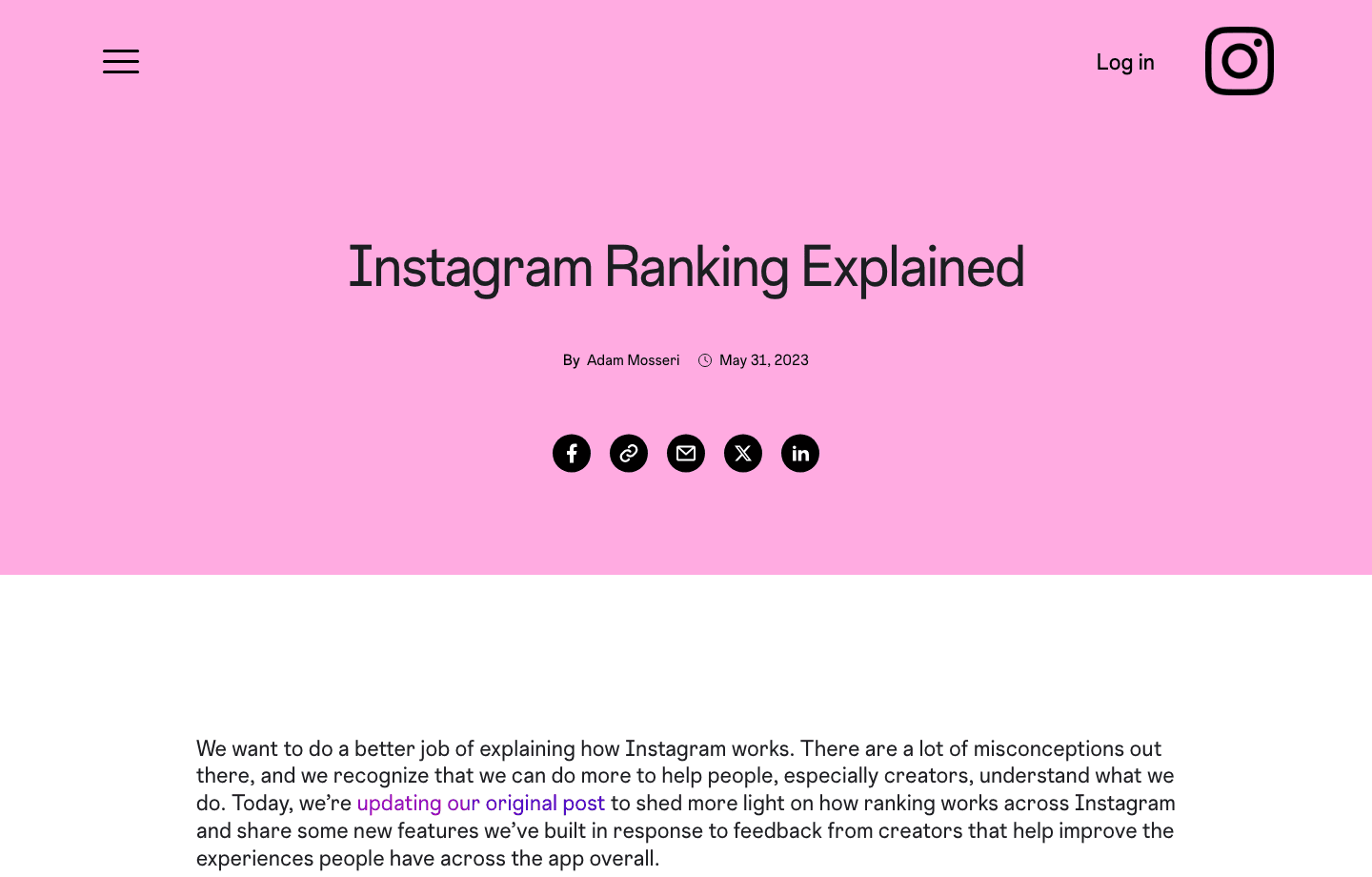
Instagram has said plainly that it shows Reels less often when they are low resolution, carry a watermark, are muted, have borders, are mostly text, or have already been posted on Instagram. Accounts that mostly repost other people's clips without changing them in a meaningful way may not be recommended to new audiences at all.
This catches many creators who cross-post: a TikTok export with the logo still on, a horizontal clip letterboxed into a vertical frame, or a slideshow of text cards. The fix is technical: export a clean file, fill the full 9:16 frame, and keep text from covering most of the screen. Video aspect ratios explained covers export settings.
Beyond the filters, pacing decides whether people stay. Cut dead air, change the shot or add movement every few seconds, add captions because many people watch without sound, and use clean audio. Our step-by-step guide on how to edit Instagram Reels that get views walks through a full edit.
If editing is the bottleneck, you have options at every budget, covered below. One of them is CreatorSuite, an AI video editor where you upload raw phone footage, pick a style, and get back a finished Reel with cuts, hook, captions, b-roll and sound. It starts at $9/month and has a 3-day free trial, so you can test whether a cleaner edit changes your numbers before paying.
Posting habits, tools and platform changes
Posting rhythm matters less than people think, but extremes hurt. A common thread in creator forums is that brand-new accounts posting many times a day, or several accounts at once, get flagged as suspicious. A steady pace you can keep is safer than bursts.
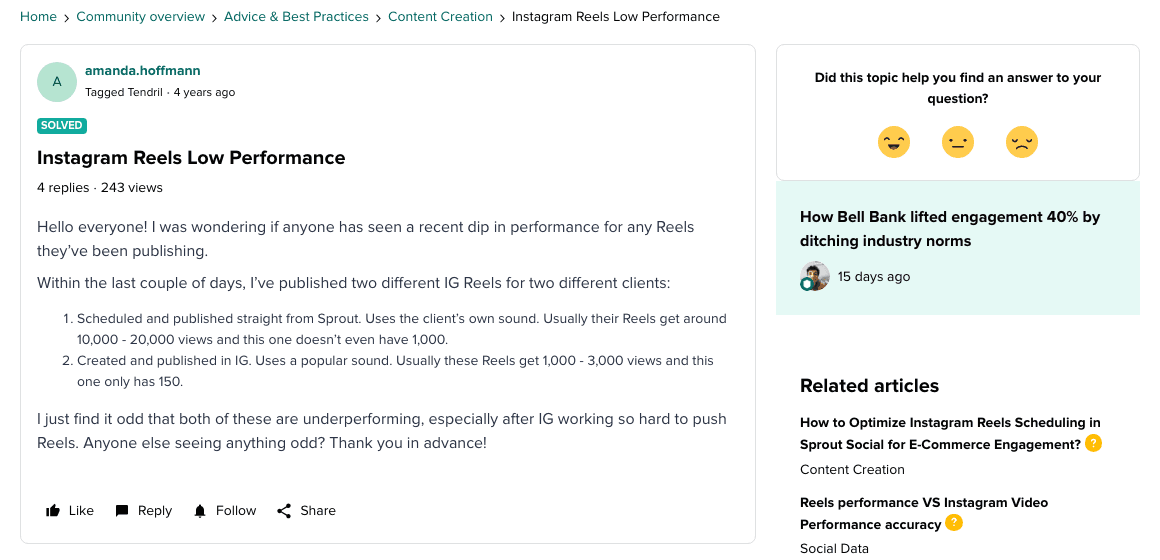
How you post can matter too. In one public Sprout Social community thread, several marketers saw Reels posted through a scheduler perform far worse than usual, while the same kind of Reel posted directly in the app performed normally. Sprout later explained that Meta had fixed a distribution bug affecting Reels published through the API. If your Reels views dropped suddenly after switching tools, post a few natively and compare.
Some drops are platform-wide. Instagram changes ranking often, and creators regularly report periods where photos or carousels beat Reels on the same account. Before rebuilding your strategy, check whether others in your niche report the same dip that week.
Check audio rights too. Reels using music or clips you do not have rights to can be muted or limited, which looks like a Reel that never leaves your followers.
How to diagnose why your Reels get no views: a worked example
Here is the order to work through when you need to find why your Reels get no views, using a typical case: a fitness coach posts 4 Reels a week, gets steady views on photos, but every Reel stalls at a low number, mostly from followers.
Step 1, Account Status. She opens Settings, then Account, then Account Status. Nothing is flagged, so eligibility is not the cause. Had one post been flagged, she would have removed it and requested a review before testing anything else.
Step 2, follower versus non-follower reach. In Insights she compares Accounts Reached for each Reel. Almost all reach is from followers. With a clean account, that points to originality or format, so she checks her last Reels and finds they were exported from another app with a watermark and posted with a border.
Step 3, retention. On the Reels that did reach non-followers, the watch time is short compared with the length of the Reel. Her openings are a 2-second logo animation followed by a greeting. That is a hook problem on top of the format problem.
Step 4, change one thing at a time. For the next three Reels she exports clean 9:16 files with no watermark. Once non-follower reach appears, she changes the openings on the following three: result first, text promise on screen, no intro. She compares batches, not single posts.
| What you see in Insights | Most likely cause | What to check or change first |
|---|---|---|
| 0 views for a few hours, likes still arriving | Display delay or bug | Wait several hours; do not delete or repost |
| Reach almost all from followers | Not recommendable or unoriginal | Account Status, watermarks, reposts, borders |
| Non-follower reach, very short watch time | Weak hook or slow opening | First 3 seconds, intro cards, pauses |
| Good watch time, few shares or saves | Topic too broad or no payoff | Who it is for and what they get |
| Sudden drop after changing tools | Publishing method or platform bug | Post natively and compare |
| Whole niche dropped the same week | Platform-wide ranking change | Keep posting and watch the trend |
Instagram Reels not getting views: the solutions available, compared
Once you know the cause, the fix is either a settings change, a content change or an editing change. Settings and topic fixes are free and only you can make them. Editing is where you can choose to spend time or money.
Doing it yourself in the Instagram editor or a free phone app costs nothing and teaches you what works, but each Reel takes time and it is easy to repeat the same opening habits. Caption and clipping apps speed up one step, usually captions or cutting long videos into clips; our Submagic alternative page compares options. A freelancer brings a person's judgement but costs more per video, and quality varies; see freelance video editors alternative for the trade-offs.
A done-for-you AI video editing service like CreatorSuite sits between the two: you upload raw footage and pick a style, and the AI edits it with a hook, captions, cuts, b-roll, sound and colour, then sends back a ready-to-post Reel. The Basic plan is $9/month for up to 3 short videos, and Plus is $39/month for up to 15. It edits footage you shoot; it does not film for you or make videos from text, so it is not the right fit if you have no footage. If your problem is Account Status or topic, no editor will fix it, and you should start there.
| Option | Cost | Best when | Trade-off |
|---|---|---|---|
| DIY in the Instagram app or a free editor | Free | You have time and want to learn | Slow per Reel; easy to repeat weak openings |
| Caption or clipping apps | Varies by app | You mainly need captions or clips from long videos | Handles one step; you still plan the hook and pacing |
| Freelance editor | Varies by person | You want a person's creative judgement | Higher cost per video; quality varies |
| CreatorSuite (done-for-you AI video editor) | From $9/month, 3-day free trial | You film regularly but editing is the bottleneck | Needs your own footage; does not fix account or topic issues |
A simple 30-day plan to fix Reels with no views
Week 1: check Account Status, make sure the account is public, and remove anything flagged. Note your current average views and follower versus non-follower split as a baseline.
Week 2: fix format. Post only clean, full-frame vertical files with no watermarks or borders, use licensed or original audio, and stop reposting clips you did not make. If you post faceless content, how to make faceless Reels shows how to keep it original.
Week 3: fix the opening. Start every Reel on the result or the most interesting moment, add a short on-screen promise, and cut everything before the first useful second. Keep topics within one clear subject.
Week 4: compare average views, non-follower reach and watch time against week 1. Keep what moved the numbers. Selling products? The AI video editor for e-commerce brands page shows how product footage becomes Reels at volume.
If editing is what keeps you from posting consistently, try CreatorSuite's AI video editor on the 3-day free trial with one short video of your own footage. More than 2,700 creators used it in the last 7 days. If the problem turns out to be your account or your topic, fix that first; a better edit only helps once Instagram is willing to show your Reels.
What we read for this guide
- Instagram Ranking Explained (Instagram blog) · about.instagram.comReels ranking signals and what makes Reels less visible (watermarks, borders, low resolution, reposts).
- What creators need to know about Instagram recommendations (Instagram for Creators) · creators.instagram.comRecommendation eligibility, Account Status, 3-minute limit and first-3-seconds hook advice.
- Tips for improving your reach (Instagram for Creators) · creators.instagram.comOriginal content, avoiding reposts and watermarks, keywords and checking Insights.
- Instagram Reels low performance (Sprout Social Community) · community.sproutsocial.comMarketers reporting Reels drops when posting through a scheduler; Meta API distribution bug later fixed.
- Why Your Instagram Reels Are NOT Getting Many Views (YouTube, Andrew Bayon) · youtube.comCreator walkthrough of common reasons Reels get low views.
How this page was made: written by Badar Munir and the CreatorSuite team with AI assistance, reviewed by James, from facts we checked ourselves and the sources listed above. Spotted something out of date? Email us and we’ll fix it.
why your Reels get no views: FAQs
Why are my Reels not getting views even though I post every day?
Posting often does not help if the account is not eligible for recommendations or if each Reel loses viewers in the first seconds. Check Account Status, then look at non-follower reach and watch time in Insights. Fewer, better Reels usually beat daily posts that repeat the same weak opening.
Why are my Reels stuck at 0 views?
If likes or comments are arriving, it is usually a display delay and the count catches up within hours. If nothing arrives and it happens on every post, check whether your account is private, check Account Status for flagged content, and check that your audio is licensed.
Is my account shadowbanned?
Instagram says there is no single meaning of shadowban, but accounts lose reach when content breaks its guidelines. Professional accounts can see recommendation eligibility in Account Status. If it says your content may be recommended, the cause is more likely the content itself.
Do hashtags fix Reels with no views?
Not on their own. Instagram ranks Reels mainly on predicted watching, sharing and liking. Relevant keywords in captions and your bio help people find you through Search, but they will not rescue a Reel people scroll past.
Why did my Reels views drop suddenly?
Common reasons are a flagged post affecting eligibility, a switch to posting through a scheduler, reposted or watermarked clips, or a platform-wide ranking change. Compare a few Reels posted natively in the app and check whether others in your niche report the same drop.
How to get more views on Reels without editing skills?
Get the basics right first: clean vertical files, a strong first 3 seconds, captions and a clear topic. If editing is still the bottleneck, a done-for-you AI video editing service can edit your raw footage for you; the options table above compares the choices.
Rather not edit it yourself?
Upload raw footage, get a finished edit back. 3-day free trial: 1 short video, 3 clips or 1 long video up to 10 min.
2,700+ creators in the last 7 days
Start 3-day free trial