
In shortYouTube editing styles differ mainly in how fast new information arrives, how much b-roll and graphics support the voice, and how loud the sound design is. Documentary editing builds a story arc with narration and archive, vlog editing makes viewers feel they are hanging out with you, MrBeast-style editing keeps a goal and stakes moving every few seconds, and educational editing shows proof for every claim. Pick the style that matches why your viewers click, then check it against your retention graph.
- An editing style is a set of choices about pacing, b-roll, text, sound and colour, not a template.
- Fast cuts alone do not hold viewers; new information does. MrBeast himself said in 2024 he had slowed his videos down.
- Documentary and educational styles take the most planning; vlog style takes the least.
- Match the style to why people watch you: story, company, spectacle or learning.
- Test a style over three to five uploads and judge it in YouTube's audience retention report.
YouTube editing styles explained in one minute
Here are YouTube editing styles explained without the jargon: a style is a repeatable set of decisions about how often the picture changes, what covers the voice (b-roll, graphics, screen recordings), how much text sits on screen, how loud music and sound effects are, and how the video is structured from hook to payoff. Change those decisions and the same raw footage feels like a different channel.
Storyblocks lists five baseline styles: short-form social, cinematic or narrative, talking head, streaming or gaming, and montage. On long-form YouTube, four families come up again and again when creators ask what to copy: documentary, vlog, MrBeast-style and educational. Most real channels mix two of them, but it helps to know each one cleanly before you blend.
One idea runs through the whole guide. YouTube's own help page on editing says fast cuts build excitement while longer shots give viewers time to take in what is happening. Neither is correct on its own. The right pace is the one that matches what your viewer came for, and you check that in the retention graph, not by feel. If retention is your main worry, read how to edit YouTube videos for retention alongside this page.
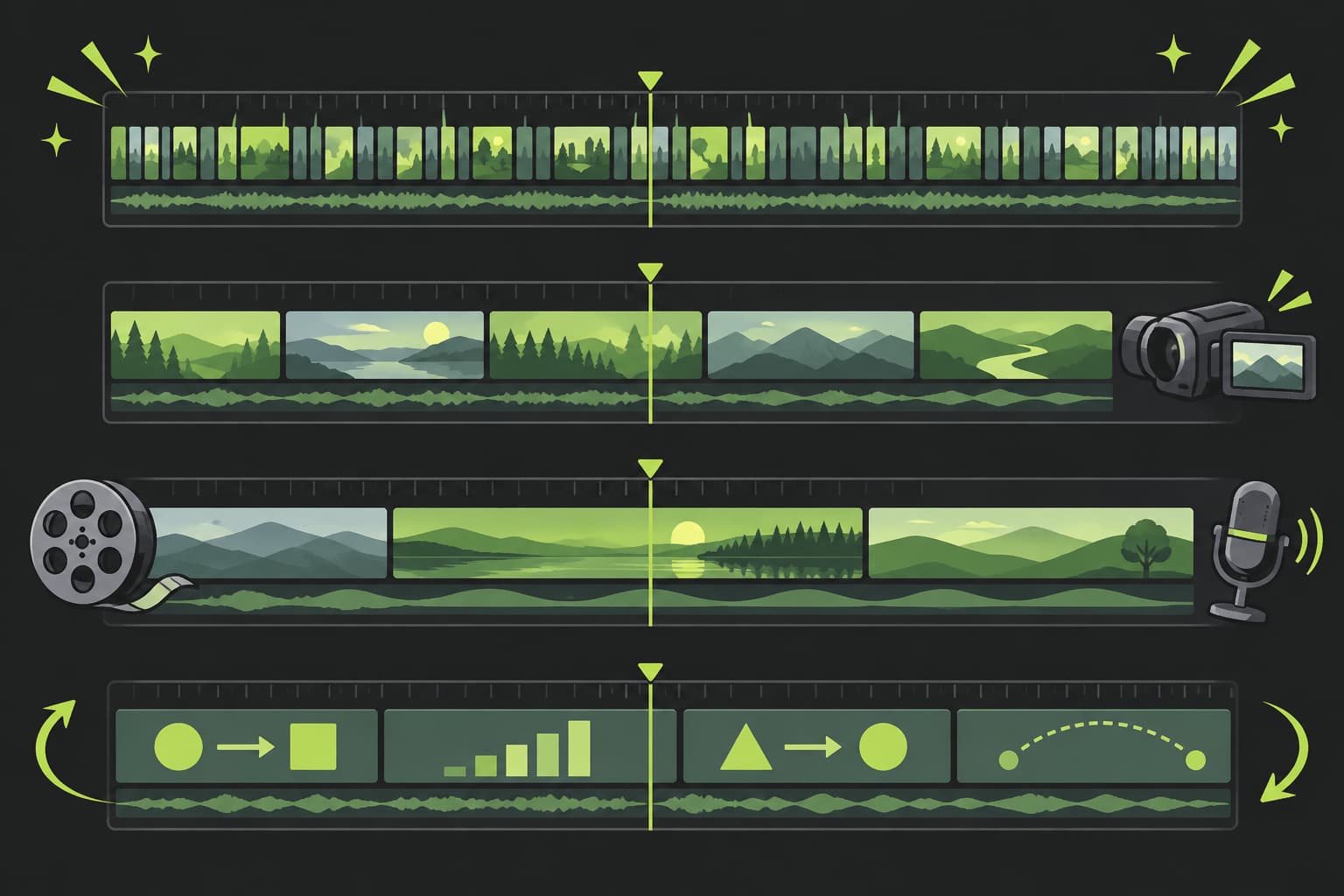
The documentary editing style on YouTube
The documentary editing style YouTube viewers know from channels in the Vox or Johnny Harris mould is built on story, not speed. Descript's guide to making a documentary on YouTube recommends finding a central character who stands for the larger story and giving them a clear arc: an inciting incident, a journey, and a change by the end. The edit then zooms out from that person to the bigger question.
Narration carries the video. Under it sit archive clips, photos, old headlines, maps and animated diagrams. Faceless documentary channels run almost entirely on narration plus archive and motion graphics, which keeps filming costs low but moves the work into research and editing. Descript also warns that talking-head narration alone gets dull, so hosted segments need cutaways.
Pacing here is uneven on purpose. Move quickly through context, then slow down on the key reveal and let it breathe with music low. Cutting fast between interview lines without context or emotional space leaves viewers lost. If your story needs a beat of silence, give it one.
- Best for: history, business stories, true crime, investigations, explainers about a single event.
- Main tools: script, voiceover, archive and stock, map animations, sound bed, careful colour.
- Watch out for: licensing of archive footage (check fair use and source licences), and long stretches with nothing new on screen.
The vlog editing style
The vlog editing style is about company. Viewers come back because they like spending time with you, so the edit protects your personality and keeps things moving without looking produced. Casey Neistat-style vlogs made the jump cut a look rather than a mistake: you cut inside a sentence to drop pauses and filler and compress time.
B-roll does real work in a vlog. Establishing shots, close-ups of hands and objects, and short transit montages tell the viewer what is happening without you saying it. VidPros' breakdown of vlog editing lists the usual toolkit: a short preview hook, tight jump cuts, b-roll over talking, clean titles, music cut on the beat at scene changes, and one colour preset across episodes.
Music often leads the edit. Many vloggers choose the track first and cut visuals to its rhythm. Keep text light. One on-screen title per chapter and the odd label is enough; heavy captions and sound effects push a vlog toward a different style. For b-roll habits that suit vlogs, see how to add b-roll to YouTube videos.
- Best for: travel, day-in-the-life, family, small business behind the scenes, personal projects.
- Main tools: jump cuts, b-roll inserts, music bed, light colour grade, simple titles.
- Watch out for: dead time between moments, and a hook that does not say what this episode is about.
The MrBeast editing style, and what changed
The MrBeast editing style became the default look for challenge and entertainment videos: a clear goal stated in the first seconds, stakes that rise, a timer or counter on screen, bold captions, zooms, and constant sound effects. Critics call the spread of this look MrBeastification. The idea underneath is sound: every second has to earn its place or it gets cut.
What many creators copied was the speed rather than the structure. In March 2024 MrBeast posted that he had slowed his videos down, focused on storytelling, let scenes breathe and yelled less, and said the ultra fast-paced era did not work. Tubefilter counted one minute from the middle of two of his videos: 38 cuts in a March 2023 upload against 23 in a 2024 one. Tubefilter also noted that many things affect views, so the change cannot be proven as the cause of his later numbers.
Mario Joos, who worked on retention for MrBeast, puts the point simply in VidPros' write-up: what holds viewers is the speed at which you introduce new information, not the cutting speed. So the useful parts of this style to keep are the goal, the stakes, the progress markers and the payoff. The parts to use sparingly are the constant zooms, whooshes and shouting.
- Best for: challenges, experiments, big builds, competitions, money or time-limited stunts.
- Main tools: goal and stakes in the hook, counters and timers, bold captions, punchy sound design, chapter-like escalation.
- Watch out for: over-editing a small idea, and copying the 2020-era pace that MrBeast himself moved away from.
Rule of thumb: if you removed every zoom and whoosh, would the video still feel like it is going somewhere? If yes, you have the MrBeast structure. If no, you only had the effects.
What CreatorSuite sends back
A real upload next to the finished edit. Switch between short form and long form.
The educational video editing style
The educational video editing style puts clarity first. Kapwing's guide to editing like a YouTuber sums it up as evidence over narration: when the host makes a claim, show the proof, such as a screen recording, a chart, a before-and-after or a split screen, rather than repeating the claim as on-screen text.
Structure matters more than cuts. Plan the questions a viewer will have, the visual that answers each one, and where it appears. Show the result before the steps. Build diagrams in stages and come back to them as sections are added. Leave complex visuals up long enough to read; motion should explain something, not fill the frame.
Sound is calm. Dialogue first, a small set of sound effects tied to actions (a click for a UI selection, a soft whoosh for text), and music that dips just before the key point so the voice lands. Captions are clean and consistent. This is the style most course creators and coaches need; if that is you, the online course video editing page covers the extra steps for lesson series.
- Best for: tutorials, software walkthroughs, finance and science explainers, courses, coaching channels.
- Main tools: screen recordings, step diagrams, zoom-ins on the exact detail, clear captions, chapters.
- Watch out for: open loops in straight tutorials (do not hide steps), and decorative animation that slows understanding.
Types of YouTube editing styles compared side by side
With YouTube editing styles explained one by one above, this table puts the four types of YouTube editing styles next to each other on the choices that change how a video feels and how long it takes to make. The editing load is relative: documentary and educational need the most planning before you open the editor, vlog needs the least. For real hour counts by video type, see how long does it take to edit a YouTube video.
| Choice | Documentary | Vlog | MrBeast-style | Educational |
|---|---|---|---|---|
| Why people watch | A story they want resolved | Time with you | Spectacle and stakes | To learn or solve something |
| Pacing | Quick context, slow reveals | Steady, music-led | Fast, with escalating beats | Even, slows on hard parts |
| What covers the voice | Archive, maps, motion graphics | B-roll of places and details | Reaction shots, counters, inserts | Screen recordings, diagrams |
| On-screen text | Dates, names, sources | Light titles | Bold captions, timers | Clean captions, labels |
| Sound | Building score, quiet drops | Music bed, cut on the beat | Heavy sound effects | Calm music, few effects |
| Planning before editing | High: script and research | Low: shoot then shape | High: goal, rules, payoff | High: outline and visuals list |
| Editing load | High | Low to medium | High | Medium to high |
| Common mistake | Long stretches with nothing new | Dead time, vague hook | Effects with no structure | Text repeating the voice |
YouTube editing styles explained with a worked example: choosing yours
Here is how to choose an editing style for YouTube using one realistic case. Say you run a home-cooking channel. You film on a phone, post one 12-minute video a week, and your retention graph drops hard in the first 30 seconds and then slides slowly.
Step 1: name why people watch. Read your top comments. If they say they love your kitchen chat, viewers want company, which points to vlog. If they ask for exact quantities and timings, they want to learn, which points to educational.
Step 2: check your footage. Vlog and educational work with what one person can shoot alone. Documentary needs a story and archive. MrBeast-style needs a goal with stakes, such as a 10-dish challenge in one hour, and that has to be designed before you film, not added in the edit.
Step 3: check your time. If you edit yourself in the evenings, a high-load style every week will break your schedule. Consistency usually matters more than polish.
Step 4: fix the hook first, whatever the style. The steep early drop is a hook problem. Show the finished dish in the first five seconds and say what makes it worth watching. YouTube intro editing: first 30 seconds covers this in detail.
Step 5: run a test. Edit three uploads in educational style (result first, steps with close-ups, quantities as captions) and three in vlog style. Compare intro retention at 30 seconds and average view duration in YouTube Studio. Keep what wins, then blend: many cooking channels end up educational in structure with vlog warmth in the talking parts.
Step 6: write the style down. Fonts, caption look, colour preset, music type, how often b-roll appears. A one-page style sheet keeps every video consistent and makes handing off editing easier later. Our YouTube video editing checklist is a good base for it. That is YouTube editing styles explained in practice: a style is a decision you test, not a look you copy.
Why a style alone will not fix weak videos
When views stall, creators often blame the edit and switch styles. Sometimes that is right. Often the cause sits somewhere else, and a new style just costs more hours. Before you rebuild your look, check these causes in order.
- Topic: is anyone searching for or clicking on this subject? Compare against your best performers.
- Packaging: a weak title and thumbnail stop the click before style matters. See YouTube thumbnail design tips.
- Hook: a steep drop in the first 30 seconds points to the opening, not the whole edit.
- Promise mismatch: if the video does not deliver what the title promised, viewers leave mid-way whatever the pacing.
- Format: some ideas work better as Shorts than as 12-minute videos; long-form vs short-form on YouTube helps you decide.
- Consistency: irregular uploads make it hard to read any signal from a style test.
- Style mismatch: only when the above check out, and the graph shows slow, steady drops through the middle, is the editing style the likely cause.
Ways to get YouTube editing styles done: DIY, apps, freelancers, services
Once you know the style, the question is who edits. There are four realistic routes, each with trade-offs.
DIY in a free or paid editor gives you full control and costs only time. It suits vlog style best. Documentary and educational edits done alone take much longer once you add research, graphics and captions.
Clipping and editing apps help with parts of the job. Tools that cut long videos into short clips are good for repurposing but do not build a 12-minute story; our Opus Clip vs Descript comparison explains what each kind of tool is good at. A freelancer gives you a person who can learn your exact style, which is the better fit for heavy documentary work with licensed archive and custom animation, though finding and managing one takes time.
A done-for-you service sits in between. CreatorSuite is an AI video editor run as a service: you upload raw footage (phone footage is fine), pick a style, and its AI handles cuts, hook, captions, b-roll, motion design, sound and colour, then sends back a finished, ready-to-post video. Plans start at $9/month (Basic: 300 credits, up to 3 short or 1 long-form video, back in 6 to 8 hours), and long videos can run up to 35 minutes. There is a 3-day free trial covering 1 short video, 3 clips or 1 long video up to 10 minutes (card required). It edits footage you shot; it does not film, generate videos from text, or make AI avatars, so a faceless documentary that needs licensed archive and original animation is still better suited to a specialist freelancer.
| Route | Good fit for | Trade-off |
|---|---|---|
| DIY editing | Vlog style, tight budgets, learning the craft | Hours per video; harder to stay consistent |
| Clipping and editing apps | Turning long videos into Shorts and Reels | Does not build a full long-form story |
| Freelance editor | Heavy documentary, custom animation, archive | Time to hire, brief and manage; cost varies |
| Done-for-you AI video editing service | Weekly vlog, educational or MrBeast-style edits from your own footage | Works from footage you supply; no filming or text-to-video |
Putting YouTube editing styles into practice
Keep it simple. The point of having YouTube editing styles explained is to choose one on purpose. Pick one primary style, write your one-page style sheet, edit three to five videos in it, and judge it by intro retention and average view duration rather than by how busy the edit looks. Change one thing at a time so you know what moved the graph.
If editing time is what stops you from keeping a style consistent, an AI video editor can take the weekly cutting off your plate. CreatorSuite has 2,700+ creators using it in the last 7 days; Plus at $39/month adds a brand kit so captions, fonts and colours stay the same across uploads, and you can start with the 3-day free trial. If you enjoy editing, or your style depends on custom animation and archive research, doing it yourself or hiring a freelancer is the better fit. For more guides, browse the CreatorSuite blog: video editing guides.
What we read for this guide
- MrBeast says to stop using his editing style (because he did, too) - Tubefilter · tubefilter.comMrBeast's March 2024 post about slowing down, plus a 38 vs 23 cuts-per-minute comparison and a caveat on cause.
- Video editing tips - YouTube Help · support.google.comYouTube's official advice: fast cuts build excitement, longer shots let viewers absorb, use retention graphs.
- How to find your video editing style - Storyblocks · storyblocks.comFive baseline editing styles and advice to match style to goals, time and resources.
- How to make a documentary on YouTube - Descript · descript.comCentral character and story arc, narration with archive, faceless documentaries, talking heads get dull.
- Retention editing: what you can learn from Mario Joos - VidPros · vidpros.comRetention comes from the speed of new information, not cutting speed; hooks as a promise.
- 7 editing styles that make vlogs stand out - VidPros · vidpros.comVlog toolkit: preview hook, jump cuts, b-roll layering, titles, music on the beat, consistent colour.
- How to edit videos like a YouTuber - Kapwing · kapwing.comEducational editing: evidence over narration, diagrams that build, calm sound priorities, retention review.
- What editing techniques make a YouTube video more engaging? - YTtalk forum · yttalk.comCreator asking which techniques help retention by content type and how to avoid looking over-edited.
How this page was made: written by Badar Munir and the CreatorSuite team with AI assistance, reviewed by James, from facts we checked ourselves and the sources listed above. Spotted something out of date? Email us and we’ll fix it.
YouTube editing styles explained: FAQs
What are the main types of YouTube editing styles?
On long-form YouTube the four you see most are documentary (narration, archive, story arc), vlog (jump cuts, b-roll, music-led), MrBeast-style (goal, stakes, fast escalation, bold captions) and educational (claim then proof, screen recordings, diagrams). Storyblocks also lists short-form social, talking head, streaming or gaming, and montage as baseline styles.
Should I copy the MrBeast editing style?
Copy the structure, not the speed. A clear goal, rising stakes, progress markers and a payoff help most entertainment videos. MrBeast said in March 2024 that he had slowed his own videos down and let scenes breathe, so constant zooms and shouting are not the part to copy.
What is the easiest YouTube editing style for beginners?
Vlog or simple talking-head editing. You can shoot it alone on a phone, it needs the least planning, and the core skills (removing pauses, adding b-roll, setting music levels) carry over to every other style.
Can I mix editing styles in one video?
Yes, and most channels do. A common blend is educational structure with vlog warmth, or a documentary arc with some MrBeast-style stakes. Keep one style in charge so the video still feels consistent, and write the mix down in a style sheet.
How do I know if my editing style is working?
Use YouTube Studio's audience retention report. Look at intro retention at 30 seconds, where the big dips are, and average view duration. Compare three to five videos in one style against your previous ones, and change one thing at a time.
Does a documentary editing style on YouTube need a big budget?
Not for filming, since many documentary channels are faceless and use narration with archive and motion graphics. The cost is in research and editing time, and in checking licences for any archive footage you use.
Rather not edit it yourself?
Upload raw footage, get a finished edit back. 3-day free trial: 1 short video, 3 clips or 1 long video up to 10 min.
2,700+ creators in the last 7 days
Start 3-day free trial