
In shortWith cheap video editing services, what to watch for is less the headline price and more what it leaves out: revisions, source files, music licensing, turnaround and consistency. Pay for one short test edit on your own footage, get the terms in writing, and work out the cost per finished video before you commit.
- The headline price often covers a bare-minimum deliverable; revisions, source files and faster delivery cost extra.
- Unlicensed music in a cheap edit can trigger a Content ID claim, and on Shorts any active claim blocks the video.
- Always run one short paid test edit on your own raw footage before buying in bulk.
- Compare options by cost per finished, postable video, not by price per gig or per hour.
- If videos still flop after a good edit, check topic, hook, thumbnail and consistency before blaming the editor.
Cheap video editing services: what to watch for first
If you are searching for cheap video editing services, what to watch for is simple to state and easy to miss: the price you see is rarely the price you pay, and the quality you see in a portfolio is rarely the quality you get on your own footage. Budget editing can work well. It just needs a buyer who checks the right things.
The pattern repeats across marketplace reviews, buyer guides and creator forums. A gig is listed at a low price for a minimal deliverable. Revisions, extra length, captions, source files or faster delivery are add-ons. The first edit looks fine, the third looks rushed, and by the fifth the editor has stopped replying. None of that shows up on the listing page.
This guide is for creators and small teams who post regularly and want affordable video editing services without gambling on every upload. If you want the full price picture first, start with our breakdown of how much video editing costs across freelancers, agencies, apps and AI services.
Red flags to watch for in cheap video editing services
When people ask about cheap video editing services, what to watch for comes down to a short list. These are the warning signs that come up most often in hiring guides, Fiverr buyer complaints and editor-side discussions. One flag on its own is not a deal-breaker. Two or three together usually are.
- No paid test edit. A seller who refuses a short paid test on your real footage before a bigger order is asking you to buy blind.
- A portfolio with nothing like your content. A reel of travel montages tells you little about a 12-minute talking-head video or a stack of gaming clips.
- A reel built from stock footage and templates. If you can't see original cutting decisions, you can't judge the editor's skill.
- Vague revision terms. 'We'll sort it out' is not a policy. You want a number of included rounds and a clear line between a fix and a new request.
- No talk of export settings. If nobody asks about aspect ratio, resolution, frame rate or caption style until after you pay, expect a re-export later.
- Silence about music. If the editor can't tell you where the music comes from and what licence covers it, assume it isn't licensed for your use.
- Requests to pay off-platform. On marketplaces this removes the dispute process, which is often your only protection if work never arrives.
- Promises that sound too good, such as guaranteed views or viral results. Editing helps retention; nobody controls the algorithm.
- Every revision produces a different edit instead of the change you asked for. That points to no notes system and no memory of your style.
Rates far outside the usual range, in either direction, deserve a direct question. Very low can mean templates, undisclosed automation or a beginner; very high can mean you are paying for overhead you don't need.

Hidden costs to watch for in cheap video editing services
The second half of cheap video editing services: what to watch for is the bill itself. The real question with any low cost video editor is cost per finished, postable video. Several buyer guides make the same point about marketplace gigs: the base tier covers the minimum, and the extras are where the bill grows. Build the table below for every option you are comparing and fill it in with the quotes you actually receive.
Two of these costs are easy to underestimate. The first is your own time: every round of notes, every re-upload and every missed deadline is time you are not filming. The second is music. On YouTube, a Content ID claim on a long video usually means ads run for the rights owner instead of you, and on Shorts of one to three minutes any active claim blocks the video. A cheap edit with an unlicensed track can cost more than the edit itself.
| Cost item | What to ask | Why it matters |
|---|---|---|
| Base price | What exactly is delivered for this price: length, captions, b-roll, thumbnail? | Base tiers often cover only a minimal cut |
| Revisions | How many rounds are included, and what does each extra round cost? | Unpaid fixes are where cheap edits get expensive |
| Length surcharges | Is pricing per finished minute or per project? What if raw footage runs long? | A 40-minute recording can be billed very differently from a 10-minute one |
| Source files | Do I get the project file and assets, and at what cost? | Without them, switching editors means starting over |
| Music and stock | Which library is used, and does the licence cover monetised uploads? | Unlicensed tracks can trigger Content ID claims |
| Rush delivery | What is the standard turnaround, and what does faster cost? | Missed posting days cost reach and momentum |
| Your time | How many hours per video do you spend briefing, reviewing and re-uploading? | This is a real cost even when nobody invoices it |

Is it the editor, or something else?
Many creators hire a cheap editor because views are flat, then fire the editor when views stay flat. Before you blame the edit, check the other causes. Editing affects pacing and retention, but it can't fix a topic nobody searches for or a thumbnail nobody clicks.
A quick way to diagnose it: look at click-through rate and the first 30 seconds of retention separately. Low clicks point to the topic, title or thumbnail. Good clicks with a steep early drop point to the hook and the opening cut. A steady slide through the middle points to pacing, which is where editing matters most. If a weak opening is the issue, our guide on why your Reels get no views walks through the fixes.
- Topic: is anyone looking for this? Compare against your best-performing uploads.
- Hook: does the first line state the payoff, or does the video open with a slow intro?
- Thumbnail and title: do they promise something specific and true?
- Consistency: posting in bursts and then going quiet resets momentum no matter who edits.
- Audience fit: a style that works for gaming clips may lose a business audience, and the reverse.
What CreatorSuite sends back
A real upload next to the finished edit. Switch between short form and long form.
Your options, with honest trade-offs
There is no single right answer to 'is cheap video editing worth it'. It depends on how much you post, how much control you want and how much time you have. Here is how the main routes compare on the things that matter when budget is tight.
Marketplaces are where most cheap gigs live; our comparison of Fiverr vs Upwork for video editing covers how each one handles disputes and hiring. Agencies sit at the other end, and our guide to video editing agency pricing explains how they quote. If you're weighing doing it yourself, DIY editing vs outsourcing: the real cost puts numbers on your time.
CreatorSuite is one of the done-for-you options: an AI video editor service where you upload raw footage, pick a style, and get back a finished video with cuts, hook, captions, b-roll, motion design, sound and colour. It fits creators who post on a schedule and want a fixed monthly price. It is not the right fit if you need someone to film for you, want videos generated from text, or need AI avatars, because it only edits footage you supply.
| Option | Where it works | Watch out for |
|---|---|---|
| DIY with free or low-cost apps | Low volume, simple formats, you enjoy editing | Your hours are the real cost; skill takes time to build |
| Marketplace freelancer (cheap gig) | One-off projects, testing a style | Uneven quality, add-on pricing, editors who disappear |
| Established freelancer | Ongoing channel with a distinct style | Higher rates, one person's availability, holidays and sick days |
| Agency | Brands needing strategy, approvals and volume | Highest cost, minimums and contracts |
| Editing subscription | Steady volume with a predictable bill | Queue limits, turnaround caps, style consistency |
| AI video editing service (done-for-you) | Regular short and long videos from raw footage at a fixed monthly price | Edits only what you film; style options are set by the service |
Worked example: what to watch for when vetting cheap video editing services
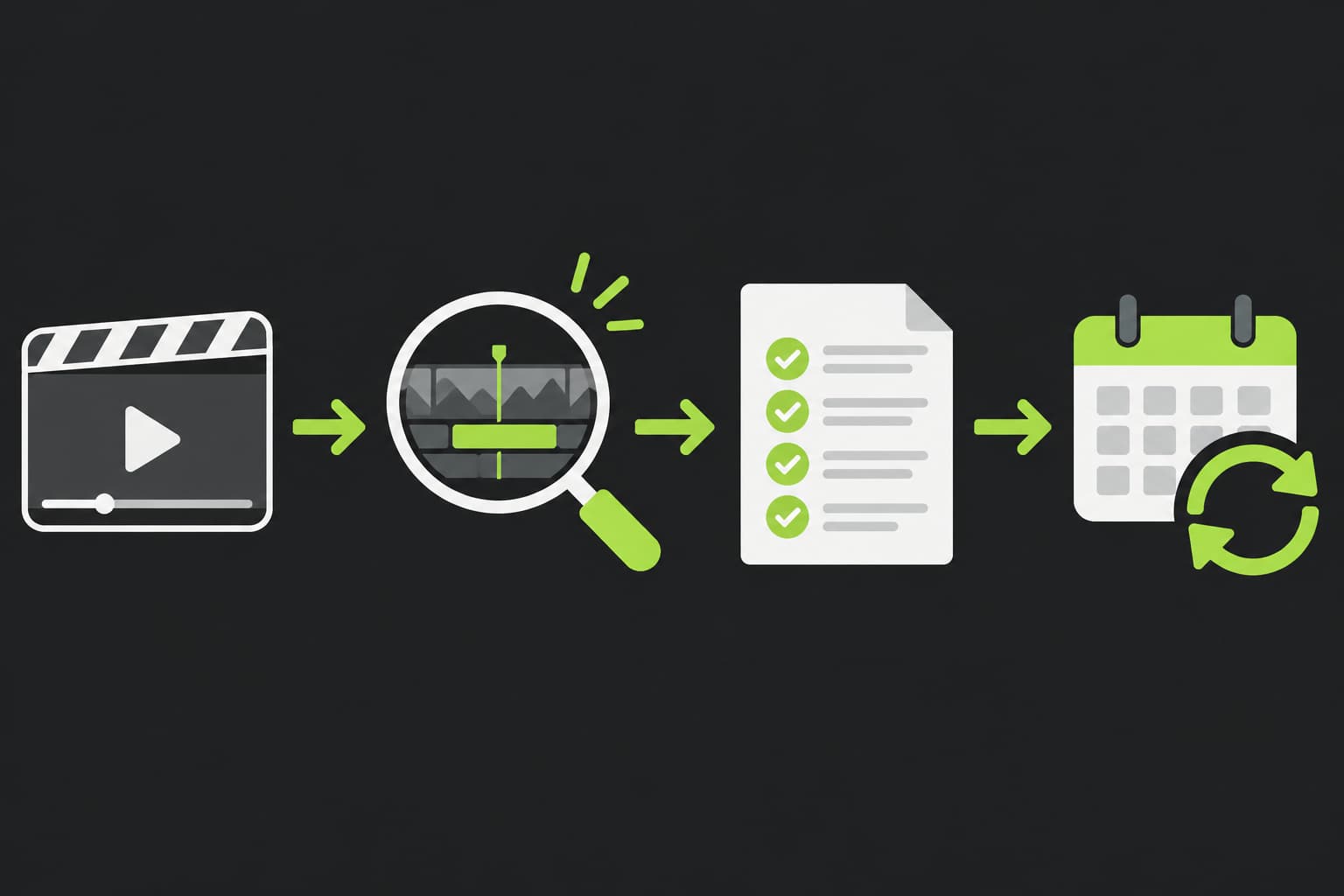
This is cheap video editing services: what to watch for turned into a routine you can repeat. Here is the process applied to a realistic case. A creator posts four Shorts and one long video a month and has a modest budget. They have three candidates: a marketplace gig, an established freelancer, and a done-for-you subscription.
- Step 1, write the brief. Platform, aspect ratio, target length, caption style, music rules, posting days, and two reference videos you like. This makes every quote comparable.
- Step 2, ask the hidden-cost questions from the table above and write the answers down. Note what each option charges for revisions, length, source files and rush delivery.
- Step 3, pay for one short test edit with the same raw clip for every candidate. Use real phone footage, not your cleanest recording. Judge the hook, pacing, caption accuracy, audio levels and whether the music is licensed.
- Step 4, calculate cost per finished video for a normal month. Multiply each quote by your volume (four short, one long), then add the revision rounds you realistically need. For the subscription, check whether your volume fits a plan: on CreatorSuite a short video uses 100 credits and a long video 300, so this month needs 700 credits. Basic ($9/month, 300 credits) is too small; Plus ($39/month, 1,500 credits, up to 15 short or 5 long-form videos) covers it with room for clips.
- Step 5, run a second job before committing. The first edit is often the most careful one. A second edit from the same candidate tells you whether quality holds.
Score each candidate out of five on hook, pacing, captions, audio and communication. Pick the highest total per unit of cost, not the lowest price.
What to get in writing before you pay
Most disputes with budget editors come from terms that were never agreed. Marketplace reviews describe buyers waiting weeks on refunds and disputes closing without a clear explanation, so the time to settle terms is before money moves. A short message thread that both sides confirm is enough for small jobs.
- Deliverables: length, format, resolution, captions, thumbnail or not.
- Revisions: number of rounds included, and what counts as a revision.
- Turnaround: standard delivery time and what happens if it is missed.
- Ownership: you own the final video; state whether project files are included.
- Music and stock: the source library and confirmation that the licence covers monetised uploads.
- Refunds: what happens if the first delivery misses the brief.
- Raw footage: keep your own copies of every file you send.
Where CreatorSuite fits, and where something else is better
If you post regularly, a done-for-you AI video editing service removes several of the risks above by design. CreatorSuite lists its terms up front: plans start at $9/month, every plan includes thumbnails, Basic includes 2 revisions per edit and Plus and above include unlimited re-edits. Turnaround runs from 6 to 8 hours on Basic down to 3 to 4 hours on Growth. Long videos can run up to 35 minutes, and a brand kit is available from Plus so captions and colours stay consistent. It was used by 2,700+ creators in the last 7 days.
You can test it the same way you would test a freelancer. The 3-day free trial covers 1 short video, 3 clips or 1 long video up to 10 minutes (card required), and there is a full refund before your 2nd edit. Send the same raw clip you gave your other candidates and score the AI video editor on the same five points as everyone else.
Be honest about the fit, though. If you need a specific human collaborator who learns your inside jokes over months, an established freelancer is the better choice. If you need strategy, approvals and campaign planning, an agency fits better; our guide to the cost of hiring a full-time video editor covers the in-house route too. If you only post once in a while, DIY or a single marketplace gig may be enough. And if you're deciding whether any monthly plan makes sense, read is a video editing subscription worth it before you sign up for anything, including an AI video editor.
Checklist: cheap video editing services and what to watch for
Before you pay for cheap video editing services, run through this list. If you can't tick most of it, keep looking, or treat the first order strictly as a paid test. For budget video editing for YouTube, the checks that matter most are music licensing and turnaround, because claims and missed posting days cost more than the edit.
- I've seen work similar to my content, not just a highlight reel.
- I've paid for a short test edit on my own raw footage.
- I know the number of included revisions and the cost of extras.
- I know where the music comes from and that it is licensed.
- I've worked out cost per finished video for a normal month.
- Payment stays on the platform or under a written agreement.
- I keep copies of all raw footage.
What we read for this guide
- Low-budget video edit test on Fiverr (No Film School) · nofilmschool.comSame footage sent to several low-priced Fiverr editors; some results were polished, others overused speed ramps and jump cuts.
- How to Vet a Freelance Video Editor: A Checklist for Startups (Twine) · twine.netPaid test edit, revision policy, export specs and red flags such as refusing a test or vague revision answers.
- Fiverr scams and red flags (ManyPixels) · manypixels.coLow base prices for minimal deliverables, extras for revisions and source files, fake portfolios and off-platform payment requests.
- Fiverr reviews (Trustpilot) · trustpilot.comRecurring buyer complaints about slow support, long refund waits and disputes closed without clear explanation.
- How To Hire A Video Editor For YouTube (Primal Video) · primalvideo.comHiring process: plan the role, post a job ad, filter applicants, paid test tasks, final interview.
- Using Content ID (YouTube Help) · support.google.comHow Content ID claims monetize, block or track videos, and that any active claim blocks Shorts of one to three minutes.
How this page was made: written by Badar Munir and the CreatorSuite team with AI assistance, reviewed by James, from facts we checked ourselves and the sources listed above. Spotted something out of date? Email us and we’ll fix it.
cheap video editing services: what to watch for: FAQs
Is cheap video editing worth it?
It can be, for simple formats and one-off jobs, if you test first and the terms are clear. It becomes poor value when revisions, re-exports, music claims and your own review time add up. Compare cost per finished video, not price per gig.
What are the biggest red flags when hiring a video editor?
Refusing a short paid test, a portfolio with nothing like your content, vague revision terms, no answer about music licensing, requests to pay off-platform and promises of guaranteed views. Two or more together are a strong reason to walk away.
How do I test a low cost video editor without wasting money?
Send every candidate the same short raw clip and the same written brief, pay for that one edit, and score the results on hook, pacing, captions, audio and communication. Then order a second edit from your top pick to check consistency.
Can a cheap edit get my video claimed on YouTube?
Yes, if it uses music or footage the editor isn't licensed to use. A Content ID claim on a longer video can send ad revenue to the rights owner, and on Shorts of one to three minutes any active claim blocks the video. Ask for the music source in writing.
Are AI video editing services a good alternative to cheap freelancers?
For regular short and long videos from raw footage, they can offer a fixed monthly price and set turnaround. CreatorSuite, for example, starts at $9/month with a 3-day free trial. They are not a fit if you need filming, text-to-video generation or AI avatars.
What should affordable video editing services include as standard?
At minimum: a clear deliverable list, a stated number of revisions, a standard turnaround, licensed music, export in the formats you post, and ownership of the final video. Thumbnails and captions are common extras worth asking about.
Rather not edit it yourself?
Upload raw footage, get a finished edit back. 3-day free trial: 1 short video, 3 clips or 1 long video up to 10 min.
2,700+ creators in the last 7 days
Start 3-day free trial