
In shortVideo editing agency pricing is usually a monthly retainer: a flat fee for a set number of edited videos, revision rounds and a turnaround promise. The fair way to compare quotes is the cost per video you actually publish, after extras like rush fees, thumbnails and extra revisions. Retainers suit steady output; low or uneven output is often cheaper with a freelancer, an app or an AI editing service.
- Agencies price by the hour, by the project, by monthly retainer or by subscription; retainers are the most common for ongoing work.
- A retainer usually bundles a fixed number of edits, revision rounds, a turnaround time and project management.
- Divide the monthly fee by the videos you really publish, not the number the package allows.
- Check rollover, revision limits, scope, notice period and file ownership before you sign.
- If you publish less than the package covers, a per-video freelancer or a cheaper subscription usually costs less.
How video editing agency pricing is structured
Video editing agency pricing comes in four common shapes, and the one an agency picks tells you a lot about how it works. Knowing the shape first makes every quote easier to compare. If you want the wider picture across freelancers, apps and services, start with our guide to how much video editing costs.
Hourly billing is rare for ongoing creator work because you carry the risk of a slow edit. Per-project pricing works for one-off jobs with a clear brief. Retainers are the default for recurring content: you pay a flat monthly fee for a fixed amount of output. Subscriptions are a close cousin of the retainer, usually with set tiers, a cap on how many videos are in progress at once, and less custom scoping.
A pricing guide from Vidpros, an editing agency, puts it simply: retainers fit clients with steady repeat volume, while hourly and per-project pricing fit low or irregular volume. That matches what buyers find in practice. A retainer is a bet that you will use what you pay for every month.
- Hourly: you pay for time, so a slow editor costs you more.
- Per project: one fixed fee per video or job; good for one-offs.
- Monthly retainer: a flat fee for a set number of deliverables and a turnaround promise.
- Subscription: fixed tiers, often with limits on active requests rather than a custom scope.
What a monthly video editing retainer usually includes
A monthly video editing retainer is a bundle. The headline number covers several things, and agencies differ most in the small print. Across the agency pages and forum threads we read, the same building blocks come up again and again.
The core is a fixed number of finished videos per month, often split by format, for example a set number of long-form edits plus a batch of short clips. Around that sit revision rounds (two or three per video is a common default), a written turnaround time, and a project manager or single point of contact. Many retainers also include captions, colour correction, a sound mix and platform resizing.
Production-heavy agencies add pre-production: planning calls, a content calendar and shot lists, and sometimes shoot days. Those shoot days drive most of the cost, so a retainer that includes filming is a different product from an editing-only retainer. Compare like with like.
| Item | Often included | Often extra or limited |
|---|---|---|
| Edited videos | A fixed number per month | Anything above the cap, longer runtimes |
| Revisions | Two or three rounds per video | Extra rounds, late changes of direction |
| Turnaround | A written first-cut deadline | Rush delivery, weekend work |
| Captions, colour, sound | Basic captions, correction, mix | Custom animated captions, full grade, sound design |
| Motion graphics | Simple titles and lower thirds | Custom animation, 3D, complex effects |
| Thumbnails | Sometimes one per long video | Extra concepts, A/B variants |
| Shorts and clips | Sometimes a few cut from long videos | Large clip batches |
| Strategy and filming | Production agencies only | Usually not in editing-only retainers |
Ask for the menu: what the retainer includes, what it excludes, and the price of each excluded item. A forum thread on Creative COW recommends exactly this, from the agency side.

Why video editing agency rates vary so much
Two quotes for what sounds like the same work can be far apart. That is not always padding. Video editing agency rates move with a handful of drivers, and once you list them the gap usually makes sense.
Volume and length come first: ten short clips and four 20-minute videos are very different workloads. Complexity is next. A talking-head edit with captions is quick; motion graphics, heavy b-roll and story restructuring take much longer. Turnaround matters too, because a fast written deadline means the agency keeps capacity free for you. Finally, project management, backup editors and a style guide all cost money, and they are part of what you buy from an agency rather than a solo editor.
Minimum terms change the price as well. Some agencies offer a lower monthly rate for a three, six or twelve month commitment and charge more month to month. That discount only helps if you are sure you will keep publishing at the same pace.
- Number and length of videos per month
- Editing complexity: captions only, b-roll, motion design, story work
- Turnaround promise and rush options
- Revision rounds included
- Project management, backup editors and brand guides
- Minimum contract length
- Whether filming or strategy is bundled in
Worked example: the real cost per video of an agency retainer
The monthly fee is not the number to compare. The number to compare is what each published video costs you once extras and unused capacity are counted. Here is the method, step by step. You can run it on any quote in a few minutes.
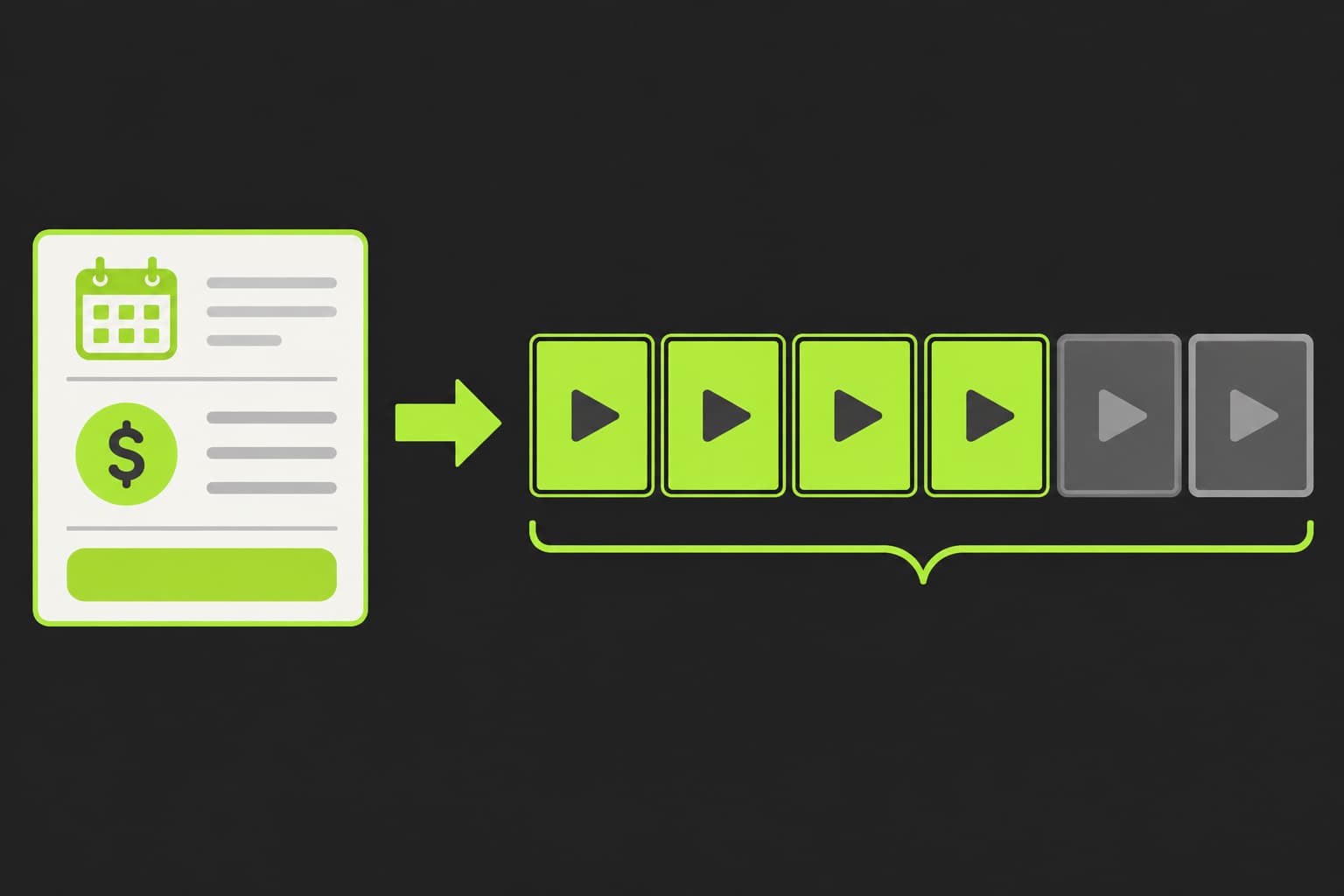
Take an imaginary creator who gets a retainer quote covering eight long-form videos a month, with two revision rounds each and a one-thumbnail-per-video allowance. Over the last three months she published five, seven and six videos. Her honest average is six, not eight.
Step 1: write down the monthly fee (call it F) and the number of videos the package allows (call it N). Step 2: work out your real average output over the last three months (call it R). Step 3: add the extras you normally need each month, such as extra thumbnail concepts or a third revision round (call it X). Step 4: your real cost per video is (F + X) divided by R. Step 5: compare that number with a per-video freelancer quote for the same work, and with a subscription tier that matches R rather than N.
In her case, two of the eight slots go unused every month unless the agency rolls them over. That alone makes each published video cost a third more than the package price per video suggests. If unused slots roll over for a month, the gap shrinks; if they expire, she is paying for capacity she does not use.
The same check works for short-form. If a Reels package covers a fixed batch of clips and you only post four a week, divide by what you post. Our Reels editing price guide and podcast editing rates guide walk through the per-item numbers for those formats.
What CreatorSuite sends back
A real upload next to the finished edit. Switch between short form and long form.
Video editing agency pricing: contract terms to check before you sign
Most retainer disputes come from terms nobody wrote down. Before you sign, get these points in writing. Several come straight from agency owners discussing retainers on Creative COW, where the same warnings repeat: define scope, track usage, and agree on what happens to unused hours.
Rollover is the big one. Some agencies let unused budget roll into next month, some allow one month of rollover, and some let it expire. Agency owners in that thread warned that unlimited rollover becomes a growing debt the agency cannot serve, so expect a limit and ask what it is. They also noted clients tend to save requests for the last days of the month, which jams the schedule. Spread your uploads out and you will get faster turnaround.
- Rollover: do unused videos or hours carry over, and for how long?
- Revisions: how many rounds per video, and what counts as a round?
- Turnaround: first-cut and revision deadlines, and whether weekends count.
- Scope menu: what is in, what is out, and the price of each extra.
- Rush fees: are they waived under the retainer or charged on top?
- Notice period and payment: how much notice to cancel, and is any fee paid in advance?
- Files and ownership: do you get project files, and who owns the edits?
- Usage log: a shared record of what has been used this month.

Problems buyers and agencies report with retainers
Retainers fail in predictable ways. Knowing them helps you spot whether a problem is the agency, the contract or your own workflow.
Scope creep is the most common complaint from the agency side. A client expects anything and everything for one fee, and the relationship sours. From the buyer side, the mirror problem is paying for videos you never send, because filming fell behind. Neither is fixed by a better editor.
Slow approvals are another hidden cause. In the Creative COW thread, one agency owner pointed out that a client asking for a retainer to get faster delivery was really stuck on a busy person signing off each cut. If your edits sit for days waiting on your own feedback, a pricier retainer will not speed you up.
Editor turnover and inconsistent style are the classic worries with smaller shops. Reviews of agencies on Trustpilot tend to praise the opposite: a dedicated editor who learns the brand and cover when that editor is away. Ask who will edit your videos, and what happens when that person is off.
Finally, cheap retainers sometimes hide templated work. If the portfolio looks like the same edit with different footage, read our guide to cheap video editing services and what to watch for before signing.
Agency retainer vs freelancer vs app vs AI editing service
An agency retainer is one option among several. The right choice depends on how much you publish, how complex your edits are and how much of your own time you can spend managing the work. The table sets out the trade-offs; for the time cost of doing it yourself, see DIY editing vs outsourcing: the real cost.
Freelancers are usually cheaper at low volume and give you a direct line to the person editing, but you manage them, and there is rarely a written turnaround. Our YouTube video editor rates guide covers how freelancers price, and the Upwork video editors alternative page covers hiring on marketplaces. Editing apps cost the least but cost you hours. Subscriptions and AI editing services sit between: fixed monthly tiers, quick turnaround and less hand-holding.
CreatorSuite is one example of the last group. It is an AI video editor run as a done-for-you service: you upload raw footage, phone footage included, pick a style, and get back a finished video with cuts, a hook, captions, b-roll, motion design, sound and colour. Plans start at $9/month for 300 credits (up to 3 short or 1 long-form video), and the Growth plan is $299/month for 6,000 credits with 3 to 4 hour turnaround. It edits footage only: it does not film, write strategy or generate videos from text, so a production agency is the better fit if you need shoots or creative direction.
| Option | How it is priced | Best for | Trade-offs |
|---|---|---|---|
| Agency retainer | Flat monthly fee for set output | Steady volume, complex edits, teams wanting a project manager | Pay for unused capacity, minimum terms, less direct contact with the editor |
| Freelancer | Per video, per hour or small retainer | Low or uneven volume, a specific style | You manage them; cover when they are away is rare |
| Editing app (DIY) | Free or low subscription | Creators with time and editing skills | Your hours are the real cost |
| Subscription / AI editing service | Fixed monthly tiers | Regular talking-head, short-form and long-form content | Less custom scoping; check what styles and lengths are covered |
How to choose the right setup for your channel
Use your own numbers, not a sales call, to decide. These steps take about half an hour with your upload history open.
- Count what you actually published in each of the last three months, by format.
- List the editing work each video needs: cuts and captions only, or b-roll, graphics and story work.
- Decide the turnaround you really need. Next-day matters for news and trends; most evergreen content does not need it.
- Get two or three quotes, ideally one agency, one freelancer and one subscription or AI service.
- Run the cost-per-video sum from the worked example on each quote.
- Ask each provider the contract questions above and compare the written answers.
- Start with the shortest term you can, and review after one or two months.
Where CreatorSuite fits, and when an agency is the better choice
If your problem is turning steady footage into finished videos on time, without managing an editor, an AI video editor service can cover that for less than most retainers. CreatorSuite's plans are priced by credits: a short video uses 100, a long video up to 35 minutes uses 300, and a clip uses 25. Basic is $9/month, Plus is $39/month with unlimited re-edits and a brand kit, and Starter is $149/month with 3,500 credits, up to 4 videos at a time and API and MCP access. Thumbnails come on every plan.
Run the same cost-per-video sum on it as on any agency quote. If you publish six long videos a month, that is 1,800 credits, which fits within the Starter allowance. More than 2,700 creators used CreatorSuite in the last 7 days. You can test it with the 3-day free trial: 1 short video, 3 clips or 1 long video up to 10 minutes (card required), with a full refund before your second edit.
Choose an agency instead if you need filming, strategy, a dedicated creative lead or very custom motion work. Choose a freelancer if you publish once or twice a month in a distinct style. For a wider view of tools, see best AI video editors for creators and is a video editing subscription worth it, or browse video editing services by format.
What we read for this guide
- Client retainer (Creative COW forum thread) · creativecow.netAgency owners on scope creep, rollover limits, usage logs, advance payment and slow approvals.
- The 4 Agency Pricing Models and When Each One Wins (Vidpros) · vidpros.comHourly, per-project, retainer and value-based pricing, and which volumes suit each.
- YouTube Video Editing Agency or Solo Editor (Vidpros) · vidpros.comWhat agencies include (project manager, backup editors, revisions) and that 'unlimited' often caps active jobs.
- Video retainer packages (Vidico) · vidico.comPre-production, shoot days, revision rounds, minimum terms and rollover in production retainers.
- Video editing rates (ManyPixels) · manypixels.coFreelancer vs agency vs subscription pricing and hidden costs like rush fees and extra revisions.
- Vidpros reviews (Trustpilot) · trustpilot.comCustomer reviews praising dedicated editors and cover; little said about cancellation.
How this page was made: written by Badar Munir and the CreatorSuite team with AI assistance, reviewed by James, from facts we checked ourselves and the sources listed above. Spotted something out of date? Email us and we’ll fix it.
video editing agency pricing: FAQs
How much do video editing agencies charge?
It depends on volume, video length, complexity, turnaround and whether filming is included. Most agencies quote a monthly retainer for a set number of videos. To compare quotes, divide the fee plus any regular extras by the number of videos you actually publish each month.
What is included in a video editing retainer?
Usually a fixed number of edited videos per month, two or three revision rounds per video, a written turnaround time and a point of contact. Many include captions, colour and a sound mix. Thumbnails, extra revisions, rush delivery and custom motion graphics are often extra, so ask for the full menu.
Do unused videos roll over on a monthly video editing retainer?
Sometimes. Some agencies roll unused budget into the next month, some allow one month of rollover and some let it expire. Get the rule in writing, because expired slots raise your real cost per video.
What is the difference in agency vs freelance video editor cost?
Agencies usually cost more per video because the fee includes project management, backup editors and a written turnaround. Freelancers are often cheaper at low volume but you manage them yourself. The gap narrows when you publish steadily and use every slot you pay for.
Is a retainer worth it if my posting schedule is uneven?
Often not. A retainer assumes steady use. If your output swings month to month, a per-video freelancer, a lower subscription tier or a credit-based AI editing service usually costs less, because you are not paying for empty slots.
How can I try a done-for-you editing service before committing?
CreatorSuite offers a 3-day free trial covering 1 short video, 3 clips or 1 long video up to 10 minutes. A card is required, and you get a full refund before your second edit. Plans start at $9/month.
Rather not edit it yourself?
Upload raw footage, get a finished edit back. 3-day free trial: 1 short video, 3 clips or 1 long video up to 10 min.
2,700+ creators in the last 7 days
Start 3-day free trial