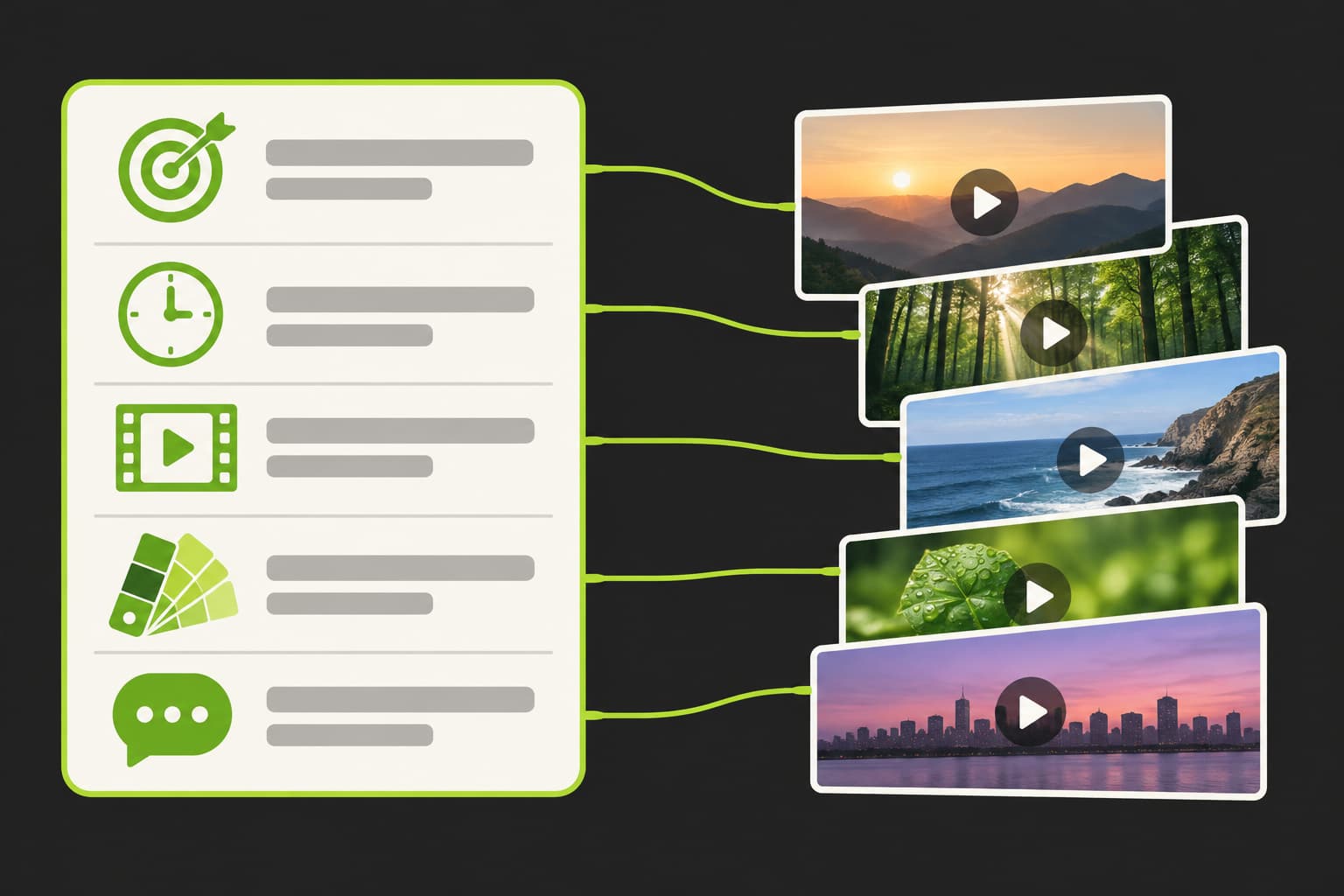

In shortTo outsource YouTube video editing well, write a one-page brief that states the goal, style and delivery specs, hand off one clean, well-named folder, and give feedback as a single timestamped list per round. Pick the route (freelancer, agency or a done-for-you AI service) by your volume, budget and how much custom creative work each video needs.
- Check that editing is really what is holding your channel back before you pay someone to fix it.
- A one-page brief with goal, style references and delivery specs prevents most revision rounds.
- Send one organised folder with clear names, never a scatter of links and chat attachments.
- Give feedback once per round, as a single timestamped list, with conflicts already resolved.
- Work out cost per finished video, including your own time spent briefing and reviewing.
- Start with a short paid test or a free trial before committing to a monthly arrangement.
What it means to outsource YouTube video editing
If you are working out how to outsource YouTube video editing, the hard part is rarely finding someone who can cut footage. The harder part is getting a finished video back that sounds like you, keeps viewers watching and arrives when you need it, without you spending as many hours on notes as you used to spend editing.
Outsourcing has three moving parts. The brief tells the editor what this video must do. The file handoff gives them everything they need in a form they can open. The feedback loop turns a first cut into a final one. When creators describe outsourcing going wrong, the problem almost always sits in one of these three places rather than in the editor's software skills.
One creator who wrote up his experience of hiring editors described repeating the same notes across many revision rounds, fonts and transitions drifting from his style sheet, and time-zone gaps adding about a day to every round. By the end he felt he could have edited the video himself several times over. Each of those problems is fixable with process, and that is what the rest of this guide covers.
Before you outsource: make sure editing is the real bottleneck
Learning how to outsource YouTube video editing fixes an editing problem. It will not fix a topic, packaging or consistency problem. Before you hand anything off, look honestly at where your channel is stuck.
Open YouTube Studio and compare your weaker videos with your stronger ones. If viewers click but leave in the first seconds, the hook and intro are the issue, which editing can help with (see our guide to YouTube intro editing in the first 30 seconds). If few people click at all, the topic, title or thumbnail is more likely the cause, and a new editor will not change that; YouTube thumbnail design tips is a better place to start.
- Low click-through: usually topic, title or thumbnail, not the edit.
- Early drop-off: hook, intro pacing or a slow first minute, which an editor can fix.
- Steady mid-video decline: pacing, dead air, missing b-roll or visual variety, also an editing fix.
- Irregular uploads: if editing is the reason you miss your schedule, outsourcing helps directly.
- Account or audience shifts: changes in what your viewers want need a content decision, not a new editor.
A quick test: if you could publish twice as often with the same quality, would your channel grow? If yes, editing time is a real bottleneck and outsourcing is worth setting up.
Your options to outsource video editing, compared
There are four realistic ways to outsource video editing for a YouTube channel. They differ less in raw quality than in how much briefing and managing they need from you.
Freelancers suit creators with a distinct, highly custom style who are willing to train someone over several videos. Agencies add backup editors and set turnaround times, but you still brief and review. Our page on alternatives to freelance video editors goes into those trade-offs in more depth. A done-for-you AI video editor such as CreatorSuite takes raw footage and a chosen style and returns a finished, ready-to-post video, which cuts down the briefing and handoff work but gives you less hands-on creative direction than a long-term freelancer relationship.
| Route | What you hand over | Briefing effort | Where it fits | Main risk |
|---|---|---|---|---|
| Do it yourself with apps | Nothing, you edit | None | Very low budget, learning the craft | Your time; editing crowds out filming |
| Freelance editor | Raw footage, brief, assets, references | High at first, lower once trained | Custom styles, story-heavy videos | Availability, inconsistency, editor leaving |
| Editing agency | Same as freelancer, through an account manager | Medium to high | Steady volume, need for backup editors | Less direct contact with whoever edits |
| Done-for-you AI video editing service (e.g. CreatorSuite) | Raw footage and a chosen style | Low | Talking-head, tutorial, podcast and short-form edits on a schedule | Less suited to complex, highly custom storytelling |
Step 1 of how to outsource YouTube video editing: write the brief
A YouTube video editor brief is not your script. The script is what you say. The brief is what the edit must achieve and how it should feel. Keep it to one page so the editor actually reads it, and reuse the same structure every time so it becomes your video editing brief template.
Guides on editing briefs agree on a few points: state the outcome first, point to specific moments in reference videos rather than whole videos to copy, and spell out what counts as finished, including captions and file specs. Ask the editor to flag missing files or unclear instructions before they start, not halfway through.
- Goal: what the viewer should know or do by the end, in one sentence.
- Audience: who watches and what they already know.
- Hook: the exact line or moment the video should open on.
- Structure: the sections in order, with anything that must not be cut.
- Style: two or three reference moments with timestamps, plus fonts, caption style and colour notes.
- B-roll and graphics: where you want cutaways, screen recordings or on-screen text.
- Music and sound: mood, and which tracks you are licensed to use.
- Delivery specs: aspect ratio, length range, captions burned in or as a separate file, thumbnail needs.
- Deadline and feedback owner: when the first cut is due and who gives the single set of notes.
What CreatorSuite sends back
A real upload next to the finished edit. Switch between short form and long form.
Step 2: hand off files the editor can actually open
Messy handoffs cause a surprising number of delays: a missing audio file, a font the editor does not have, three clips all called final. Treat the handoff as a checklist, not a quick upload.
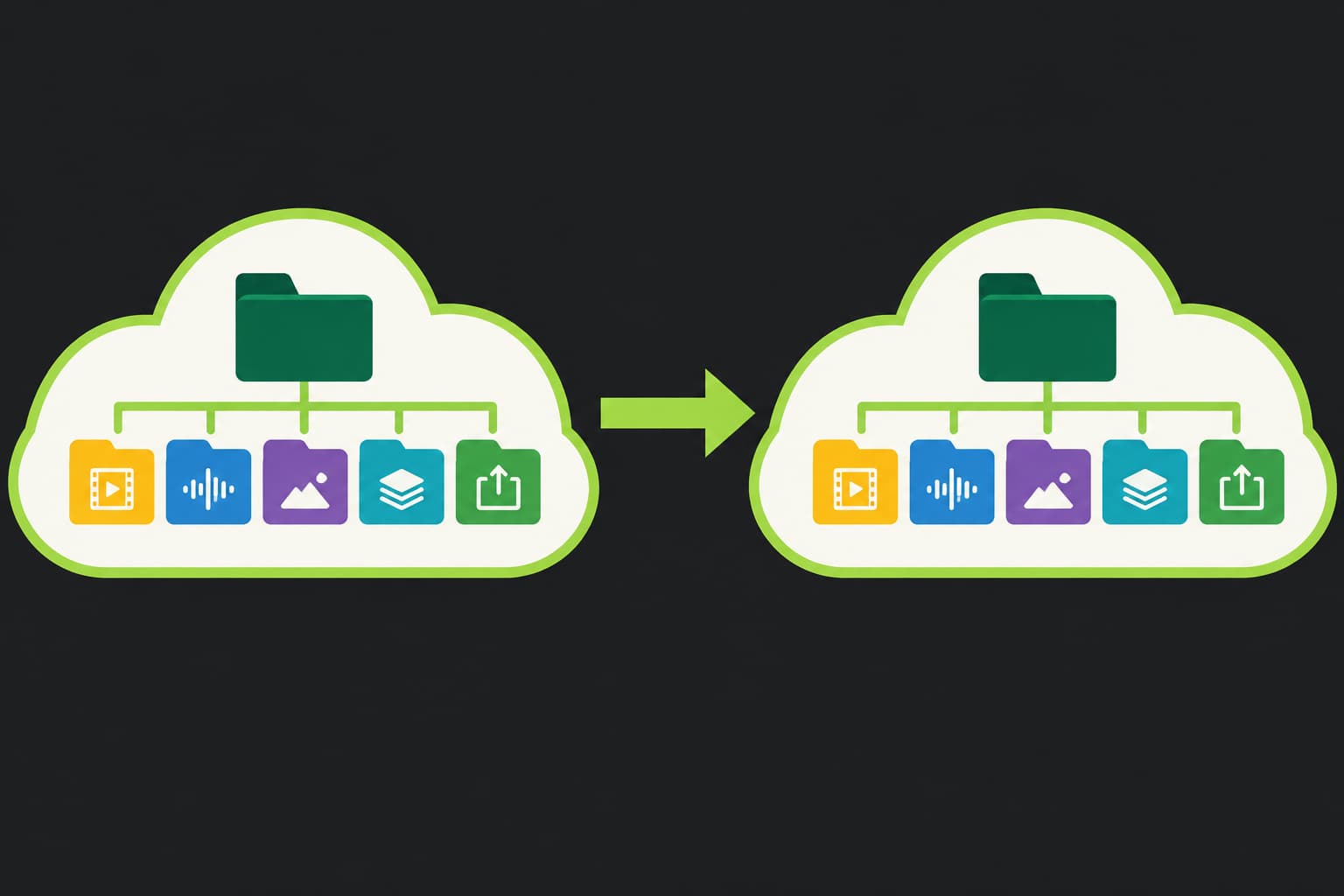
Put everything for one video in a single shared folder with the same sub-folders every time. Name files so their order and purpose are obvious, for example the date, the video name and what the clip is. Keep unused takes in a separate folder so the editor does not have to guess which version is current. If you have an existing project, a guide on project handoffs suggests freezing a protected copy of the last good version and giving the editor a separate working copy, then having them open it and run a short test export before real work begins.
- 01_raw: camera and microphone files, unrenamed originals kept as backup.
- 02_audio: separate mic recordings, music and sound effects you are licensed to use.
- 03_graphics: logo, lower-thirds, fonts and any brand colours.
- 04_references: the brief, reference timestamps and your style notes.
- 05_exports: where the editor drops each cut, named with a version number.
Ask for the project file and its assets at the end, not only the exported video. If your editor ever becomes unavailable, someone else can pick up where they left off.
Step 3: run feedback loops that do not eat your week
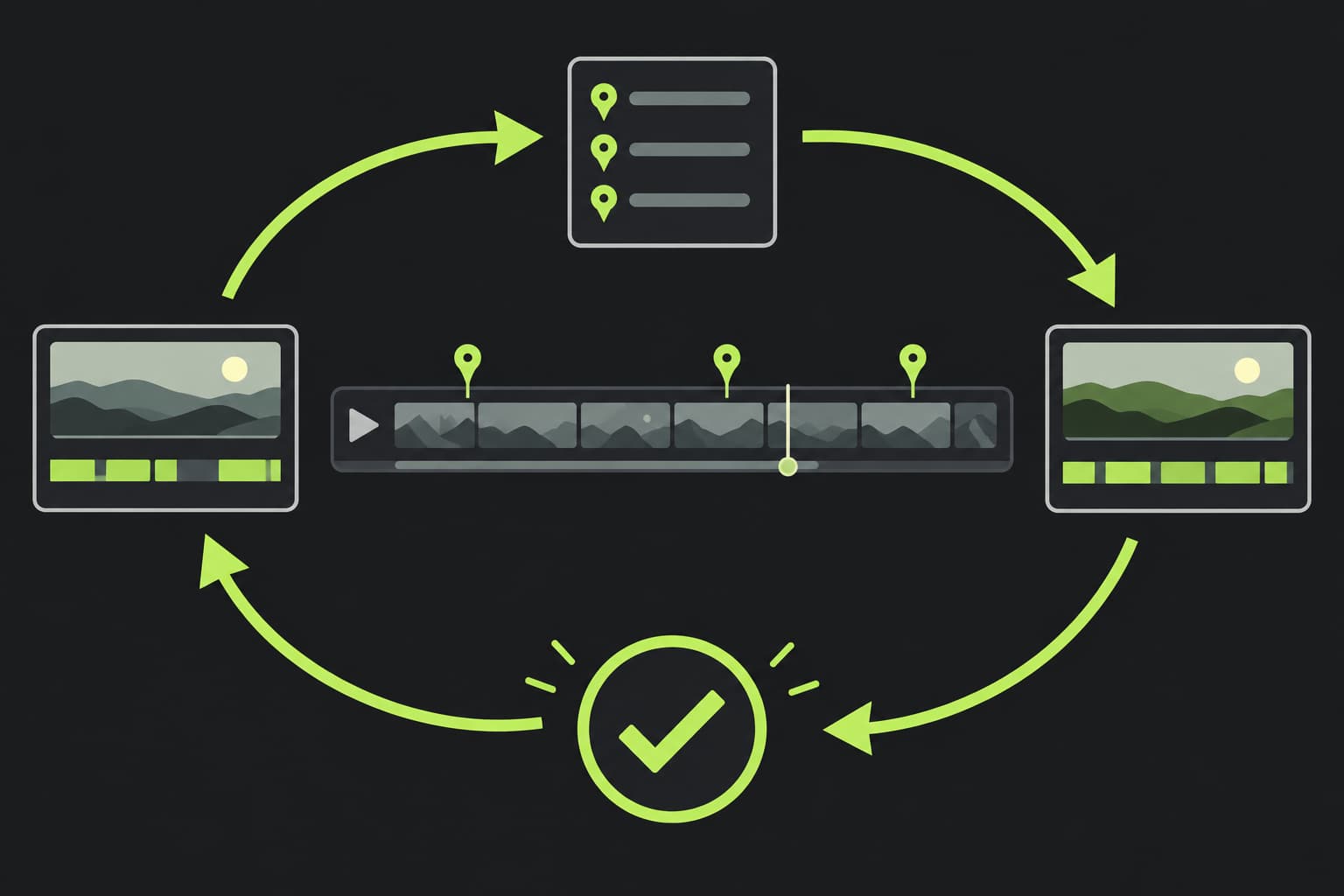
Knowing how to give feedback to a video editor is the skill that decides whether outsourcing saves you time. Vague notes such as "make it pop" or "something feels off" send the editor guessing and add a round. Specific notes tied to timestamps get fixed once.
Advice aimed at editors' clients makes the same points repeatedly: gather everyone's notes first and resolve contradictions before sending them, say what works as well as what does not, and close each round with a clear next step and a deadline. Agree how many revision rounds are included before work starts so neither side is surprised.
- Watch the whole cut once without stopping, then a second time making notes.
- Write each note as timestamp, problem, wanted result, for example: at 1:42 the pause drags, cut straight to the screen recording.
- Group notes into picture, sound and graphics so nothing gets lost.
- Send one list per round, never a trickle of messages.
- Record which version you approved so later comments refer to the right file.
Worked example: how to outsource YouTube video editing for one 10-minute video
Here is how to outsource YouTube video editing for a single 10-minute talking-head tutorial, from recording to upload. The same steps apply whether the editor is a freelancer, an agency or an AI video editing service; only how much of each step you do yourself changes.
For a deeper look at the editing decisions inside the cut itself, pair this with our YouTube video editing checklist and the guide on how to add b-roll to YouTube videos.
| Step | What you do | What you get back |
|---|---|---|
| 1. Record | Film the tutorial, clap once at the start for sync, note good and bad takes as you go | Raw footage plus a rough take list |
| 2. Brief | Fill in your one-page template: goal, hook line, sections, reference timestamps, specs | A brief the editor can follow without a call |
| 3. Handoff | Upload to the standard folder structure; confirm the editor can open everything | A confirmation that files and fonts are all there |
| 4. First cut | Wait for the agreed turnaround | Version 1 export in the exports folder |
| 5. Feedback | Watch twice, send one timestamped list grouped by picture, sound and graphics | Version 2 with the fixes |
| 6. Final check | Check hook, captions, audio levels and the last frame; approve one named version | Final export, captions file and project file |
| 7. Publish | Upload with title and thumbnail, then check retention after the first days | Data to feed into the next brief |
After the first few videos, move recurring notes into the brief template. Every note that becomes a standing rule is a note you never write again.
How to work out what outsourcing really costs
Rates for freelancers and agencies vary widely by style, length and turnaround, so rather than quote numbers that will not match your situation, work out a cost per finished video you can compare across options.
Use this formula: the fee per video, plus your own hours spent briefing, handing off and reviewing multiplied by what an hour of your time is worth, plus the cost of any extra revision rounds or late uploads. A cheap editor who needs three rounds of notes can cost more than a pricier one who gets it right the first time. If you are not sure how many hours you currently spend, our guide on how long it takes to edit a YouTube video helps you estimate the time you would be buying back.
For a subscription service the maths is simpler because the price is fixed. CreatorSuite uses credits: a long video costs 300 credits, a short video 100 and a clip 25. The Basic plan at $9/month includes 300 credits, enough for 1 long-form video, while Plus at $39/month includes 1,500 credits, up to 5 long-form videos. Divide the monthly price by the videos you will actually publish to get your cost per video, then add your own review time.
Common outsourcing problems and how to fix them
Most outsourcing problems repeat across creators. The table below pairs the complaints that come up most often with their usual cause and fix.
| Problem | Usual cause | Fix |
|---|---|---|
| Same notes every video | Standing preferences live in your head, not the brief | Add every repeated note to the brief template |
| Edits do not match your style | References too broad, no style sheet | Give timestamped reference moments and a fonts and caption spec |
| Too many revision rounds | Notes sent piecemeal or contradictory | One consolidated, timestamped list per round |
| Missed deadlines | No agreed turnaround or time-zone gap | Set due dates in one time zone, keep a buffer before upload |
| Editor disappears | Single freelancer, no backup | Keep project files, or use an agency or service with set turnaround |
| Weak retention despite a polished edit | Topic, hook or thumbnail problem | Diagnose in YouTube Studio before changing editors |
Which route fits your channel
If you want to hire a YouTube video editor for a story-driven channel with a strong, custom look, a freelancer you train over time is often the right call, and the brief, folder and feedback routine above will make that relationship work. If you need steady volume with backup cover, an agency fits better.
If your videos are talking-head, tutorials, podcasts or short-form, and your main goal is to stop spending evenings editing, CreatorSuite is worth a test. It is an AI video editor that handles cuts, hook, captions, b-roll, motion design, sound and colour from your raw footage, including phone footage, and sends back a ready-to-post video; Plus and higher plans return edits in 5–6 hours. It edits footage only, so it will not film for you or create videos from text. The 3-day free trial covers 1 short video, 3 clips or 1 long video up to 10 minutes (card required), and there is a full refund before your 2nd edit. You can read more about what an AI video editing service is before deciding.
Whichever route you choose, how to outsource YouTube video editing comes down to the same three habits: a clear brief, a clean handoff and tight feedback. Judge the result on finished videos and on your own time saved, and keep using what the data tells you; our guide on how to edit YouTube videos for retention shows what to look for once your outsourced videos are live.
What we read for this guide
- The Real Cost of Hiring a YouTube Editor · thetechpacker.substack.comA creator's account of repeated revision rounds, style drift, communication gaps and time-zone delays when outsourcing.
- Giving Productive Feedback to Editors: What Not to Say · premiumbeat.comConsolidate notes, highlight positives, be precise at exact frames, and limit revision rounds.
- Video editing brief guide (ShortsFast) · shortsfast.comWhat belongs in an editing brief: outcome first, delivery specs, captions choice, acceptance criteria and a single feedback list.
- How to Onboard New Editors into Existing Video Projects (CapCut) · capcut.comProject handoff: protected milestone copy, asset manifest, status labels and a test export before work starts.
- How to outsource YouTube video editing (Tasty Edits) · tastyedits.comFreelancer versus agency trade-offs: availability, consistency and the risk of an editor going quiet.
How this page was made: written by Badar Munir and the CreatorSuite team with AI assistance, reviewed by James, from facts we checked ourselves and the sources listed above. Spotted something out of date? Email us and we’ll fix it.
how to outsource YouTube video editing: FAQs
How do I start to outsource video editing if I have never done it?
Start with one video. Write a one-page brief, put every file in a single organised folder and agree the turnaround and number of revision rounds up front. Pay for a short test or use a free trial before committing to anything monthly.
What should a video editing brief template include?
The goal of the video, the audience, the hook line, the section order, timestamped style references, notes on b-roll, graphics and music, delivery specs such as aspect ratio and captions, the deadline and who gives feedback.
How to work with a video editor in another time zone?
Set every deadline in one stated time zone, send notes as one consolidated list so each round needs only one exchange, and leave a buffer before your upload date so a delayed round does not push your schedule.
How do I give feedback to a video editor without sounding vague?
Tie every note to a timestamp, describe the problem and the result you want, and group notes into picture, sound and graphics. Mention what works too, and send everything in a single list per round.
Should I get the project file or just the final video?
Ask for both. The project file with its assets lets another editor pick up the work or make small changes later without rebuilding the edit from scratch.
Is an AI video editing service a good way to outsource YouTube editing?
It fits well when your videos follow a repeatable format, such as talking-head, tutorials or podcasts, and you want finished videos on a schedule with little briefing. For complex, highly custom storytelling, a trained freelancer usually fits better.
Rather not edit it yourself?
Upload raw footage, get a finished edit back. 3-day free trial: 1 short video, 3 clips or 1 long video up to 10 min.
2,700+ creators in the last 7 days
Start 3-day free trial