
In shortGood b-roll for short videos comes mostly from footage you film yourself, topped up with vertical free stock, screen recordings and the odd generated clip. Place a cutaway where it shows the exact thing being said or hides a jump cut, keep each one short, and return to your face for the key lines.
- Your own phone clips beat stock for short videos: they are vertical, unique and safe under platform originality rules.
- Free stock (Mixkit, Pexels, Pixabay, Coverr) works for generic shots, but popular clips appear on many accounts; check each licence page before use.
- Place b-roll on nouns and actions in your script, and over jump cuts, not at random intervals.
- YouTube and Instagram both push down content that is reused without real changes, so stock should support your voice, not replace it.
- Plan b-roll from the script before you film: one shot per idea, listed with its source.
What b-roll for short videos is actually for
B-roll for short videos is any footage that plays over or between your main shot: your hands on a keyboard while you explain a shortcut, the street outside your shop while you talk about foot traffic, a screen recording of the setting you mention. In a 20 to 60 second vertical video it has three jobs, and only three.
First, it shows the thing you are describing, so the viewer understands faster than words alone allow. Second, it hides cuts. When you trim pauses and retakes out of a talking-head clip you get visible jumps; laying a cutaway across the cut makes the edit invisible (our guide to jump cuts in short videos covers when to leave the jump and when to cover it). Third, it changes the picture often enough that the frame never feels static.
If a clip does none of those three things, it is decoration, and decoration costs you. Every second of stock forest or city traffic is a second where the viewer is not looking at you, the person they might follow.
Quick test: mute the video and watch only the b-roll. If you can roughly follow the topic from the pictures, the shots are earning their place.
The problems creators run into with b-roll
When creators write about b-roll, the same complaints come up again and again. A Buffer writer describes the most familiar one: spending hours scrolling a stock site for a five-second background clip, finding only polished, generic footage that does not fit, and giving up on the post entirely. Coverr's own guide for short-form creators admits the second: heavily used free clips turn up on so many accounts that viewers recognise them.
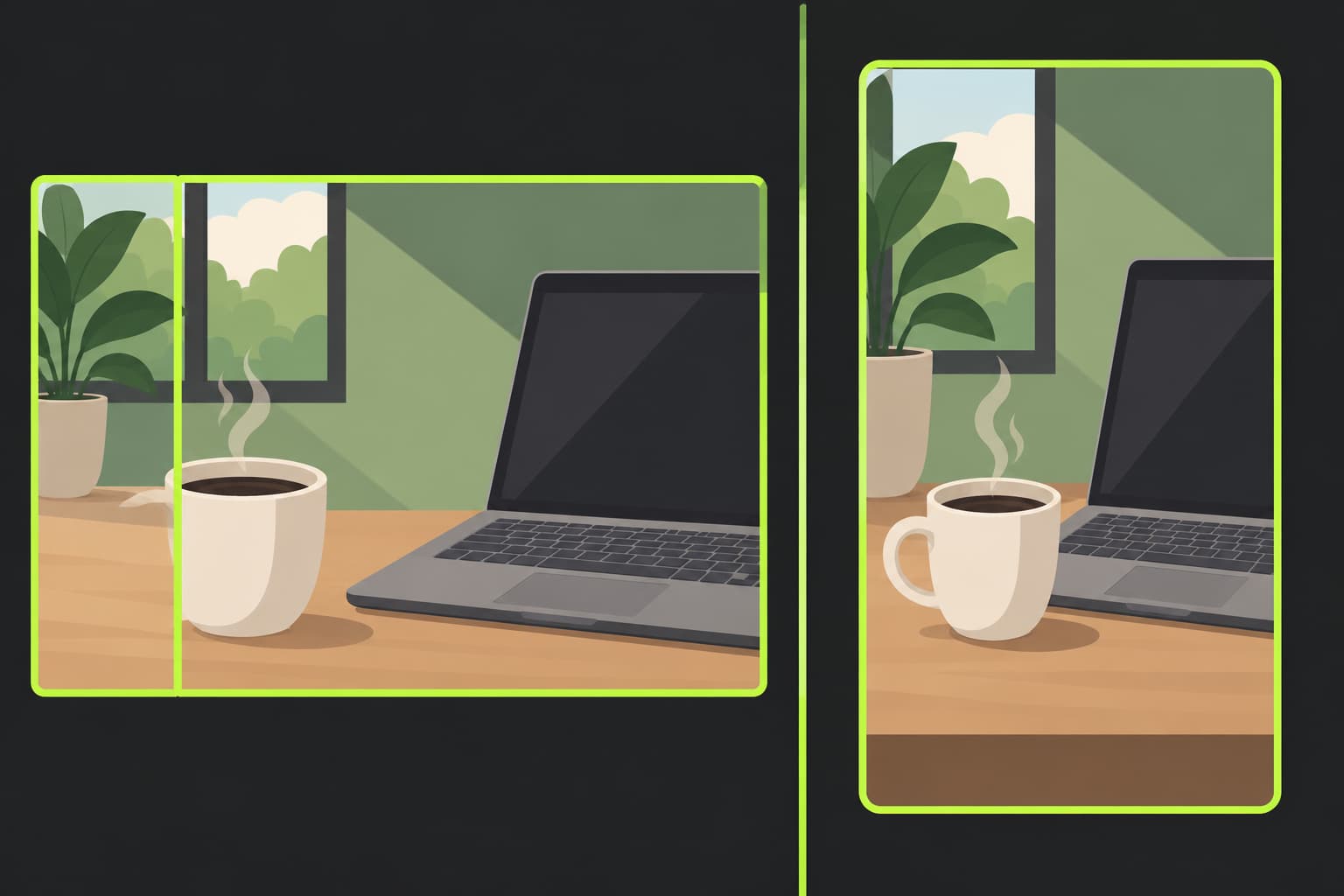
The other recurring problems are practical. Horizontal stock cropped to 9:16 loses the subject or looks zoomed in. The cutaway is related to the topic but not to the sentence, so it reads as filler. And on monetised channels there is a policy worry: YouTube's channel monetization policies say borrowed content has to be changed significantly to count as your own, and Instagram has said it reduces recommendations for accounts whose posts are mostly reposted material.
- Time: searching stock takes longer than filming a clip yourself would have.
- Sameness: the most downloaded free clips appear in many other videos.
- Framing: horizontal footage cropped to vertical cuts off what matters.
- Relevance: shots match the topic in general but not the line being spoken.
- Policy: videos built mostly from other people's footage risk reduced reach or monetization problems.
Where to get b-roll for short videos: every source compared
There are seven realistic places to find b-roll. Most creators who post often mix two or three of them. The table below compares them on what matters for vertical short-form video. If you are asking where to find b-roll that nobody else is using, the honest answer is the first row.
| Source | Cost | Vertical? | Unique? | Best for | Watch out for |
|---|---|---|---|---|---|
| Your own phone clips | Free | Yes, if you shoot upright | Yes | Process shots, your workspace, products, places | Needs planning; film short snippets, not long takes |
| Screen recordings | Free | Crop or record a phone screen | Yes | Software, websites, numbers, apps | Hide personal data and notifications |
| Free stock: Mixkit, Pexels, Pixabay, Coverr | Free | Some clips; filter for vertical | No | Generic scenes: nature, city, office, food | Read each site's licence; identifiable people and brands |
| Paid stock subscriptions | Monthly fee | Larger vertical sections | Less common clips | Polished brand and ad work | Licence terms per plan; cancel rules |
| AI-generated clips | Credits or subscription | Usually selectable | Yes | Abstract ideas, things you cannot film | Odd details; label where the platform asks |
| Built-in libraries in apps like CapCut or Canva | Free tier or plan | Often | No | Quick filler while editing in the app | Check the app's licence for commercial posts |
| An editor or editing service | Per video or plan | Yes | Depends on sources used | Volume, when your time is the bottleneck | Ask where their b-roll comes from |
Licences and platform rules to check before you post
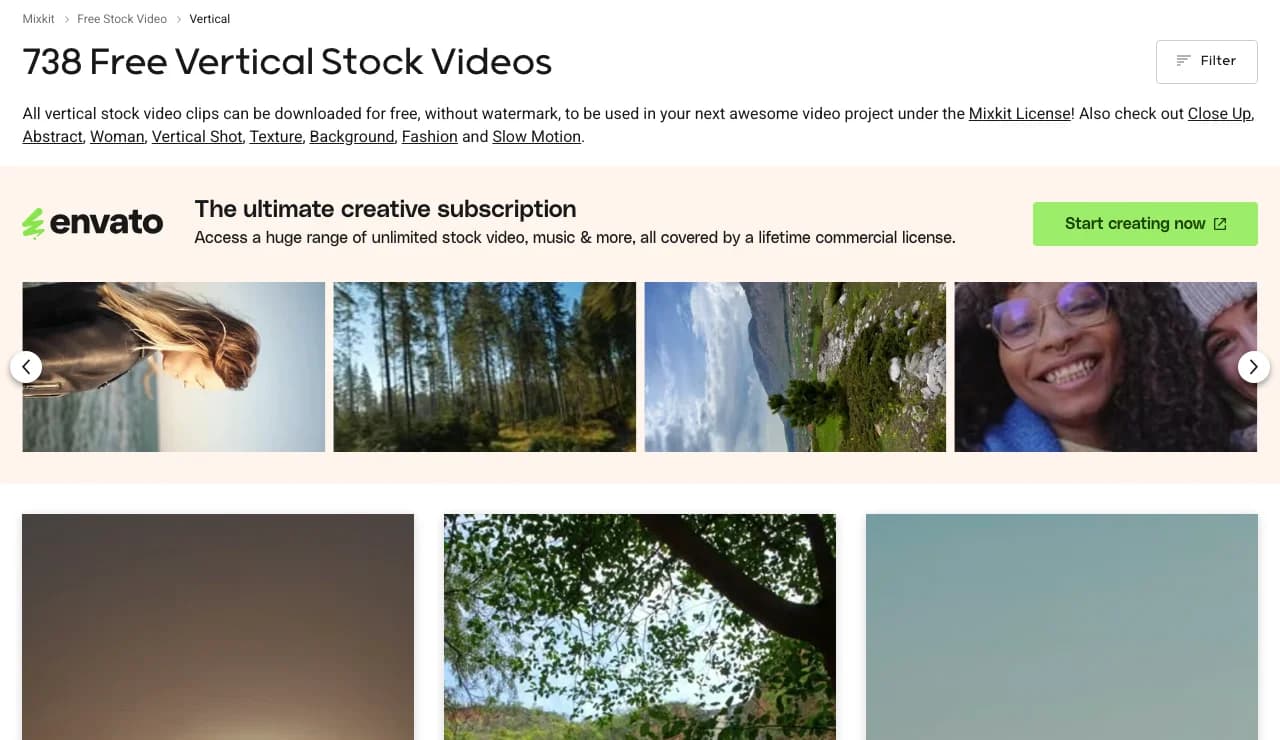
Free does not mean anything goes. Each stock site sets its own licence, and Mixkit, for example, publishes separate licences for its free and restricted video categories, so read the licence linked from the clip you download rather than assuming the whole site works the same way. As a rule of thumb, clips showing recognisable people, logos or private property need more care when the video promotes a product or service.
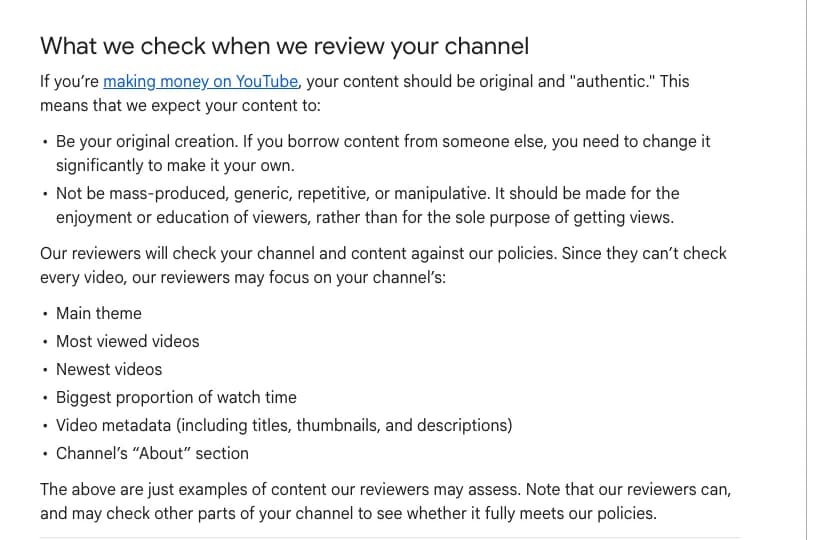
Platform rules matter as much as licences. YouTube's channel monetization policies ask that your content be your original creation, and that anything borrowed is changed significantly. Reviewers look at your channel as a whole, including your most viewed and newest videos. A Short that is stock footage with a generic text overlay is exactly what that policy describes. The same Short with your voice explaining something, and stock used for a few seconds of illustration, is not.
Instagram's direction is similar. PetaPixel's report on Instagram's 2026 update says accounts that mostly share content they did not create, or have not meaningfully transformed, are no longer recommended to people who do not already follow them. For b-roll this means stock should sit inside an original video, never be the video. Faceless formats need extra care here; our guide on how to make faceless Reels covers how to keep them original.
What CreatorSuite sends back
A real upload next to the finished edit. Switch between short form and long form.
Build your own b-roll library in one afternoon
The cheapest and most reliable source of b-roll for short videos is a folder of your own clips. Buffer's team describes the method: list the moments in your work or day that relate to your content, film short snippets of them whenever they happen, and keep them in one folder so they are ready when an idea needs a shot. Here is a version of that process for a single afternoon:
- List your content pillars, then write five shots for each: hands working, tools, the finished product, the place you work, a screen you use.
- Hold the phone upright and lock exposure, so the clips match a vertical edit without cropping.
- Film each shot for 5 to 10 seconds, steady, with a clear start and end. You only need a few seconds of it later.
- Film two versions where you can: a close-up and a wider shot.
- Name the files by what they show ("laptop-typing-close", "coffee-pour-wide"), not by date.
- Add ten minutes of filming to any day you are doing something visual anyway: packing orders, setting up a shoot, cooking.
A library of 40 to 60 of your own clips covers most weeks of posting, and nobody else has them.
How to place b-roll for short videos, shot by shot
Placement is where most b-roll goes wrong. Instead of dropping a clip every few seconds, read your script and mark three kinds of moments.
Nouns and actions. When you say "I export at this setting", show the setting. When you say "the drive to the site", show the road. A cutaway that matches the exact words lands; one that matches only the general topic feels like filler.
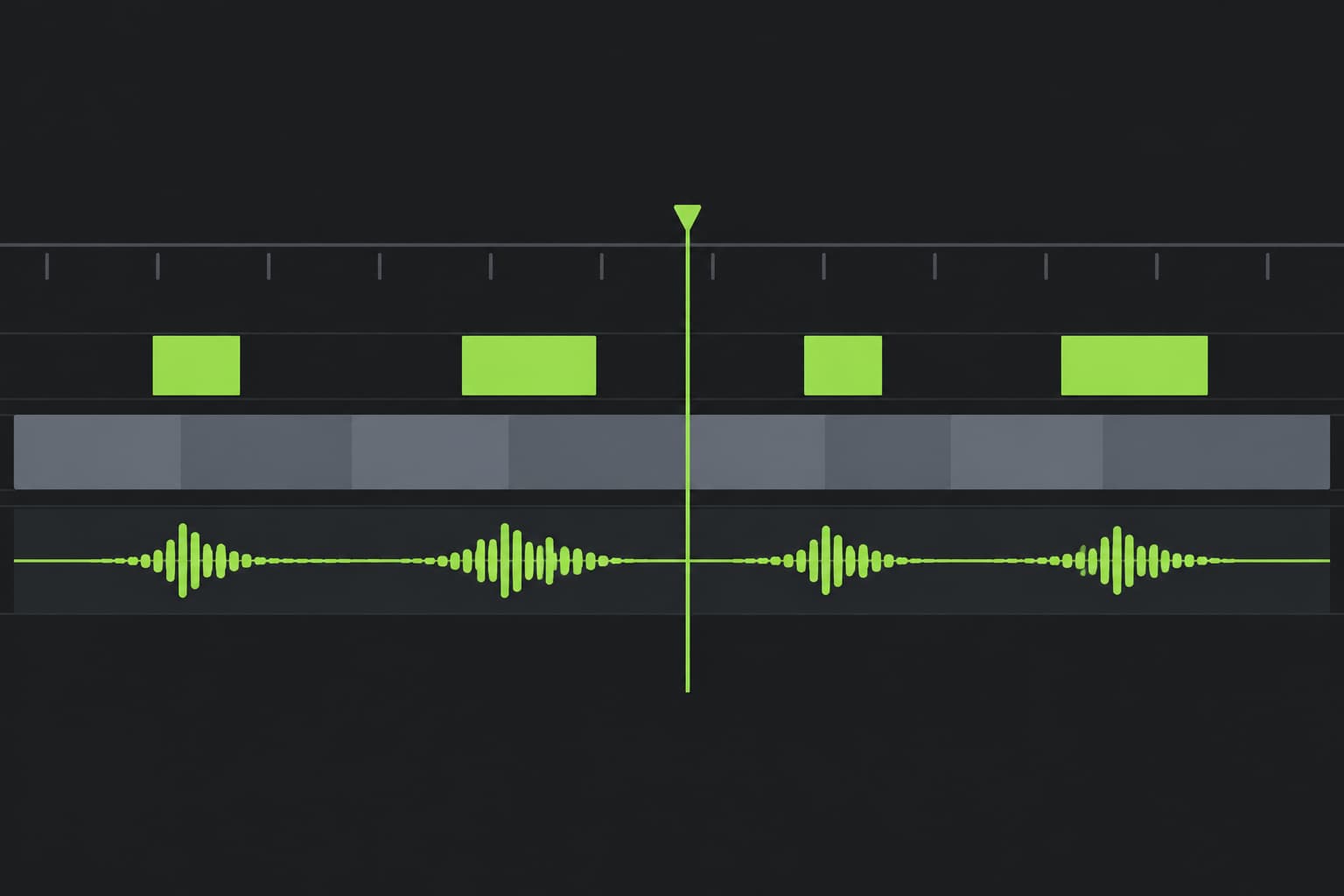
Cuts. Every place you removed a pause or a retake is a candidate. Lay the cutaway across the cut so it starts slightly before and ends slightly after.
Lists and numbers. If you say "three things", each item can get its own shot, which also makes the structure visible.
Then keep three rules. Keep each cutaway short, a couple of seconds for most shots, longer only for a process the viewer needs to watch. Come back to your face for the hook, the key claim and the call to action, because that is where trust comes from. And let audio lead: starting the sound of the next shot a moment before the picture changes makes the cut feel smoother. If you want to know how to add b-roll to Shorts and Reels in the app, it is the same everywhere: put the main clip on the base track, the cutaway on the track above, and trim it to the words. Our short-form video editing workflow shows where this step fits in the full edit.
Worked example: a b-roll plan for a 30-second Reel
Here is a b-roll plan for a 30-second talking-head Reel by a home baker titled "Why your sourdough is flat". The script is written first; each row is one line and the shot that goes with it. Notice that the hook and the final line stay on the speaker's face, and that every cutaway shows the exact thing being said.
| Time | Line | On screen | Source |
|---|---|---|---|
| 0-3 s | "Your sourdough is flat for one of three reasons." | Face to camera | Main shot |
| 3-7 s | "One: your starter isn't ready." | Close-up of a starter jar with few bubbles | Own clip |
| 7-10 s | "Drop a spoonful in water. If it sinks, wait." | Spoon dropping starter into a glass | Own clip |
| 10-15 s | "Two: you're under-proofing." | Face, then a dough poke test | Main shot + own clip |
| 15-20 s | "Three: your oven isn't hot enough." | Oven thermometer reading | Own clip |
| 20-25 s | "Fix all three and you get this." | Slow pan over a risen loaf, cut open | Own clip |
| 25-30 s | "Follow for the full method." | Face to camera | Main shot |
Is b-roll really the problem? Diagnose before you add more
It is tempting to blame weak b-roll when a video underperforms, but better b-roll for short videos rarely fixes a weak video on its own. Check these first, in this order: does the first line make a clear promise; is the topic something your audience searches or cares about; is the video longer than its content needs; are captions readable; are you posting often enough for the platform to learn who your viewers are. Our guide to why your Reels get no views walks through each of those.
B-roll is likely the problem when viewers drop at a long static stretch, when your edits have visible jump cuts everywhere, or when your topic is visual (a product, a place, a process) and you are only showing your face. If your edit is otherwise solid, our checklist for how to edit Instagram Reels that get views covers pacing, captions and hooks alongside b-roll.
DIY, apps, freelancers or a done-for-you editor
Once you know what b-roll you need, the question is who finds and places it. Each route has a real trade-off.
- Do it yourself: free and fully under your control, but sourcing and placing b-roll is often the slowest part of the edit. Best if you post a few times a week and enjoy editing.
- Caption and auto-b-roll apps: fast, and some insert stock automatically. Tools like Submagic focus on captions and quick edits, so compare them on our Submagic alternative page. Auto-inserted stock is often generic, so expect to swap shots. Our look at free AI video editors explains what free tiers leave out.
- Freelancers: good judgement on shot choice and style if you find the right person, but cost and turnaround vary, and you manage the back-and-forth. See our freelance video editors alternative page for the comparison.
- A done-for-you editing service: you upload raw footage and get back a finished video, b-roll included. CreatorSuite is one example. This fits when volume is the problem, not taste.
Where CreatorSuite fits for b-roll for short videos
CreatorSuite is an AI video editor run as a service: you upload raw footage (phone footage is fine), pick a style, and its AI edits it, including cuts, hook, captions, b-roll, motion design, sound and colour, then sends back a ready-to-post video. Plans start at $9/month for up to 3 short videos, and the 3-day free trial covers 1 short video, 3 clips or 1 long video up to 10 minutes (card required).
It is a good fit if you film regularly but never have time to source and place cutaways. It is not the right choice if you want to pick every shot yourself, if your b-roll must come only from your own private library, or if you post once a month and enjoy editing; in those cases a phone library plus a free editor is cheaper. If you do use an AI video editor or any editing service, upload a few of your own b-roll clips with the main footage so the edit can use shots nobody else has.
What we read for this guide
- Filming Your Own 'Stock Footage' Will Help You Create More Content, Faster (Buffer) · buffer.comA creator's account of wasted time on stock sites and a step-by-step method for building a personal clip library.
- Free Stock Footage for TikTok, Reels & Shorts (Coverr) · coverr.coExplains why cropped horizontal stock fails in 9:16 and that overused free clips get recognised by viewers.
- YouTube channel monetization policies (YouTube Help) · support.google.comReused and inauthentic content rules: borrowed content must be changed significantly; reviewers check the whole channel.
- New Instagram Policies Target Reposted Content (PetaPixel) · petapixel.comInstagram reduces recommendations for accounts that mostly post content they did not create or transform.
- Mixkit free vertical stock videos · mixkit.coA free vertical stock category; downloads are covered by the Mixkit licence, which differs by item type.
- B-roll footage explained (Descript) · descript.comDescribes b-roll's main practical job as hiding jump cuts in talking-head video.
- 10 B-Roll Shots Every Creator Should Film Once (YouTube, Natalia Kalinska) · youtube.comPhone-filmed shot ideas for a reusable b-roll library for Reels and TikTok.
How this page was made: written by Badar Munir and the CreatorSuite team with AI assistance, reviewed by James, from facts we checked ourselves and the sources listed above. Spotted something out of date? Email us and we’ll fix it.
b-roll for short videos: FAQs
Where can I get free b-roll footage for Reels?
Film it yourself first: short upright clips of your work, tools, products and places. For generic scenes, free stock sites such as Mixkit, Pexels, Pixabay and Coverr have vertical sections. Read the licence linked from each clip before using it, especially in videos that promote a product.
How long should each b-roll clip be in a short video?
Usually a couple of seconds, long enough to read the shot and no longer. Use longer cutaways only for a process the viewer needs to watch, such as a recipe step or a software click-path, and return to your face for the hook and key lines.
Can I use stock footage in YouTube Shorts and still be monetized?
Yes, as part of an original video. YouTube's monetization policies say borrowed content must be changed significantly to be your own, so stock should illustrate your commentary rather than be the whole Short.
What are the best b-roll sources for TikTok?
For b-roll for TikTok, your own vertical phone clips and screen recordings come first because they are unique and correctly framed. Vertical stock and in-app libraries are useful for generic scenes. AI-generated clips help for ideas you cannot film.
How do I add b-roll to Shorts in an editing app?
Put your main clip on the base track and the cutaway on the track above it. Trim the cutaway so it starts on the word it illustrates, and stretch it across any jump cut you want to hide. Keep the audio from the main clip running underneath.
Is there a cheap b-roll option if I have no time to film?
The cheapest b-roll is free stock plus screen recordings. If time is the real constraint, a done-for-you editing service that adds b-roll, such as CreatorSuite from $9/month, may cost less than the hours you would spend searching.
Rather not edit it yourself?
Upload raw footage, get a finished edit back. 3-day free trial: 1 short video, 3 clips or 1 long video up to 10 min.
2,700+ creators in the last 7 days
Start 3-day free trial