
In shortChatGPT cannot cut a video file by itself. With MCP, it can call a connected video tool that does the cutting, captioning or rendering, but the result is only as good as that tool and your instructions. Pick the tool type first (hosted pipeline, FFmpeg wrapper, editor bridge or done-for-you service), then connect it.
- MCP is a connector standard: ChatGPT sends instructions, a video tool does the actual edit.
- There are four main routes: hosted pipelines, FFmpeg wrappers, desktop editor bridges and timeline handoff, plus done-for-you services with an API.
- ChatGPT custom MCP servers need the web app, a remote server (SSE or streaming HTTP) and OAuth or no auth.
- Common failures are files the server cannot reach, long renders that time out, and tools the model says are not available.
- The assistant works from transcripts and metadata, not by watching the video, so always preview before posting.
What AI video editing with MCP and ChatGPT actually means
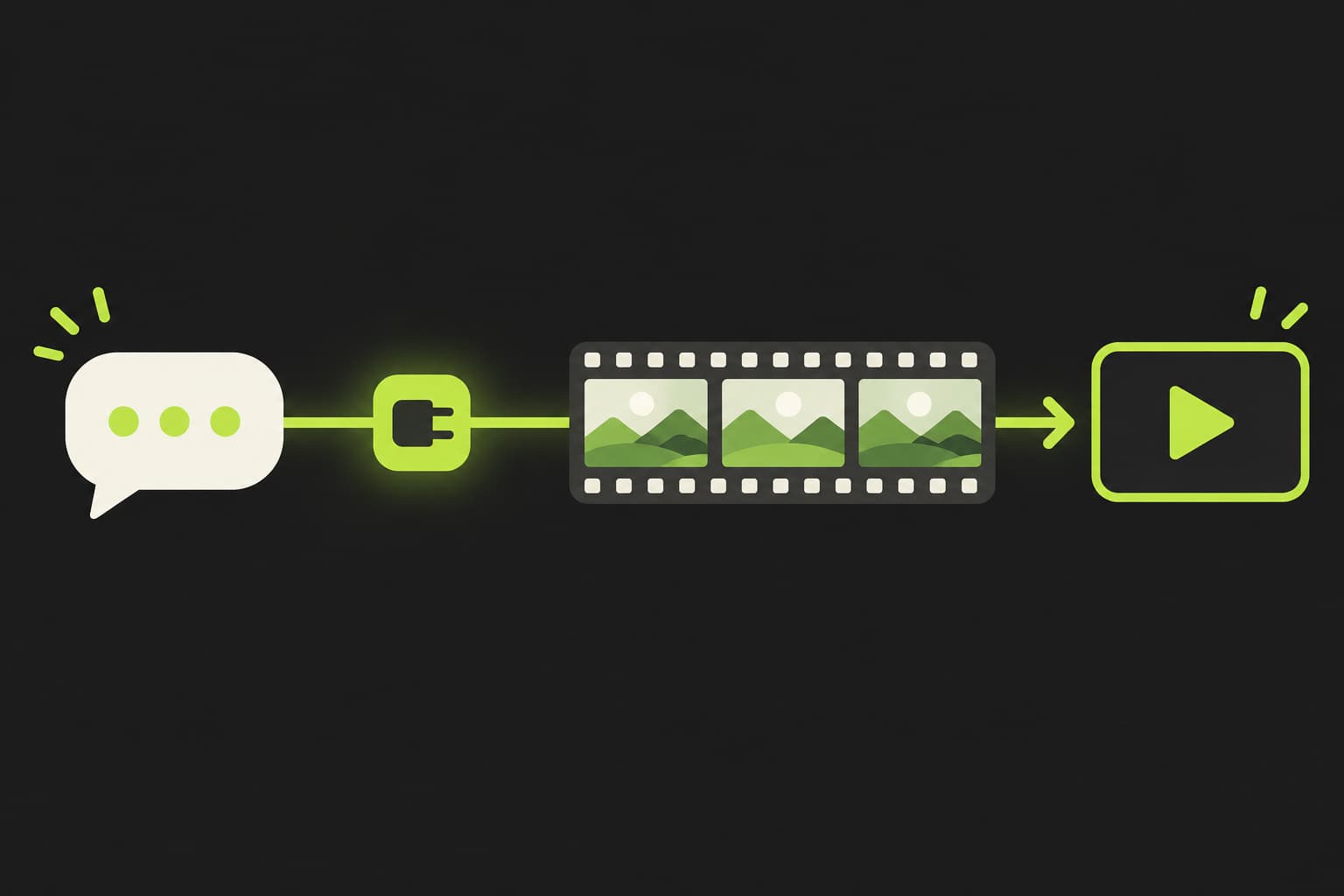
AI video editing with MCP and ChatGPT means you describe an edit in a chat, and ChatGPT calls a connected video tool to carry it out. MCP (Model Context Protocol) is the open standard that makes the connection. It gives the assistant a list of functions a video tool offers, such as upload, trim, add captions, render or export, and lets it call them in order.
The important part: ChatGPT is the dispatcher, not the editor. The cutting, encoding and caption rendering happen on the video tool's side, either on your computer or on a cloud server. If the tool behind the connector is weak, the edit will be weak no matter how good your prompt is.
That is why the first question is not "which prompt?" but "which tool is on the other end of the connector?" The rest of this guide answers that. For the wider field of tools, see best AI video editors for creators, and for the basics, can AI edit a YouTube video for you.
- You: "Cut the first 8 seconds, add captions, export a 9:16 version."
- ChatGPT: picks the functions (trim, caption, reframe, export) and fills in the inputs.
- MCP server: receives each call and runs it on the video tool.
- Video tool: processes the file and returns a status or a download link.
Can ChatGPT edit videos on its own?
No. On its own, ChatGPT can write a script, plan cuts from a transcript, suggest a hook or write captions, but it does not trim or render your footage. Vendor guides from Kapwing and OpusClip say the same thing in different words: the assistant edits video only when it is connected to a tool that can.
So when people ask "can ChatGPT edit videos", the honest answer is: it can drive an editor that edits videos. If you want to edit videos with ChatGPT, you are really choosing which editor it will drive. The same holds for Claude MCP video editing and for Cursor. Most video MCP servers are built for several clients at once, so the steps below apply broadly.
One limit matters for every route. OpusClip's explainer on MCP notes that the agent does not watch the video. It works from transcripts, timestamps and metadata. That means it can choose a strong quote but miss a blurry shot, a bad frame or a background that gives away something private.
The four kinds of MCP video tools (and a fifth option)
Most video MCP servers fall into four groups, a framing OpusClip uses in its own guide. A fifth group, done-for-you editing services with an API, sits beside them. Each group suits a different kind of creator.
Use the table to find your row before you install anything. Prices change often and depend on plan and usage, so check each tool's pricing page and work out cost per finished video rather than per month.
| Route | Examples | What runs where | Good for | Watch out for |
|---|---|---|---|---|
| Hosted pipeline | Kapwing MCP, OpusClip, invideo | Cloud service does upload, captions, clipping, export | Captions, clips from long videos, dubbing, quick social cuts | Credit limits, upload size caps, editing depth set by the vendor |
| FFmpeg wrapper | Open-source FFmpeg MCP servers, FFmpeg Micro | Your computer or a cloud FFmpeg API | Exact technical jobs: trim, join, convert, resize, compress | No understanding of content; you must say exactly what to do |
| Editor bridge | DaVinci Resolve MCP servers | Desktop editor open on the same machine | Editors who already work in Resolve or Premiere | App must be installed, open and licensed; local only |
| Timeline handoff | OpenTimelineIO or XML exports | Agent builds a rough cut file | Teams where someone finishes in a real editor | Still needs a person with editing skills to finish |
| Done-for-you service with API | CreatorSuite (Starter and up) | Service edits the full video and sends it back | Creators who want finished, ready-to-post videos | Less frame-by-frame control; turnaround is hours, not seconds |
Local servers that run over stdio work in Claude Desktop and Cursor. ChatGPT's custom MCP servers need a remote URL, so a local FFmpeg tool usually needs a tunnel or a hosted version before ChatGPT can reach it.
Problems people report with ChatGPT video editing MCP servers
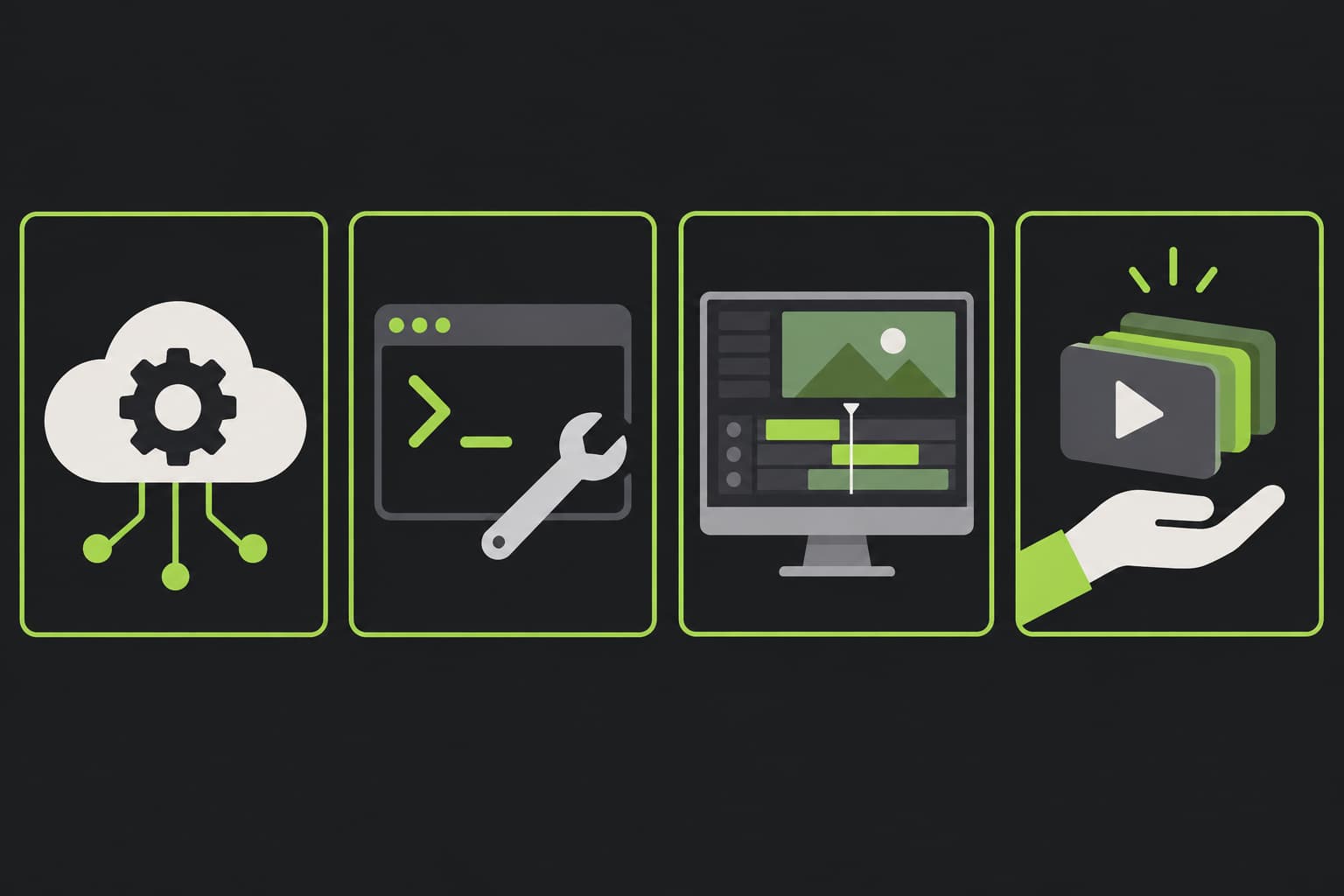
The OpenAI developer community thread on MCP tools in ChatGPT developer mode is the most useful public record of what goes wrong. The same complaints come up again and again, and most of them hit video tools hard because video files are large and renders are slow.
A common thread there is that the tools show up in the list, but the model says they are not available, or calls fail with a resource-not-found error. Several developers found that servers with many tools behaved better after they switched half of them off. Others reported calls failing with HTTP 424 errors and the client disconnecting mid-call, fixed in one case by returning plain strings instead of structured objects.
File handling is the other big one. One developer described ChatGPT trying to open a returned file at a local path that did not exist. For video, plan on links: the tool should return a download URL, and your input footage should sit somewhere the server can fetch it.
- Tool listed but "not available": start a new chat, name the tool in your prompt, and reduce the number of enabled tools.
- Timeouts on long renders: use tools that queue a job and let you check status, rather than one call that waits for the whole render.
- Input file not found: the server cannot read files on your laptop. Upload through the tool's own uploader or give it a public link.
- Auth errors: ChatGPT supports OAuth or no auth for custom servers. A server that only accepts a bearer token may not connect.
- Made-up summaries: some users saw the model describe results that did not match what the tool returned. Check the actual output link.
What CreatorSuite sends back
A real upload next to the finished edit. Switch between short form and long form.
How to tell which route fits you
Before setting up AI video editing with MCP and ChatGPT, be clear about what problem you are solving. A slow edit is often not an editing problem at all. If a video underperforms, the topic, hook, thumbnail, posting rhythm and audience fit matter as much as the cut. An assistant cannot fix a weak idea by trimming it faster.
Answer these questions honestly, then match your answers to a route.
- Do you already edit in Resolve or Premiere and want to save clicks? An editor bridge is the closest fit.
- Do you mostly need captions, clips and resizes from long videos? A hosted pipeline is the shortest path. See how to turn a podcast into clips.
- Do you code and need exact, repeatable technical jobs? An FFmpeg wrapper gives full control at the cost of setup.
- Do you want finished videos with hook, b-roll, motion design, sound and colour, without touching an editor? A done-for-you service, by chat or by upload, fits better.
- Are you new to editing? Start with AI video editing for beginners before adding a connector layer.
Step by step: setting up AI video editing with MCP and ChatGPT
Here is a worked example using a hosted video tool that offers a remote MCP server. The labels in ChatGPT's settings have moved more than once, so follow OpenAI's developer mode guide if a menu name differs from what you see.
Worked example: you have a 12-minute talking-head video and want a 45-second vertical clip with captions. Your prompt might be: "Upload the file from this link, find the strongest 45-second answer about pricing, reframe to 9:16, add burned-in captions, and give me the export link." ChatGPT should then call the upload function, a transcript or clip-finding function, a reframe function, a caption function and an export function, asking you to confirm each write action.
Expect your first run of AI video editing with MCP and ChatGPT to take a few tries. Keep one chat per project, and if a tool goes missing mid-conversation, open a new chat rather than arguing with the model.
- 1. Pick the tool first. Confirm it offers a remote MCP server (SSE or streaming HTTP) and that your plan includes it.
- 2. Use ChatGPT on the web. Custom MCP servers are added there, not in the mobile app.
- 3. Add the server: open the plugins or apps area, choose to add a custom MCP server, enter a name and the server URL, and choose OAuth if the tool offers it.
- 4. Accept the risk warning only for a vendor you trust. OpenAI labels custom servers as elevated risk because a bad server could misuse your data.
- 5. Sign in to the video tool when the OAuth window opens. Access usually matches your own account permissions.
- 6. Upload footage through the tool's own uploader, or share a link the server can fetch. Do not point it at a file path on your laptop.
- 7. Ask for one outcome per message at first: "trim", then "caption", then "export". Chain steps once each works.
- 8. Approve write actions one by one. ChatGPT asks for confirmation on any tool not marked read-only. Only tick "remember" for tools you fully trust.
- 9. Open the export link and watch the full result before posting. Check captions, the first frame and the ending.
Where a done-for-you AI video editor with MCP fits
Every route above still leaves you as the editor. You choose the moments, write the instructions and check the cut. That works if editing is part of your craft. It is a poor trade if you want to spend that time filming.
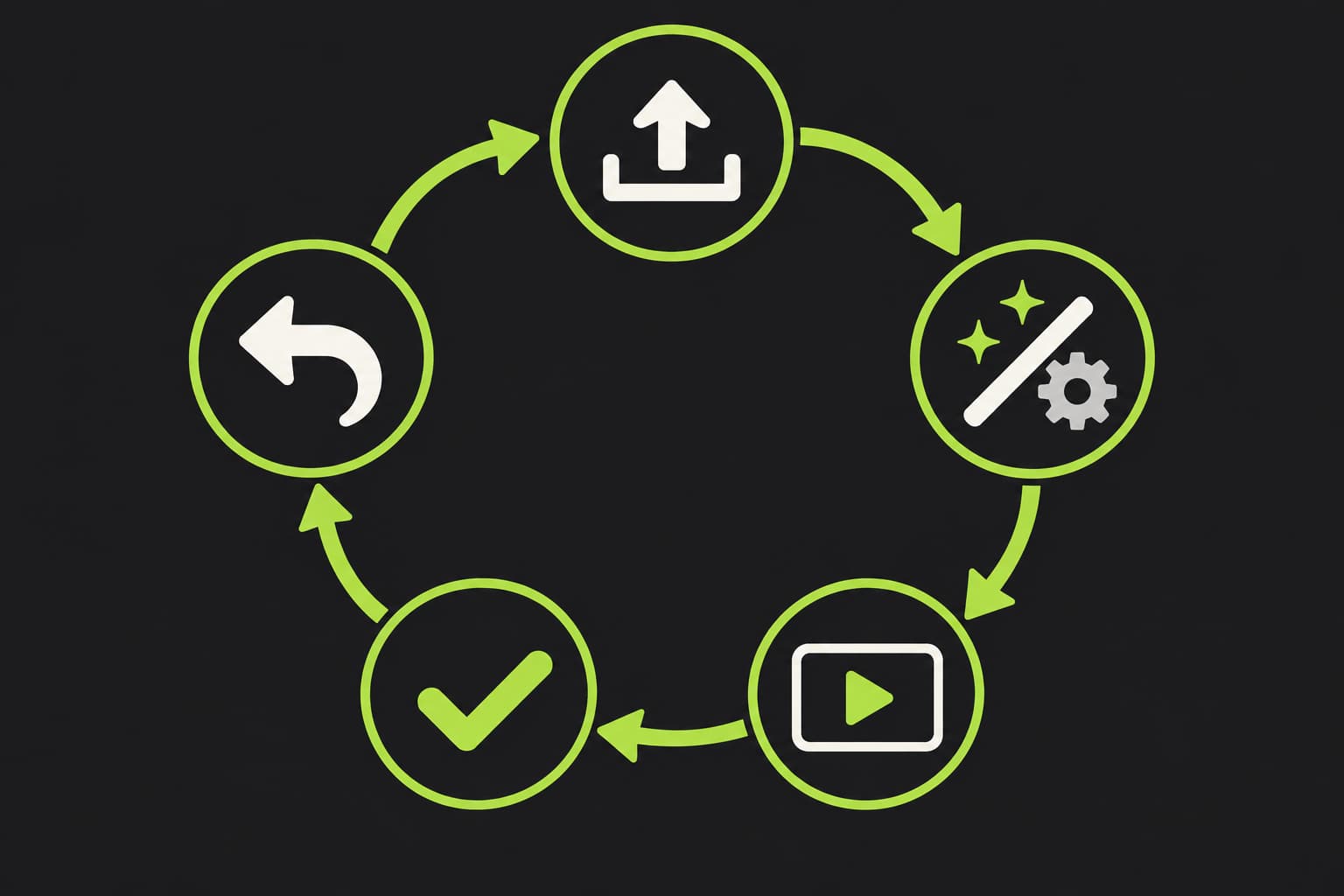
CreatorSuite is one option for that second group. It is an AI video editor that works as a done-for-you service: you upload raw footage (phone footage is fine), pick a style, and its AI edits the video with cuts, a hook, captions, b-roll, motion design, sound and colour, then sends back a finished, ready-to-post video. It edits footage you already have; it does not film, make videos from text, or create AI avatars.
API and MCP access start on the Starter plan and work with MCP clients like Claude, ChatGPT and Cursor. So instead of asking ChatGPT to trim and caption step by step, you can send whole edits from your assistant and get finished videos back. Turnaround is hours (5 to 6 hours on Starter, 3 to 4 on Growth), so it is not the right pick when you need a 10-second trim right now. For that, a hosted pipeline or FFmpeg wrapper is faster.
| CreatorSuite plan | Price | Credits | Typical output | MCP / API |
|---|---|---|---|---|
| Basic | $9/month | 300 | Up to 3 short or 1 long-form video, or 12 clips | No |
| Plus | $39/month | 1,500 | Up to 15 short or 5 long-form videos, or 60 clips | No |
| Starter | $149/month | 3,500 | Up to 35 short or 11 long-form videos, or 140 clips | Yes |
| Growth | $299/month | 6,000 | Up to 60 short or 20 long-form videos, or 240 clips | Yes |
A short video uses 100 credits, a long video 300 and a clip 25. Long videos can run up to 35 minutes. The 3-day free trial covers 1 short video, 3 clips or 1 long video up to 10 minutes (card required), and there is a full refund before your 2nd edit.
What AI video editing with MCP and ChatGPT costs you
The tool price is only part of it. To compare routes fairly, work out your real cost per finished video. Add up the monthly price of the video tool, the ChatGPT plan you need for custom MCP servers, and the hours you spend writing prompts, fixing failed calls and checking exports. Divide by the number of videos you actually post in a month.
Hosted tools usually charge in credits for AI features like captions, dubbing and generation, and those credits can run out mid-month. FFmpeg wrappers are often free to run locally but cost setup time, and a cloud FFmpeg API may have size limits; the FFmpeg Micro tutorial mentions a 2GB input limit, for example. Desktop bridges need a licensed editor and the skill to use it.
If you are weighing a subscription service against these, video editing subscription services explained covers how credit and turnaround models work, and the alternative to hiring a video editor page compares freelancers with services.
Which option to choose
Choose an editor bridge if you already edit in a desktop app and want the assistant to handle repetitive tasks. Choose a hosted pipeline if your main need is captions, clips and resizing, and you are happy with the vendor's editing style. A tool like Descript also suits transcript-based editing; see the Descript alternative page for how it compares.
Choose an FFmpeg wrapper if you are comfortable with code and want exact control. Choose a done-for-you AI video editor if you want the whole edit handled and would rather review a finished video than build one. If you need consistent fonts and colours, read about an AI video editor with brand kit.
If you want to try the service route, CreatorSuite's 3-day free trial lets you send one real video and judge the result before paying for a month. 2,700+ creators used it in the last 7 days. Whatever you pick for AI video editing with MCP and ChatGPT, keep the habit from the setup steps: preview the export before it goes live.
What we read for this guide
- ChatGPT Developer mode (OpenAI developer docs) · developers.openai.comHow custom MCP servers are added in ChatGPT web, SSE/streaming HTTP transports, OAuth or no auth, write-action confirmations and risk warnings.
- MCP server tools now in ChatGPT developer mode (OpenAI Developer Community) · community.openai.comDeveloper reports of tools shown as unavailable, 424 errors, file-path handling problems, auth issues and too many tools.
- What Is MCP for Video Editing? (OpusClip) · opus.proFour categories of video MCP servers and limits such as the agent working from transcripts rather than watching video.
- Build an AI video editing agent with Claude and FFmpeg Micro MCP (DEV Community) · dev.toSetup of a cloud FFmpeg MCP server, async jobs, public-URL input requirement and a 2GB file limit.
- About the Kapwing MCP (Kapwing Help) · kapwing.comWhat a hosted video MCP can do from ChatGPT and Claude, per-user access, upload limits and AI credit usage.
How this page was made: written by Badar Munir and the CreatorSuite team with AI assistance, reviewed by James, from facts we checked ourselves and the sources listed above. Spotted something out of date? Email us and we’ll fix it.
AI video editing with MCP and ChatGPT: FAQs
Can ChatGPT edit videos without any plugins?
No. ChatGPT can plan cuts, write scripts and captions, and suggest hooks, but it does not trim or render video files on its own. It needs a connected video tool, through MCP or an app, to do the actual editing.
What do I need to use a ChatGPT video editing MCP server?
ChatGPT on the web on a plan that allows custom MCP servers, a video tool that offers a remote MCP server over SSE or streaming HTTP, and an account with that tool. Authentication is OAuth or none.
Is Claude MCP video editing different from ChatGPT?
The protocol is the same, and many video MCP servers support both. Claude Desktop and Cursor can also run local servers over stdio, which ChatGPT does not do directly, so local FFmpeg tools are easier to use from those clients.
Why does ChatGPT say my MCP video tool is not available?
This is a common report in OpenAI's developer forum. Try a new chat, name the tool in your prompt, and turn off tools you do not need. Servers with many tools tend to behave better when fewer are enabled.
Does the AI watch my video when it edits through MCP?
Usually not. Most tools give the assistant a transcript, timestamps and metadata. It can pick strong lines but may miss visual problems, so watch every export before posting.
Can I send edits to CreatorSuite from ChatGPT?
Yes, on the Starter and Growth plans, which include API and MCP access for clients like Claude, ChatGPT and Cursor. CreatorSuite edits the full video and sends back a finished file.
Rather not edit it yourself?
Upload raw footage, get a finished edit back. 3-day free trial: 1 short video, 3 clips or 1 long video up to 10 min.
2,700+ creators in the last 7 days
Start 3-day free trial