
In shortYes, AI can edit a YouTube video for you, and for talking-head and podcast-style long-form it can produce a usable cut. It is strongest on mechanical work (silence and filler removal, captions, audio clean-up, reframing, clip finding) and weakest on judgement (structure, pacing, what to cut for the story). Plan to watch every AI edit once before you publish.
- AI handles the mechanical half of a long-form edit well: silences, filler words, captions, audio, reframing and clip finding.
- It is weaker on judgement: story order, pacing, deliberate pauses and which moment is the hook.
- Results vary between runs on the same file, so always watch the finished cut once.
- Editing is only one reason a video underperforms; check topic, hook and thumbnail too.
- Options range from DIY AI tools to clippers, freelancers and done-for-you AI video editing services, each with real trade-offs.
Can AI edit a YouTube video for you? The short answer
Can AI edit a YouTube video for you? Yes, with a clear limit. Today's tools can take a raw recording, remove the dead air, tidy the audio, add captions and hand back something you could upload. For a talking-head video, a tutorial or a podcast episode, that first pass is often close to finished.
Where AI still slips is the part viewers feel but rarely name: the order of ideas, how long a beat breathes, which tangent to keep and which to drop, and what the first 30 seconds should promise. Those are judgement calls, and current tools make them inconsistently.
So the honest answer to "can AI edit my YouTube videos" is: it can do most of the labour, and it can make a decent call on structure for simple formats. It is not yet reliable enough that you should publish a long video you haven't watched. If you want the wider tool landscape first, our best AI video editors for creators guide lists the main options by type.
Rule of thumb: the more your video depends on one person talking clearly to camera, the more of the edit AI can do well.
What AI does well in a long-form YouTube edit
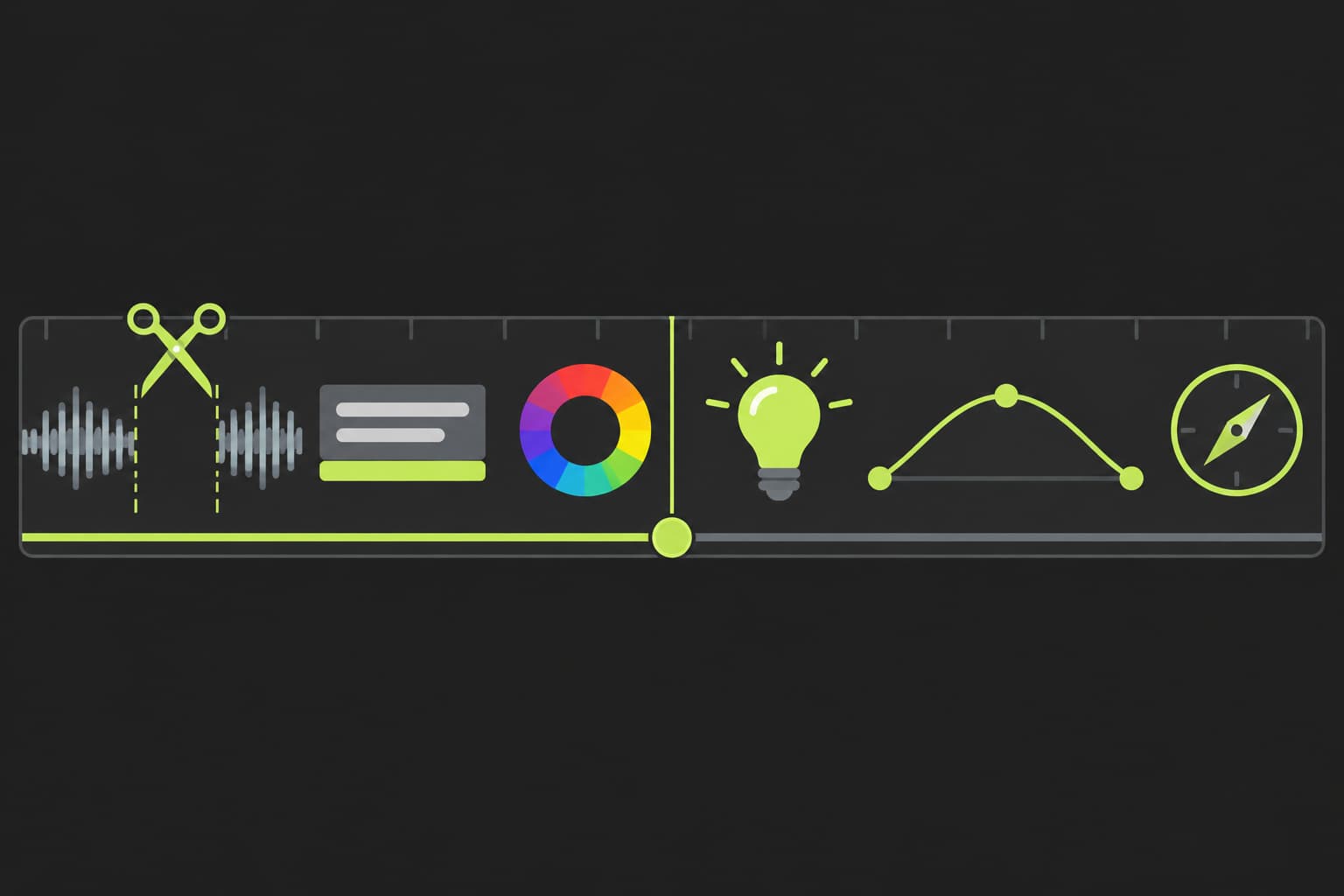
If your question is "can AI edit a YouTube video for you without wrecking it?", start with the tasks below. They are where AI tools are consistently useful on long videos. They share one thing: there is a fairly objective right answer, like "is this a silence?" or "what word was said here?".
Kapwing published a test of nine AI editing workflows on a talking-head recording just under 10 minutes long and a 33-minute podcast interview. Its automatic silence and filler removal processed the shorter file in about 20 seconds, and removed words stayed visible in the transcript so they could be restored. Its clip generator pulled three vertical, subtitled clips from the podcast in roughly seven minutes. That is the kind of speed that makes AI worth using even if you edit the rest yourself.
| Editing task | How well AI handles it | What to check |
|---|---|---|
| Silence and filler-word removal | Strong | Laughter, reactions and deliberate pauses that got cut |
| Removing retakes and repeated lines | Good, sometimes too aggressive | Repetition you meant for emphasis |
| Captions and subtitles | Strong | Names, brand terms and jargon spelled correctly |
| Audio clean-up (noise, echo, levels) | Good | Over-processed, robotic-sounding voice |
| Reframing to vertical or square | Mixed | Faces cropped at the edge, two-person shots |
| Finding highlight clips | Mixed | Clips flagged as strong that are actually flat |
| Chapters and timestamps | Good | Chapter titles that match what you actually say |
| B-roll placement | Mixed | Footage that is generic, off-topic or shows fake text |
| Story structure and pacing | Weak to mixed | Order of ideas, slow middle, weak ending |
| Choosing and building the hook | Weak to mixed | Whether the opening promises what the video delivers |
Where AI editing still breaks on long videos
The problems people report are consistent across reviews, vendor help pages and editor forums. Four come up again and again.
First, results are not repeatable. In Kapwing's test, three automatic-edit runs on the same file produced three different lengths. Descript's own help page for its Underlord assistant says results are non-deterministic and that the assistant can overpromise or take on workflows it can't finish. That is fine for a draft, but it means you can't assume the second video will come out like the first.
Second, cuts are too literal. A detailed review of Underlord on Chase Jarvis's site notes that retake removal sometimes cuts repetition the speaker meant for emphasis, that stripping every filler word can make speech sound choppy, and that automatic multicam tends to show the speaker almost all the time, dropping listener reactions that matter in long interviews. The same review found clip selection could flag flat moments as highlights.
Third, AI follows templates rather than your style. On Descript's public feedback board, users report the assistant applying built-in layouts over their custom ones, not reaching fonts they had uploaded, and only pulling exact, contiguous transcript lines for highlight reels. If your channel has a specific look, expect to fix it by hand or set it up carefully.
Fourth, taste and story are still mostly human territory. In a Creative COW forum thread about where AI actually helps in post-production, the discussion lands on rough assembly and second-opinion checks as useful, while storytelling and taste are where AI adds little. RedShark News makes a similar point about interview rough-cut tools: they speed up assembly but don't replace deep narrative editing.
If you're weighing AI against a person for these judgement calls, our comparison of an AI video editor vs human video editor goes through the trade-offs task by task.
- Different results on different runs of the same footage
- Deliberate pauses, emphasis and reactions cut as if they were mistakes
- Default templates overriding your channel's look
- Highlight picks that miss the real best moment
- Weak calls on structure, pacing and the hook
What CreatorSuite sends back
A real upload next to the finished edit. Switch between short form and long form.
Before AI edits a YouTube video for you: is editing the real problem?
Before asking "can AI edit a YouTube video for you" at all, check that editing is the actual bottleneck. A clean edit can't rescue a topic nobody searches for, and a rough edit rarely sinks a video people badly want.
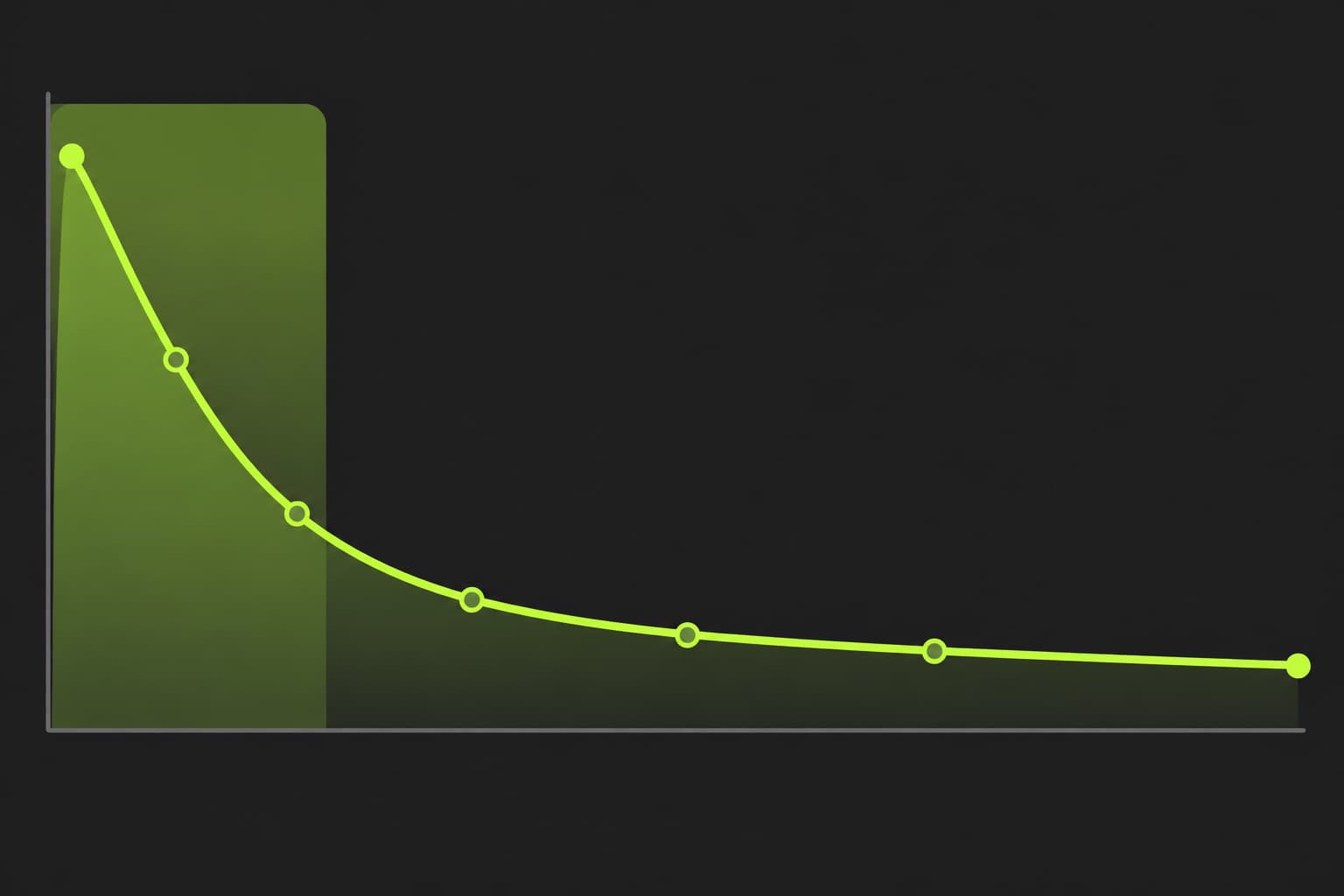
Open YouTube Studio for your last five long videos and look at three numbers: impressions click-through rate, average view duration, and the retention graph's first 30 seconds. They point to different causes.
- Low impressions: the topic or packaging isn't being shown. Look at titles, thumbnails and whether people search for the subject. Editing won't fix this.
- Impressions fine, low click-through: the thumbnail and title aren't earning the click. Again, mostly not an editing problem.
- Good clicks, steep drop in the first 30 seconds: the hook doesn't match the promise. This is partly editing (cut the slow intro) and partly scripting.
- Steady slide through the middle: pacing, repetition and dead air. This is where AI cleanup helps most.
- Retention fine but you post rarely: the issue is volume and consistency. Faster editing, whether AI or outsourced, helps here.
- Everything drops after a channel change: check audience fit and whether the new topic suits your existing viewers.
If the slide happens in the middle of the video, AI editing is a strong fit. If people never click, spend the time on the topic and thumbnail first.
How can AI edit a YouTube video for you? Four routes compared
How AI can edit a YouTube video for you depends on the route you pick. There are four realistic ones, and they suit different creators. The table compares them on the things that usually decide it: how much of your time each takes, how much control you keep, and who fixes the judgement calls.
DIY AI editors such as Descript, Kapwing, Premiere Pro's AI features and DaVinci Resolve give you full control and are cheap to start with, but you still sit at the timeline. If Descript is on your shortlist and you want to see what else works the same way, see our Descript alternative page.
AI clippers are built to turn one long video into many shorts. They are excellent at that narrow job and not designed to finish the long-form edit itself. Our best AI clipping tools for long videos roundup compares them.
Freelancers bring real taste and can match a complex style, but cost and turnaround depend on the person, and finding a reliable one takes time. To estimate the cost, multiply your video length by the freelancer's quoted rate per finished minute, then add revision rounds.
Done-for-you AI video editing services sit between the two: you upload raw footage, pick a style, and get a finished video back without touching a timeline. What is an AI video editing service explains how these work. CreatorSuite is one of them: an AI video editor that takes your raw footage (phone footage is fine) and handles cuts, hook, captions, b-roll, motion design, sound and colour, then sends back a ready-to-post video. It edits footage you shot; it doesn't film for you, generate videos from text, or make AI avatars.
| Route | Your time per video | Control over style | Who handles judgement calls | Best fit |
|---|---|---|---|---|
| DIY AI editor (Descript, Kapwing, Premiere, Resolve) | High: you drive the tool and fix its cuts | Full | You | Creators who enjoy editing and want speed |
| AI clipper | Low for clips; does not finish the long edit | Limited | The tool, then you | Repurposing long videos into shorts |
| Freelance editor | Low once briefed; hiring takes time | High, after a few rounds | The editor | Complex or highly stylised channels |
| Done-for-you AI video editing service (e.g. CreatorSuite) | Low: upload and pick a style | Medium: style presets, brand kit on some plans, re-edits | The service's AI, plus your revision requests | Creators who want finished videos without editing |
Worked example: having AI edit a 20-minute talking-head video
To see how far automatic YouTube video editing gets you in practice, here is a realistic run-through for one long video: a 20-minute raw recording of a creator explaining a topic to camera, shot on a phone, with a few retakes and a slow start. The steps are the same whichever route you choose; what changes is who does each one.
- Step 1, prepare the footage: trim nothing yet, but note the timestamp of your best line. That line is your hook candidate. Write down names and terms the captions must spell right.
- Step 2, run the mechanical pass: silence and filler removal, retake removal, audio clean-up. In a DIY tool this takes minutes. Expect the cut to shrink noticeably, mostly from dead air.
- Step 3, rebuild the opening: move your best line or a clear promise to the first seconds. Delete the "hey guys, today we're going to" warm-up. This is the step AI most often gets wrong, so check it by hand even when a tool does it.
- Step 4, add captions, b-roll and graphics: let AI generate captions, then fix names. Add b-roll only where it explains something, not to fill space.
- Step 5, watch the whole cut once at normal speed: listen for cut-off words, reactions that vanished and spots where the pace drags.
- Step 6, make the clips: pull two or three short clips from the long video for Shorts, each one complete idea from start to finish.
Doing this through a done-for-you service: a 20-minute video counts as one long video. On CreatorSuite a long video uses 300 credits, so the Basic plan's 300 monthly credits ($9/month) covers one long video, and Plus ($39/month, 1,500 credits) covers up to five. Long videos can run up to 35 minutes.
How to check an AI edit before you publish
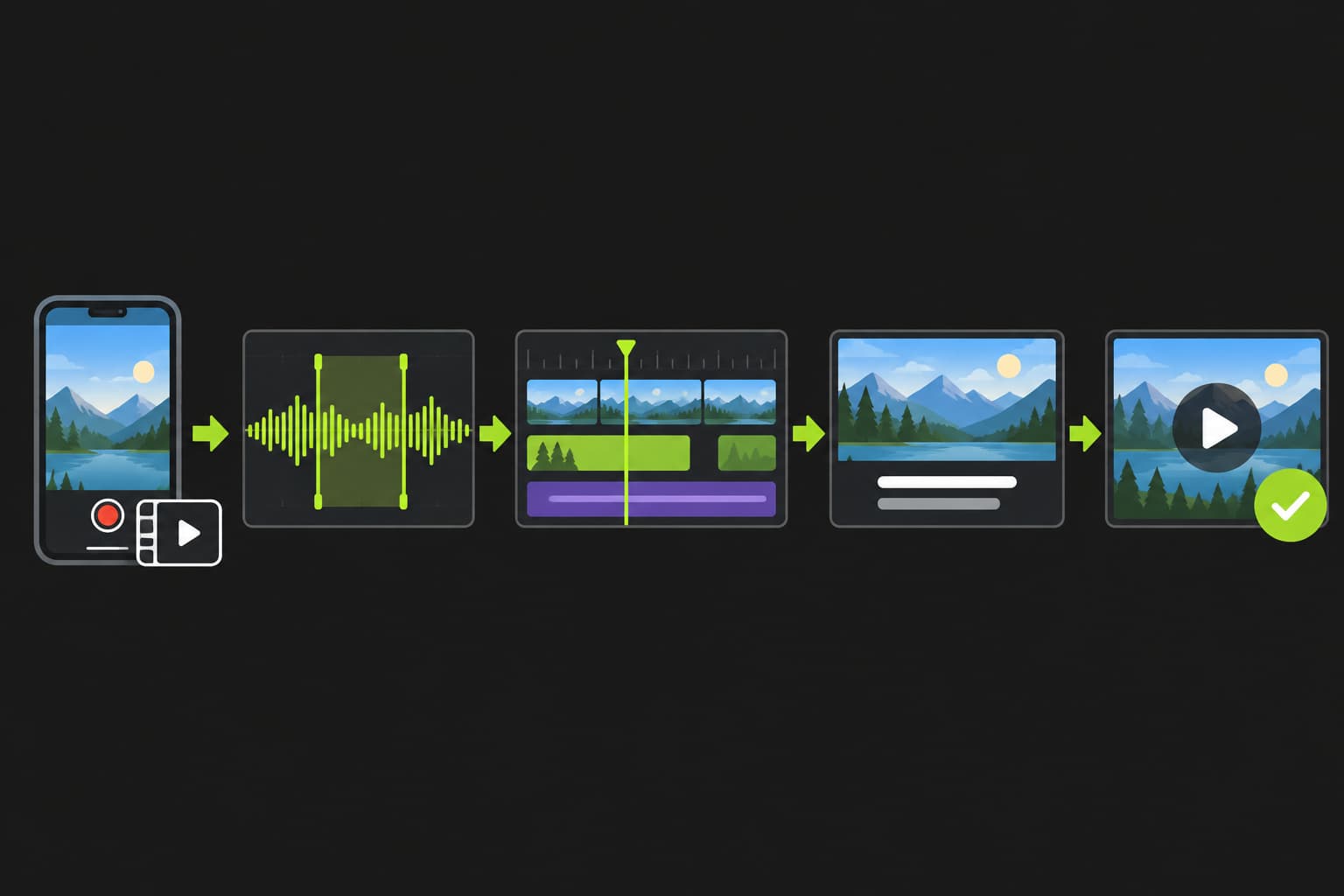
Whatever route you use, one careful watch catches most problems. Use this list in order; it takes roughly the length of the video plus a few minutes. For a fuller version, see our YouTube video editing checklist.
- Opening: does the first 15 to 30 seconds state what the viewer gets? Is any warm-up still there?
- Cuts: play two seconds either side of a sample of cuts. Listen for clipped first or last syllables, which Kapwing's test flagged as a real risk when words overlap acoustically.
- Meaning: did removing a pause or a repeat change what you meant? Restore it if so.
- Captions: names, brands, numbers and jargon. Our AI caption generators compared guide shows which tools let you fix these fastest.
- Framing: on any reframed or vertical version, check faces aren't cut off at the edge.
- B-roll: every clip should match what you're saying. Remove anything generic or showing unreadable fake text.
- Ending: finish on the payoff and one clear next step, not a long fade.
So, can AI edit a YouTube video for you well enough to publish?
Can AI edit a YouTube video for you well enough to publish? For most talking-head, tutorial, commentary and podcast channels: yes, as long as you watch the result once and fix what it missed. For story-driven, documentary or heavily stylised channels, AI is a fast assistant, not the editor. If that's you, our guide to an alternative to hiring a video editor and how to choose a video editing service can help you weigh a mix of the two.
Pick by where your time goes. If you like editing and want to go faster, a DIY AI editor plus the tips in how to edit a YouTube video faster is the cheapest route. If you mainly need shorts from long videos, a clipper is the right tool. If you'd rather not edit at all, a done-for-you service fits better.
If that last option sounds right, CreatorSuite is an AI video editor that returns finished long-form and short videos from raw footage, from $9/month, with 2,700+ creators using it in the last 7 days. The 3-day free trial covers one short video, three clips or one long video up to 10 minutes (card required), and there's a full refund before your second edit. Where it fits less well: if you want frame-by-frame control of every cut, a DIY editor gives you that; if your channel depends on a unique hand-built style, a dedicated freelancer may match it more closely.
What we read for this guide
- AI Video Editing Tutorial: 9 Workflows Tested (Kapwing) · kapwing.comTested auto-edit, rough cuts, captions and clips; showed run-to-run variation, caption name errors and cropping issues.
- Descript Underlord review (Chase Jarvis) · chasejarvis.comRetake removal can cut deliberate repetition; multicam drops reactions; clip picks need checking.
- Problems with new Underlord AI features (Descript feedback board) · feedback.descript.comUsers report default layouts overriding custom ones, fonts not available, and contiguous-only highlight extraction.
- Underlord: your AI co-editor (Descript help) · help.descript.comDescript states results are non-deterministic and the assistant can overpromise; recommends reviewing complex work.
- The part of post-production I think AI actually helps (Creative COW forum) · creativecow.netEditors see AI helping with rough assembly and review, not with taste and storytelling.
- AI tools for video editing that are actually useful (RedShark News) · redsharknews.comLists useful AI features in Premiere, Resolve and Descript; interview rough-cut tools don't replace narrative editing.
How this page was made: written by Badar Munir and the CreatorSuite team with AI assistance, reviewed by James, from facts we checked ourselves and the sources listed above. Spotted something out of date? Email us and we’ll fix it.
can AI edit a YouTube video for you: FAQs
Can AI edit my YouTube videos completely without me?
For simple talking-head or podcast formats, AI can produce a cut you could upload. Because results vary between runs and AI sometimes cuts deliberate pauses or emphasis, watch the finished video once before publishing.
Does AI video editing actually work for long-form YouTube?
Yes for the mechanical work: silence and filler removal, captions, audio clean-up, chapters and finding clips. It is less dependable on structure, pacing and the hook, which matter more in long videos than in shorts.
Which AI tool should I use to edit YouTube videos?
It depends on how involved you want to be. DIY editors like Descript or Kapwing suit creators who want control, AI clippers suit repurposing into shorts, and done-for-you AI video editing services suit creators who want finished videos without using an editor themselves.
Can AI pick a strong hook for my video?
Sometimes. Tools can flag strong-sounding moments, but reviewers report they also flag flat ones. Note your own best line while recording and check the opening by hand.
How long a video can AI edit?
DIY tools vary by plan. CreatorSuite edits long videos up to 35 minutes; its free trial includes one long video up to 10 minutes.
Will an AI edit look like every other channel?
It can if you rely on default templates. Set up your fonts, colours and caption style, or use a service with a brand kit, so edits match your channel.
Rather not edit it yourself?
Upload raw footage, get a finished edit back. 3-day free trial: 1 short video, 3 clips or 1 long video up to 10 min.
2,700+ creators in the last 7 days
Start 3-day free trial