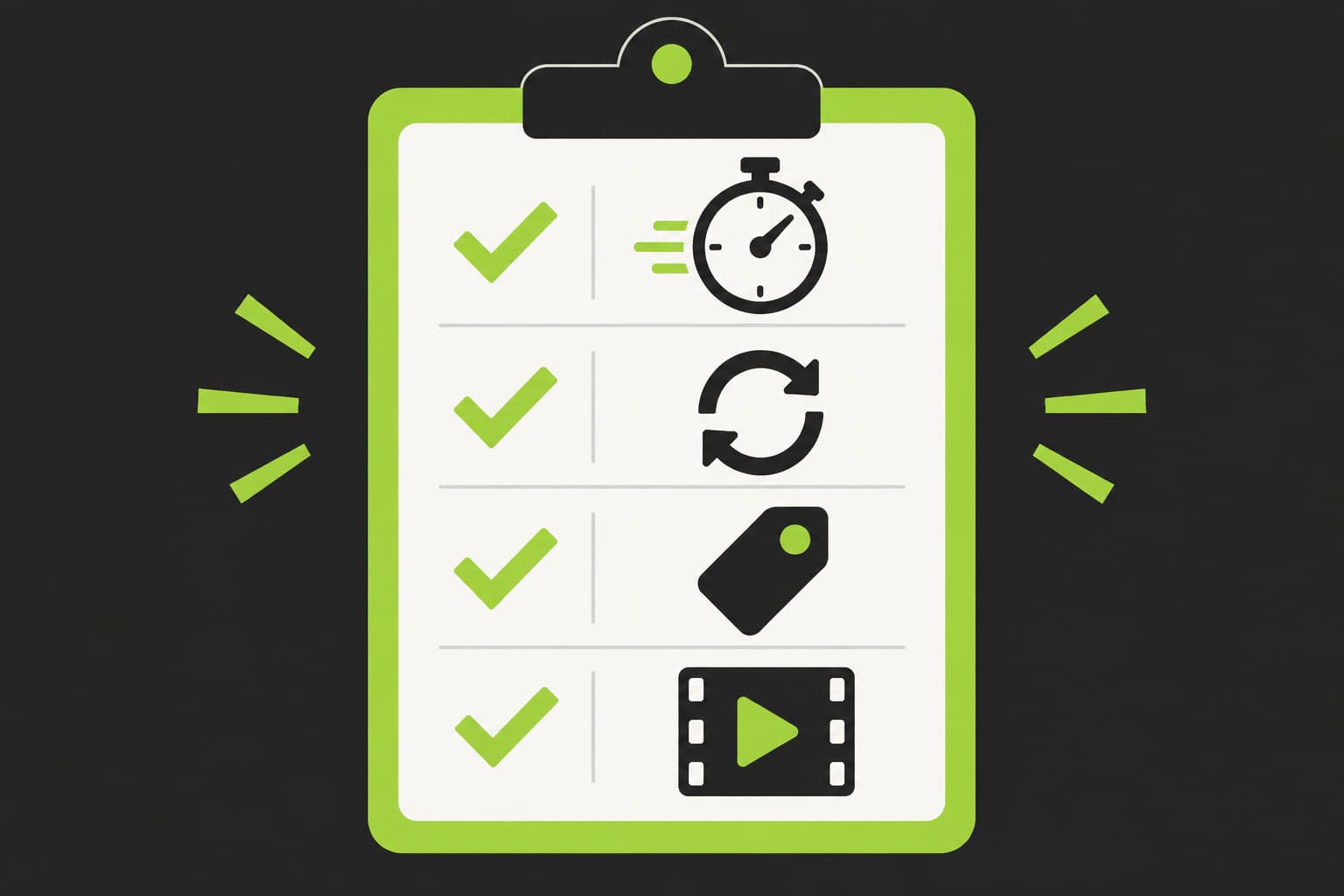

In shortTo choose a video editing service, compare four things in writing: how long the first draft takes, how many revisions are included and what counts as one, how the price scales with your real monthly volume, and whether samples match your format. Then send the same raw clip to two or three options and judge the results side by side before committing.
- Ask for turnaround as time to first draft, and ask how many videos can be in progress at once.
- Get the revision rule in writing: how many rounds, what counts as a round, and whether revisions use up your monthly allowance.
- Convert every price into cost per finished video at your real monthly volume.
- Judge samples in your own format, then run a small test with your own footage.
- Check length caps, project files, refunds and cancellation before you pay.
- Sometimes the problem is the topic or hook, not the edit; a new service will not fix that.
How to choose a video editing service: why it often goes wrong
If you are working out how to choose a video editing service, you have probably already felt the pain that sends people looking: a backlog of raw footage, or an editor who stopped replying. The trouble is that most services look the same from the outside. Every site shows a slick reel, a price, and a promise of fast delivery and unlimited changes.
The problems show up later. One creator who wrote up his experience hiring YouTube editors said he repeated the same notes seven or eight times, lost about a day per revision cycle to time zones, and got inconsistent fonts and transitions even after sending a detailed style sheet. His conclusion was that the hidden cost in time and stress outweighed the low upfront price.
Reviews of editing agencies point the other way when things work: the most praised theme is responsive communication and fast, precise revisions. So the gap between a good and a bad service is rarely talent alone. It is turnaround, revision rules, pricing shape and fit with your format. Those are the four checks in this guide.
- Slow cycles: each round of feedback adds a day or more.
- Revision fatigue: notes get ignored and repeated.
- Style drift: the look changes from one video to the next, often when the editor changes.
- Fine print: length caps, one-at-a-time queues, no project files, no refund.
- Paying for unused capacity in slow months.
Before you compare: write down what you actually need
You cannot judge a quote until you know your own volume. Most pricing pages are built around a monthly number of videos, so start there. Count what you post in a normal month, not your busiest month, and split it by format, because a 60-second Short and a 20-minute YouTube video are different jobs.
Also note the longest video you make. Several services cap finished length, and a podcast or webinar edit can blow past a cap built for vlogs. If you make podcasts, our guide to podcast video editing cost covers that format in more detail.
| Write down | Why it matters | Example answer |
|---|---|---|
| Short videos per month | Drives the plan size and cost per video | 8 Shorts or Reels |
| Long videos per month | Long edits cost more and hit length caps | 2 YouTube videos, 12-18 min |
| Clips cut from long videos | Some plans count clips separately and cheaper | 10 clips from each podcast |
| Longest raw recording | Checks length and upload limits | 45 minutes of phone footage |
| How fast you need it back | Sets the turnaround you can live with | Same day for Shorts |
| Must-keep brand items | Fonts, colours, logo, intro, caption style | Lime captions, logo bottom right |
Use your normal month, not your busiest. If you size a plan for a spike, you pay for that spike every month.
Check 1: turnaround (time to first draft, and how many at once)
Turnaround is the first item on any video editing service checklist, and the most misread. A promise of 48 hours can mean 48 business hours, which turns a Friday upload into a Tuesday delivery. Ask for the time to the first draft, in calendar hours, and ask what happens when it slips.
The second question matters just as much: how many videos can be in progress at the same time? Many "unlimited" plans edit one request at a time. One analysis of these plans pointed out that with a two-day first draft, one-day revisions and a five-day week, a single video that needs two rounds of changes can take a week or more, and everything else waits behind it.
Then add revision time. Real turnaround is first draft plus every round of changes. A service with a slower first draft but fewer rounds can finish sooner than a fast one that needs four passes.
- Ask: How many hours to the first draft, counting weekends?
- Ask: How many of my videos can you work on at once?
- Ask: How long does a revision take to come back?
- Ask: What happens if you miss the time you quoted?
Check 2: revisions (how many, and what counts as one)
"Unlimited revisions" is on almost every pricing page, so the number alone tells you little. The questions to ask a video editing service are about the rule behind it. Is a round one change or a whole list of notes? Does each round count against your monthly output? Some subscription plans do exactly that, which quietly shrinks the number of new videos you get.
Also ask how feedback is given. Time-stamped comments on the video in one place are far easier than long email chains, and a corporate editing checklist from Shootsta lists a single feedback loop with one named approver as a core check. Give feedback in one batch per round. Scattered notes make even a good editor slower.
Finally, ask what happens if you are not happy after the included rounds. A refund window, a cancellation without notice periods, or extra rounds at a known rate are all fine answers. Silence is not.
| Revision term | What to ask | Red flag |
|---|---|---|
| Number of rounds | How many rounds per video are included? | No number in writing |
| Definition of a round | Is a round one note or one batch of notes? | Each note billed or counted separately |
| Effect on allowance | Do revisions use up my monthly videos? | Yes, without saying so on the pricing page |
| Speed | How fast does a revision come back? | Same wait as a new video |
| Feedback method | Can I comment at timestamps? | Email only |
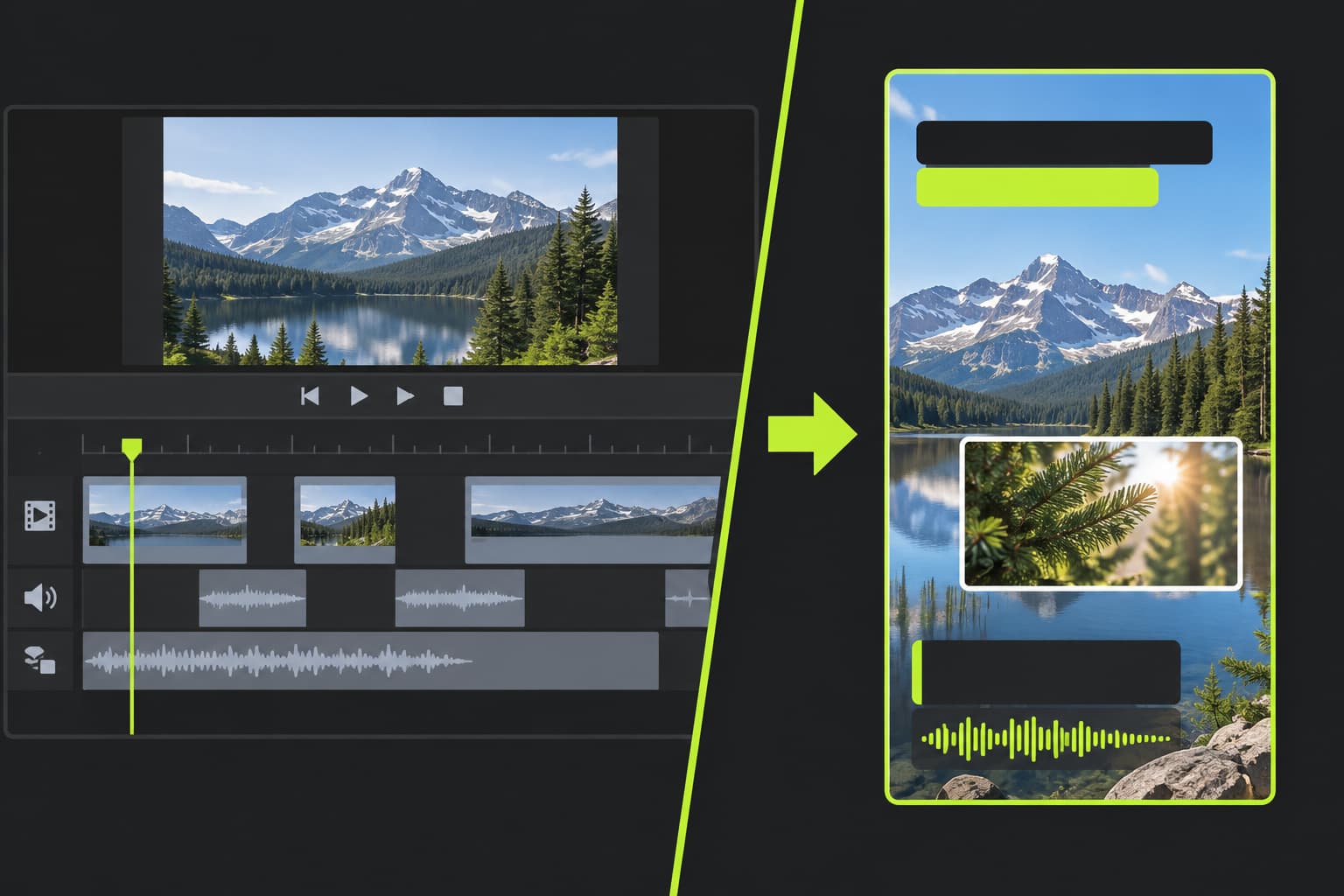
What CreatorSuite sends back
A real upload next to the finished edit. Switch between short form and long form.
Check 3: the pricing model, converted to cost per video
Pricing is where knowing how to choose a video editing service pays off most, because services price in completely different shapes. Some charge per video, some charge a flat monthly fee for "unlimited" requests worked one at a time, some sell credits, and freelancers charge per hour or per project. The only fair comparison is cost per finished video at your real volume.
To work it out, take the monthly price, add any extras you will need (captions, thumbnails, vertical versions, project files), and divide by the number of videos you will actually get back in a month after turnaround and revisions. Do this for every option on your list. For a fuller breakdown of the monthly model, see video editing subscription services explained.
Watch for add-ons. One comparison of YouTube editing services found extras like long-form subtitles, thumbnails and vertical reformats sold separately, credits that expire, and refunds limited or absent. None of that shows up in the headline price.
| Pricing model | How it works | Good fit | Watch for |
|---|---|---|---|
| Per video | You pay for each edit | Irregular volume | Extras billed per item, revisions billed hourly |
| Hourly freelancer | You pay for time spent | Custom or creative work | Hours you cannot predict, no backup if they disappear |
| Flat "unlimited" subscription | Monthly fee, requests worked one at a time | Steady weekly volume | One-at-a-time queue, paying in slow months |
| Credit plan | Monthly credits spent per item | Mixed Shorts, long videos and clips | What each item costs in credits, rollover rules |
| DIY AI software | You edit with automated tools | You have time and want control | Your own hours, output you still have to finish |
Check 4: samples, then a small test with your own footage
A portfolio shows the strongest work a service has done, often for footage that was shot well. You need to know what it does with yours. When you look at samples, ask for examples in your exact format: a talking-head Short, a gaming video, a podcast cut-down, a VSL. Ignore polished brand films if you post phone videos.
Look at the parts that matter for watch time: the first three seconds, how tight the cuts are, whether captions are readable and correctly timed, and whether b-roll matches what is being said. Then check consistency across several samples. Style drift between videos was one of the most common complaints in creator write-ups, often caused by a change of editor.
The honest test is a small pilot. The creator who wrote about his bad hiring run said a refund guarantee let him exit safely and that testing with a small batch first was the lesson he would pass on. Many services offer a trial or a paid first week; use it with the same footage for every option.
Worked example: how to choose a video editing service in one week
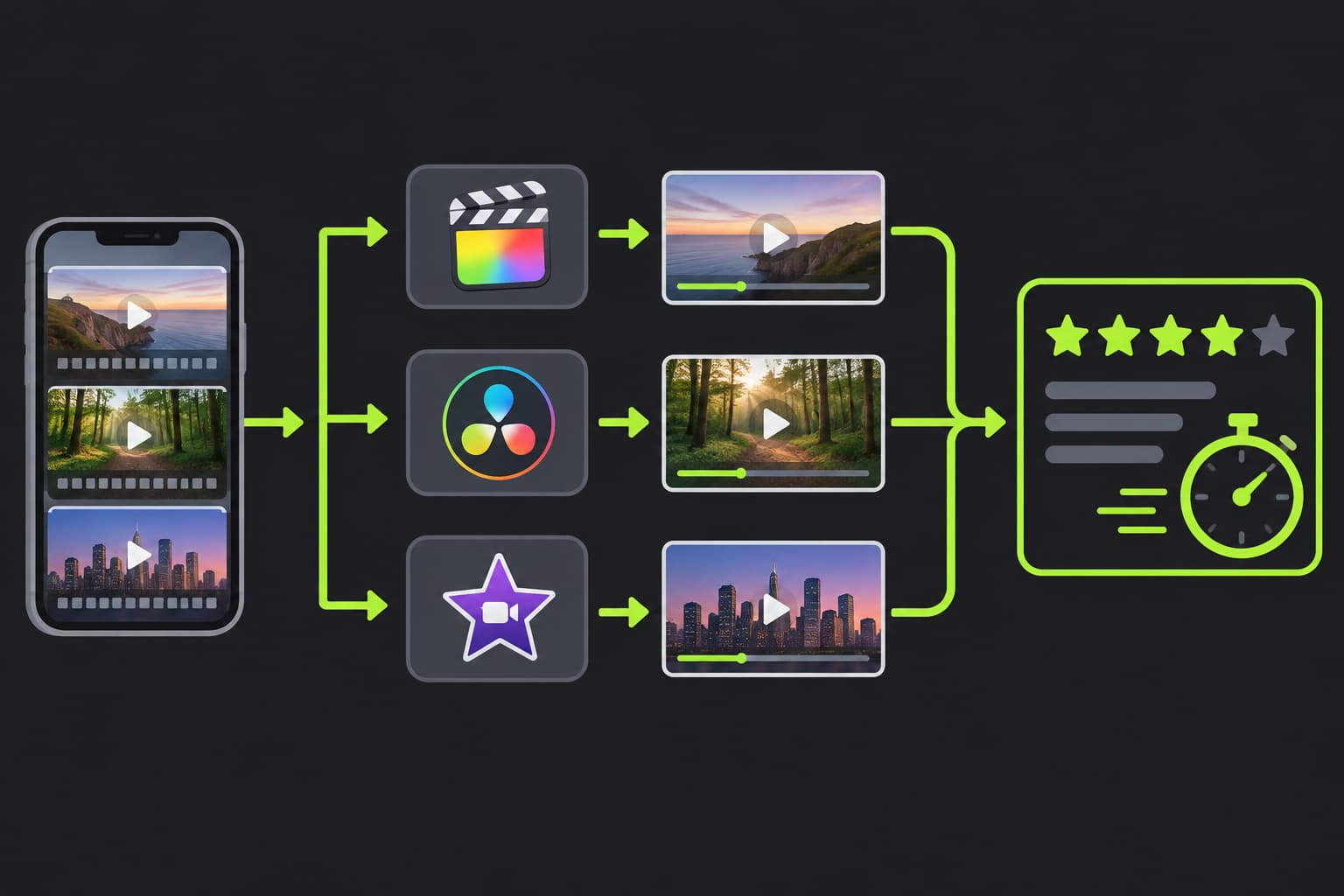
Here is how to choose a video editing service in practice, using a creator who posts about 8 Shorts and 2 long YouTube videos a month on a phone. She is comparing a freelancer, a subscription agency and a done-for-you AI service.
Her cost check for the AI option, using our own plans as the example: a short video costs 100 credits and a long video 300, so 8 Shorts plus 2 long videos is 800 + 600 = 1,400 credits. That fits the Plus plan at $39/month, which includes 1,500 credits, 3 videos at a time, delivery in 5-6 hours and unlimited re-edits. If she only made 3 Shorts a month, the Basic plan at $9/month with 300 credits would cover it. She then works out the freelancer and agency quotes the same way, per finished video, including thumbnails and revisions.
- Day 1: pick one raw recording that is typical, not a highlight. Write a one-paragraph brief: audience, tone, caption style, what to cut.
- Day 1: send the same footage and brief to all three options. Use free trials where they exist.
- Day 2-3: record when each first draft arrives, in calendar hours.
- Day 3: send one batch of notes to each. Record how long the revision takes and whether every note was handled.
- Day 4: watch all versions back to back on your phone. Score the hook, pacing, captions and b-roll from 1 to 5.
- Day 5: put the scores next to the cost per video from your pricing check. Pick the one with the highest score per dollar that also met your turnaround.
Keep the footage identical. If each option gets a different clip, you are comparing the clips, not the services.
Other terms that decide whether a service works out
Beyond the four checks, a handful of terms decide whether you can stay, scale or leave. Ask about each before you pay. A corporate checklist from Shootsta also covers ownership, security and offboarding, which matter more as your library grows.
- Length caps: some services cap finished videos at around 15 minutes. Check against your longest video.
- Project files: without them, switching services means rebuilding your intro, lower thirds and caption style.
- Brand control: a saved brand kit beats a style document. See what an AI video editor with brand kit does.
- Who edits: ask whether the same editor or system handles every video, so the look stays consistent.
- Refunds and cancellation: is there a refund window, and can you cancel without a notice period?
- Footage access: what happens to your uploads and finished files after you cancel?
Before you switch services, check whether editing is really the problem. If views are flat, the cause may be the topic, the first line, the posting schedule or the length. A new editor will not fix a weak idea.
Freelancer, agency, DIY tools or done-for-you AI: which fits
There is no single right answer for how to pick a video editor, because the options trade money against time and control. If you want a person shaping your story and you have the budget, a freelancer or agency can give you that, and some agencies earn strong reviews for communication. Our page on the alternative to hiring a video editor goes through that trade-off.
If you have more time than money, editing yourself with free tools is a real option; free AI video editors: what you really get explains the limits. If you want finished videos without editing, a done-for-you service is the middle ground. CreatorSuite is an AI video editor of that kind: you upload raw footage, phone footage included, pick a style, and get back a finished video with cuts, hook, captions, b-roll, motion design, sound and colour. 2,700+ creators used it in the last 7 days.
It is not the right fit for everything. It edits footage you already have; it does not film, make videos from text or create AI avatars, and long videos go up to 35 minutes. If you need a filmed shoot or a long documentary-style edit, a freelancer or production company fits better. If you want to know what AI handles well first, read can AI edit a YouTube video for you.
| Option | Your time | Typical strength | Main trade-off |
|---|---|---|---|
| DIY with AI tools | High | Full control, low cost | Hours of your own work every week |
| Freelancer | Medium (briefs, feedback) | Custom creative work | Reliability, time zones, no backup |
| Agency subscription | Medium | Steady volume, a team | Queues, caps, paying in slow months |
| Done-for-you AI video editing service | Low (upload and pick a style) | Fast turnaround, many videos at once | Works only from your footage; no filming or avatars |
Checklist: how to choose a video editing service in 9 questions
If you are still unsure how to choose a video editing service, send these questions to every option before you pay; it is the same list whether you outsource video editing to a freelancer, an agency or an AI service. Anything a service will not put in writing is an answer in itself. If you post mostly vertical content, our YouTube Shorts editing service page shows what a Shorts-focused edit includes.
If you want to run the test from the worked example on a done-for-you AI video editor, CreatorSuite has a 3-day free trial covering 1 short video, 3 clips or 1 long video up to 10 minutes (card required), with a full refund before your 2nd edit. Plans start at $9/month.
- How many hours to the first draft, including weekends?
- How many of my videos can be in progress at once?
- How many revision rounds are included, and what counts as one?
- Do revisions use up my monthly allowance?
- What is the total monthly cost including captions, thumbnails and vertical versions?
- What is the longest video you accept?
- Can I see three samples in my exact format?
- Is there a free trial or refund window?
- Do I get project files, and what happens to my footage if I cancel?
What we read for this guide
- The Real Cost of Hiring a YouTube Editor (The Tech Packer, Substack) · thetechpacker.substack.comFirst-hand account of repeated revision notes, time-zone delays, style drift and the value of a refund window and small test batch.
- VidPros reviews on Trustpilot · ca.trustpilot.comCustomer reviews where responsive communication and fast revisions are the most praised themes.
- The Subscription Trap: "Unlimited" Video Editing (Tasty Edits) · tastyedits.comExplains one-at-a-time queues and how revisions stretch delivery; written by a project-based competitor.
- 10 Checks for Corporate Video Editing Services (Shootsta) · shootsta.comChecklist covering turnaround, revision definitions, feedback loop, ownership, security and offboarding.
- YouTube Video Editing Services: cost per video and the catch to check (VidRush) · vidrush.aiLists fine print across services: length caps, add-on pricing, revisions counting toward output, refund limits.
How this page was made: written by Badar Munir and the CreatorSuite team with AI assistance, reviewed by James, from facts we checked ourselves and the sources listed above. Spotted something out of date? Email us and we’ll fix it.
how to choose a video editing service: FAQs
What should I look for in a video editing service?
When deciding what to look for in a video editing service, start with four things in writing: time to first draft, the revision rule, how the price scales with your volume, and samples in your own format. Then check length caps, project files, refunds and cancellation terms.
How many revisions should a video editing service include?
There is no standard number. Some plans include two rounds per edit, others say unlimited. What matters more is what counts as a round, how fast revisions come back, and whether revisions use up your monthly allowance.
Is a monthly subscription better than paying per video?
A subscription suits steady weekly volume. Per-video pricing suits irregular volume. Convert both into cost per finished video for a normal month, including extras, and compare that number.
Should I hire a video editor for YouTube or use a service?
If you want one person shaping your story and can manage briefs and feedback, hire a video editor for YouTube. If you mainly need volume and speed, a service or a done-for-you AI editor costs less of your time. Running the same test clip through both is the fastest way to decide.
How do I test an editing service before committing?
Send the same typical raw clip and the same short brief to two or three options. Record time to first draft and revision speed, then score the hook, pacing, captions and b-roll side by side on your phone.
Does CreatorSuite film or create videos from text?
No. It edits footage you upload, including phone footage. It does not film, generate videos from text or make AI avatars. Long videos can be up to 35 minutes.
Rather not edit it yourself?
Upload raw footage, get a finished edit back. 3-day free trial: 1 short video, 3 clips or 1 long video up to 10 min.
2,700+ creators in the last 7 days
Start 3-day free trial